












Starlink RJ45 Coupler 2 Pack for Joining Ethernet Cables
$34.99
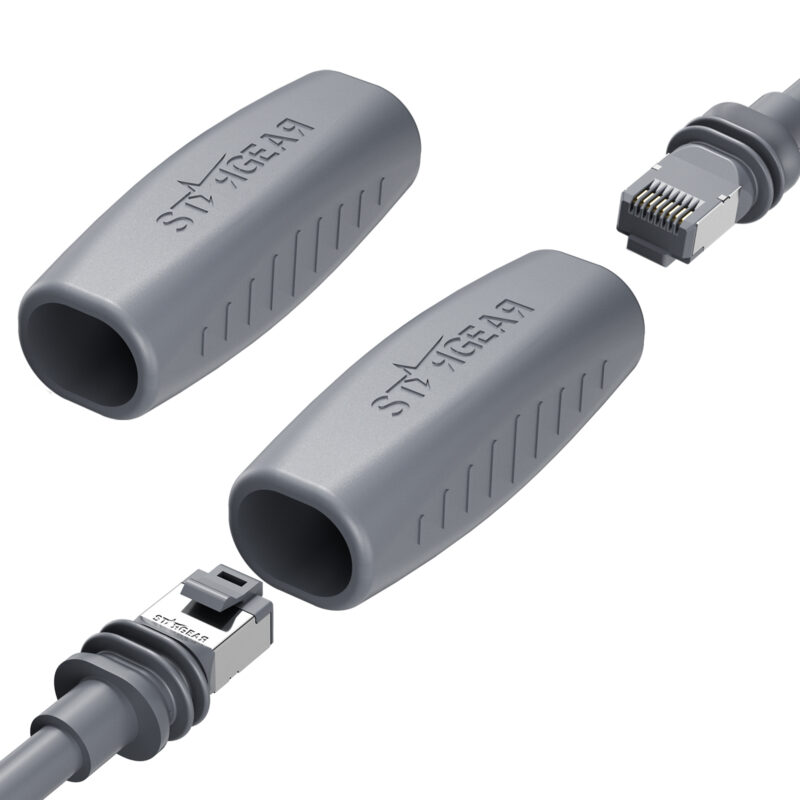
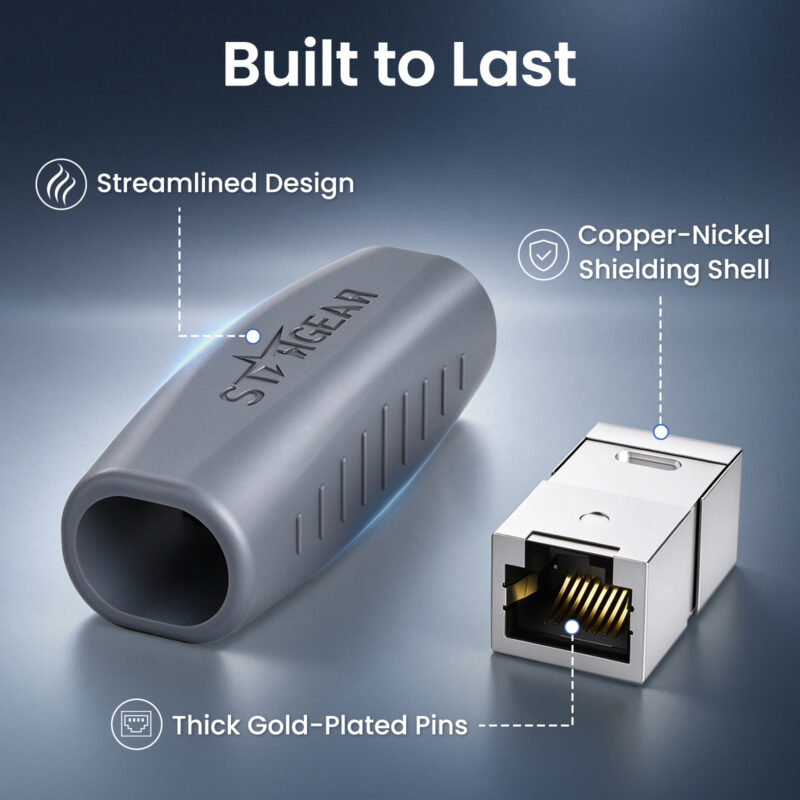
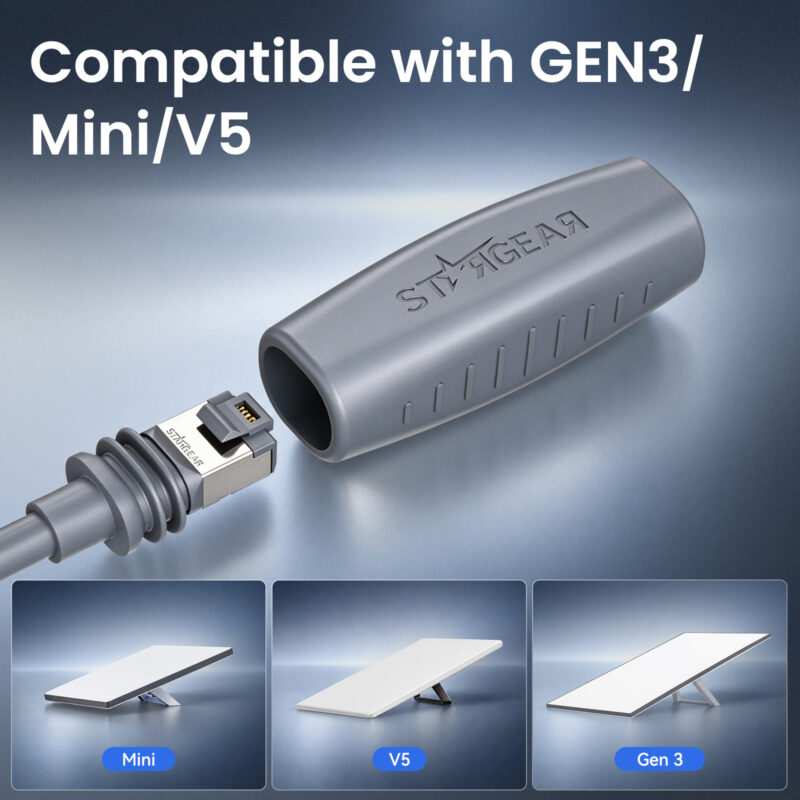
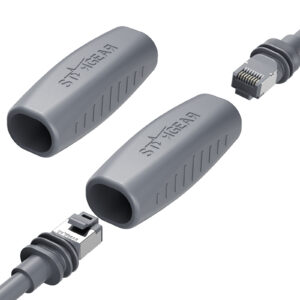
Join two compatible Ethernet cables without cutting or splicing them with the Starlink RJ45 Coupler 2 Pack. Each gray coupler takes a compatible male RJ45 plug at both ends, and the second can be used on another cable run or kept as a spare.
| Brand | STARGEAR |
|---|---|
| Model Number | SG-STG20R |
| Connector Type | RJ45 female to female |
| Listed Compatibility | Starlink Mini, V4 and V5 cable runs with compatible male RJ45 plugs |
| Included Components | 2 RJ45 cable couplers |
| Color | Gray |
Starlink RJ45 Coupler 2 Pack for Ethernet Cable Extensions
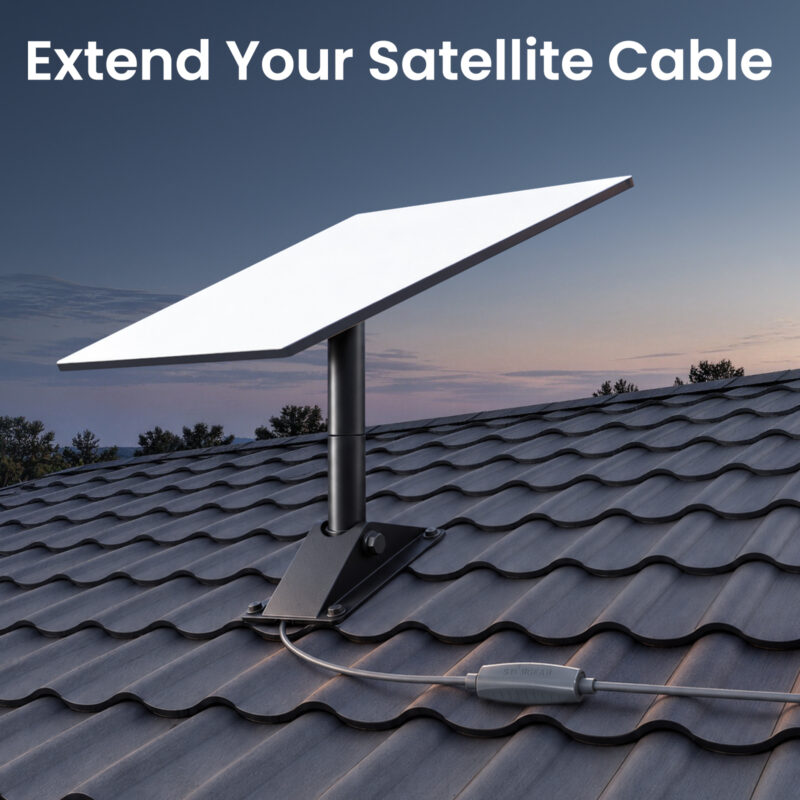
Use the Starlink RJ45 Coupler 2 Pack to join two compatible Ethernet cables end to end when your existing cable stops short of the route you need.
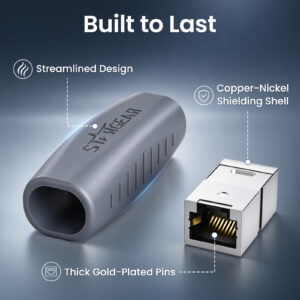
Each RJ45 female-to-female coupler accepts one compatible male plug at each end, so you can make the join without cutting or splicing either cable.
The pack includes two gray couplers. Use one for your current installation and keep the second as a spare, or use it on a separate cable run.
Check the Plugs Before You Buy
Match the actual plugs to the coupler before planning your Starlink cable extension. Check that the plug body and its outer boot can both fit into the recessed opening.
Check both cable ends at the planned joining point. Each male RJ45 plug must seat fully without its boot catching on the housing.
The Starlink RJ45 Coupler 2 Pack works inline between two cable ends. If you need to add a port or change connector type, choose the adapter required by your equipment.
Check Your Starlink Setup
The Starlink RJ45 Coupler 2 Pack is listed for Mini, V4 and V5 setups that use matching RJ45 cable ends. Check the exact cable on each side before ordering.
For a Starlink Mini Ethernet setup, follow Starlink’s cable guidance at the dish. Check the two plugs at the planned join separately from the connection at the Mini itself.
Treat a cable carrying power to the dish as a separate fit and electrical check. Ask for confirmation for that exact powered cable run before adding an inline joint.
Install and Route the Joint
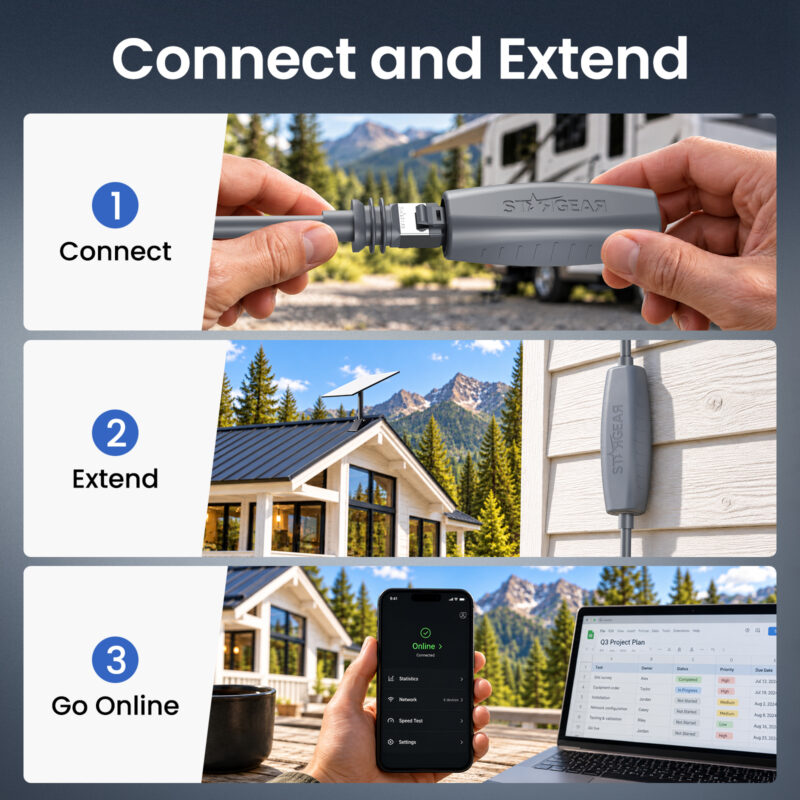
Disconnect power from the affected equipment before attaching or removing a cable. Line up each plug with the socket and insert it gently until fully seated.
Choose an accessible connection point where you can leave slack on both sides. Avoid tight bends and keep the cable weight from hanging on the coupler.
For a home or RV run, choose a sheltered location where you can inspect the joint after routing the cables and before putting the equipment back into service.
For a boat or any exposed route, keep the joint in a protected location away from standing water and spray. Follow the cable and equipment makers’ instructions on sealing.
Why You’ll Love It
- Two separate couplers for two cable runs or one spare.
- Joins compatible RJ45 cable ends without cutting or splicing.
- Female sockets at both ends accept matching male plugs.
- Compact gray housing fits into a planned cable route.
- One join per coupler keeps the setup simple.

FAQ
Q1: Can I use it with the cables I already have?
A1: Yes, if both cables have matching male RJ45 plugs that seat fully inside the sockets. Check the size and shape of the plug boots too.
Q2: Can I use this with a Starlink Mini?
A2: Yes, on a compatible Ethernet cable run. Follow Starlink’s guidance for the cable at the Mini and check the plugs where you plan to add the coupler.
Q3: What comes in the Starlink RJ45 Coupler 2 Pack?
A3: You get two separate female-to-female RJ45 couplers. Use your own compatible cables and equipment. Each coupler joins one pair of cable ends.
Q4: Does the coupler need a separate power supply?
A4: No. The coupler itself requires no separate power supply. Your Starlink equipment still needs the power source and cables specified for your setup.
Q5: Should I buy this pack or a single coupler?
A5: Choose the Starlink RJ45 Coupler 2 Pack if you need two separate joins or want one spare. One coupler is sufficient to join one compatible pair of cable ends.
Related products
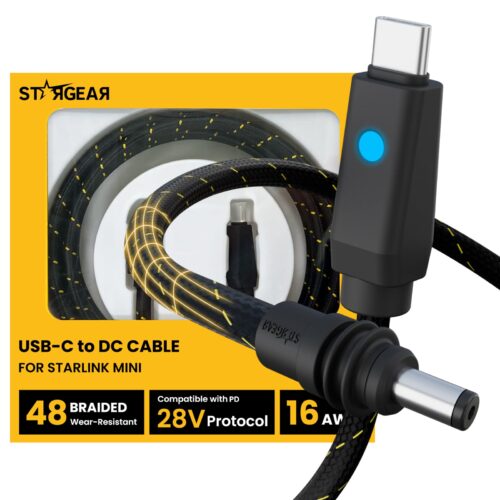
Starlink Mini Braided USB-C Cable with LED, 6.5 ft, 16AWG (Black or Yellow)
$26.99
Select options
This product has multiple variants. The options may be chosen on the product page

Starlink Flat Ethernet Cable – Slim Hidden Shielded Cord
Price range: $39.99 through $79.99
Select options
This product has multiple variants. The options may be chosen on the product page

Starlink Ethernet Cable – 16.4FT Armored Steel Cat6 Line
Price range: $29.99 through $79.99
Select options
This product has multiple variants. The options may be chosen on the product page

Starlink Mini USB-C Cable with LED, 16AWG, 6.5FT / 16.4FT
Price range: $23.99 through $39.99
Select options
This product has multiple variants. The options may be chosen on the product page
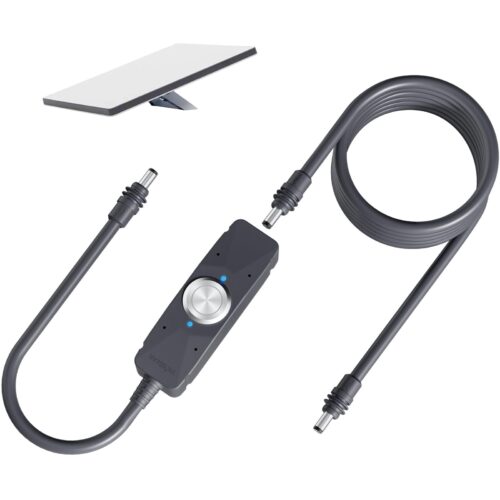

Starlink Mini USB-C to DC Power Cable 6.5FT/16.4FT 140W Cord
Price range: $17.99 through $37.99
Select options
This product has multiple variants. The options may be chosen on the product page


Reviews
There are no reviews yet.