

STARGEAR Starlink Mini Power Switch Kit with 2 m 16AWG DC Cable
Original price was: $69.99.$49.99Current price is: $49.99.
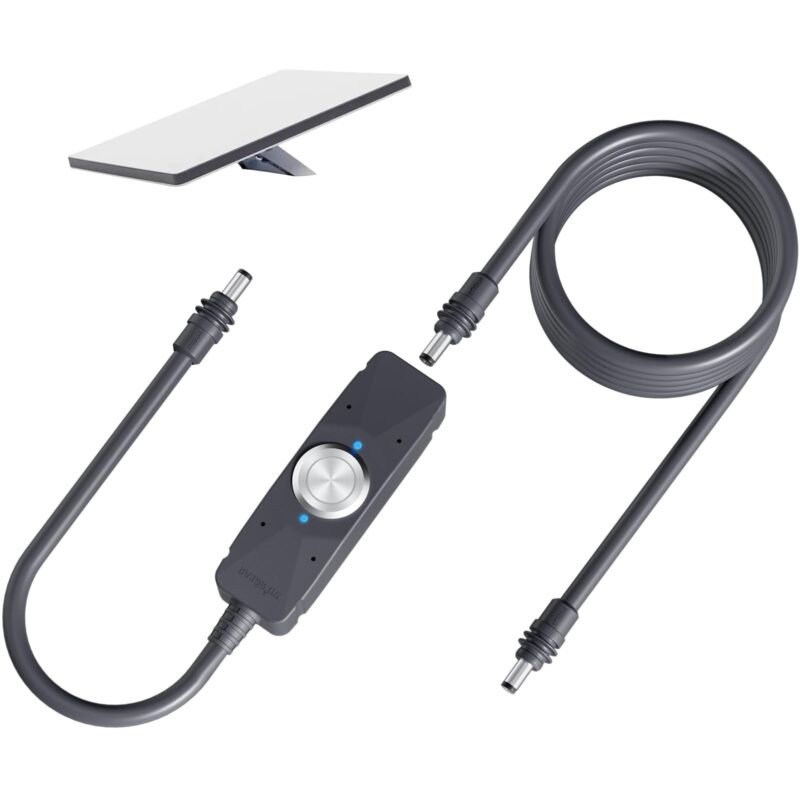
Use the STARGEAR Starlink Mini Power Switch Kit to turn your Mini on or off without unplugging the DC cable. The metal button and two blue status lights sit on a magnetic switch body, and the kit includes a separate 2 m 16AWG cable.
| Specification | Details |
|---|---|
| Brand | STARGEAR |
| Model | SG-STG11A+DC-2M |
| Configuration | Power switch with 2 m 16AWG DC cable |
| Colour | Grey |
| Control | Inline on/off switch with a metal push button |
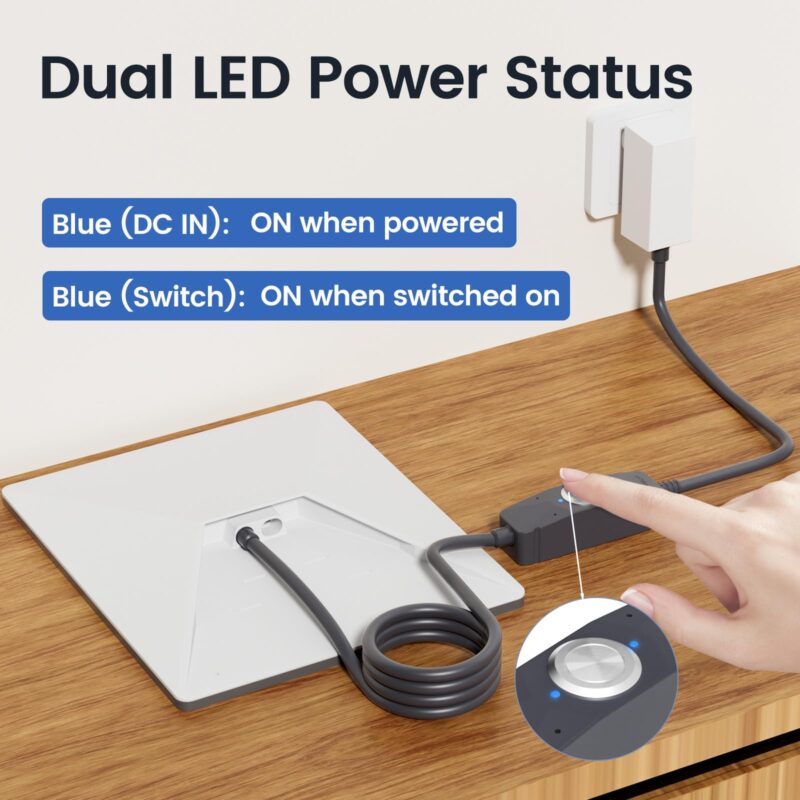
| Indicators | Two blue LEDs for DC input power and switch status |
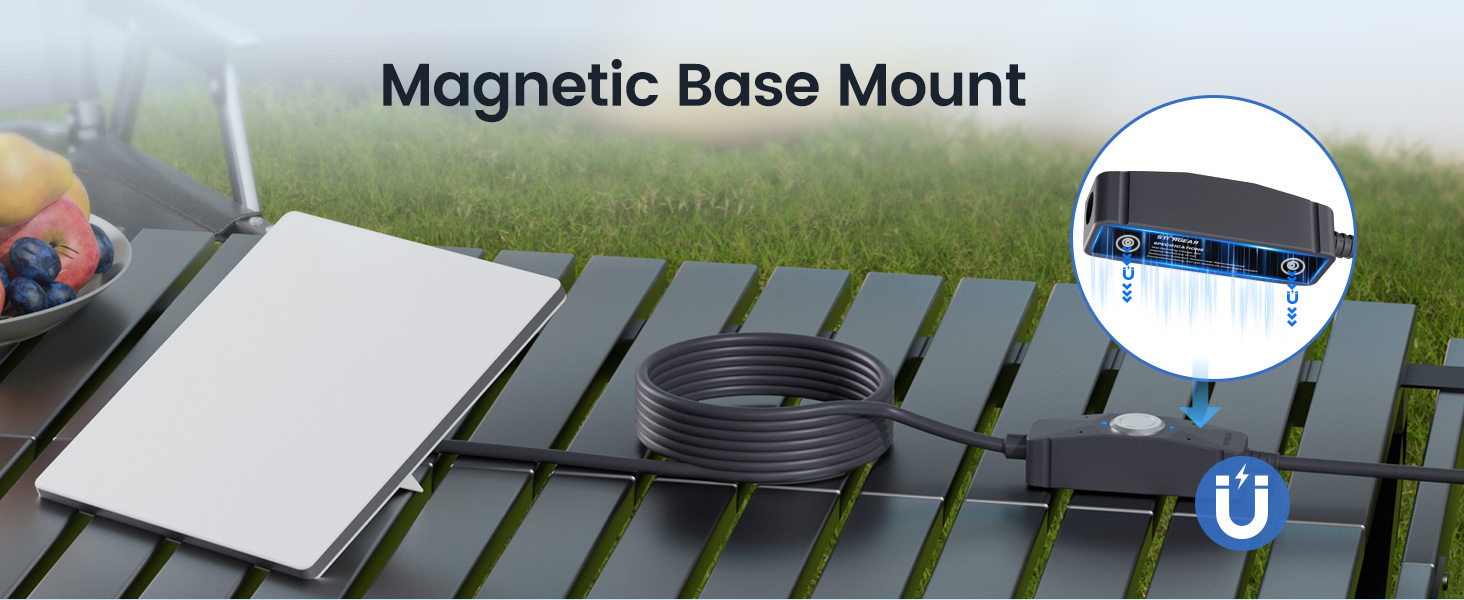
| Mounting | Magnetic base for use on a suitable steel surface |
| Separate cable | 16AWG, listed as 2 m (6.4 ft), with a male DC barrel plug at each end |
| Switch connections | DC barrel socket on the switch body and a male barrel plug on the attached short lead |
| Compatibility | Starlink Mini DC power connection; Standard systems with the matching Gen 3 router DC power connection |
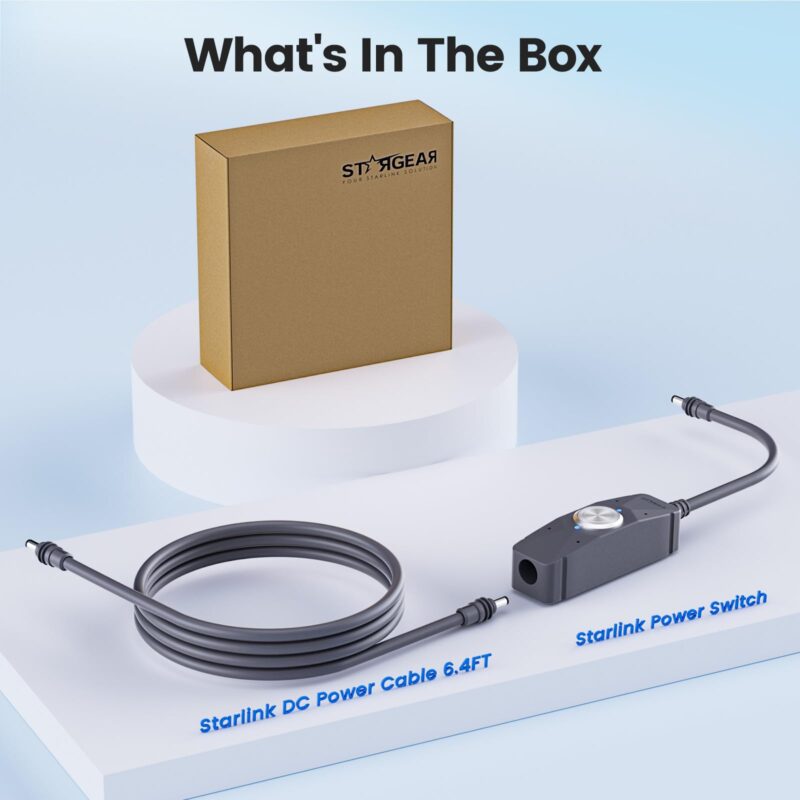
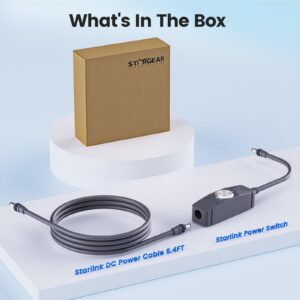
| In the box | One inline power switch with attached lead and one separate 2 m DC cable |
| Power source | Use your existing compatible DC power supply |
Starlink Mini Power Switch Kit with a 2 m DC Cable
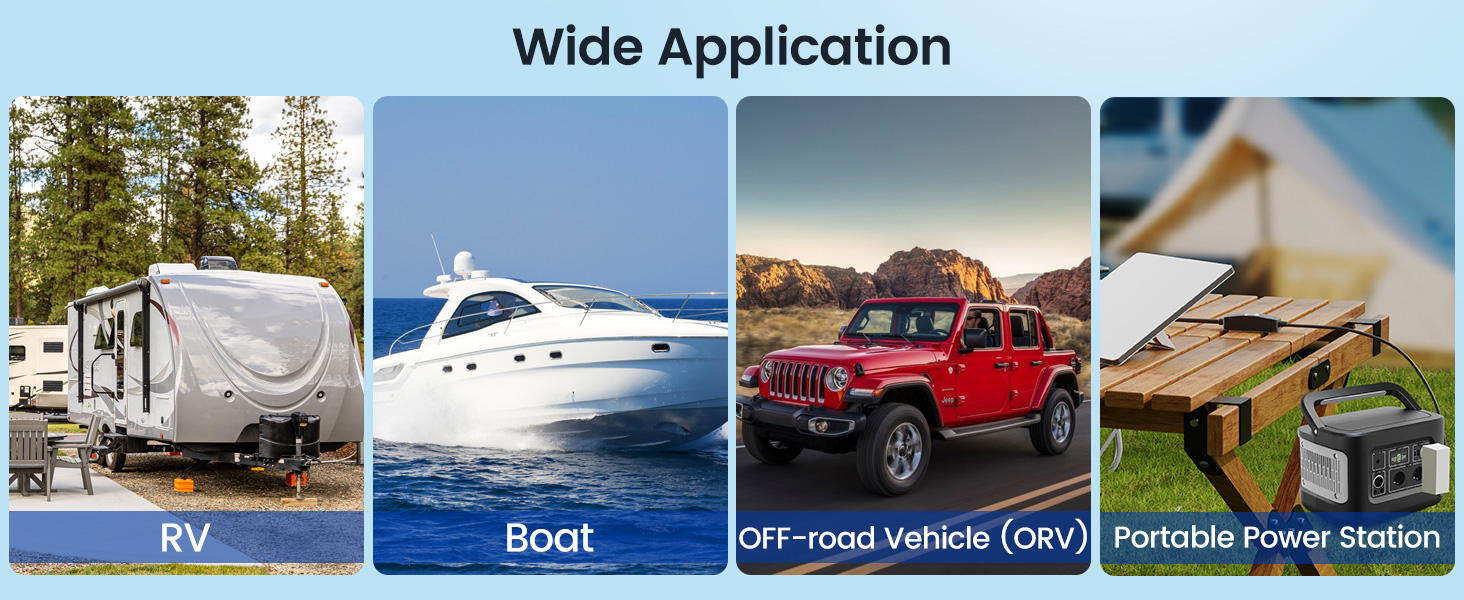
The STARGEAR Starlink Mini Power Switch Kit lets you turn your Mini on or off without reaching behind the dish to unplug it. In an RV, you can keep the metal push button within reach while the dish stays outside.
Read the two blue status lights
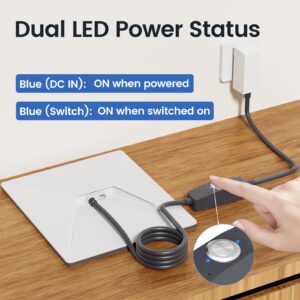
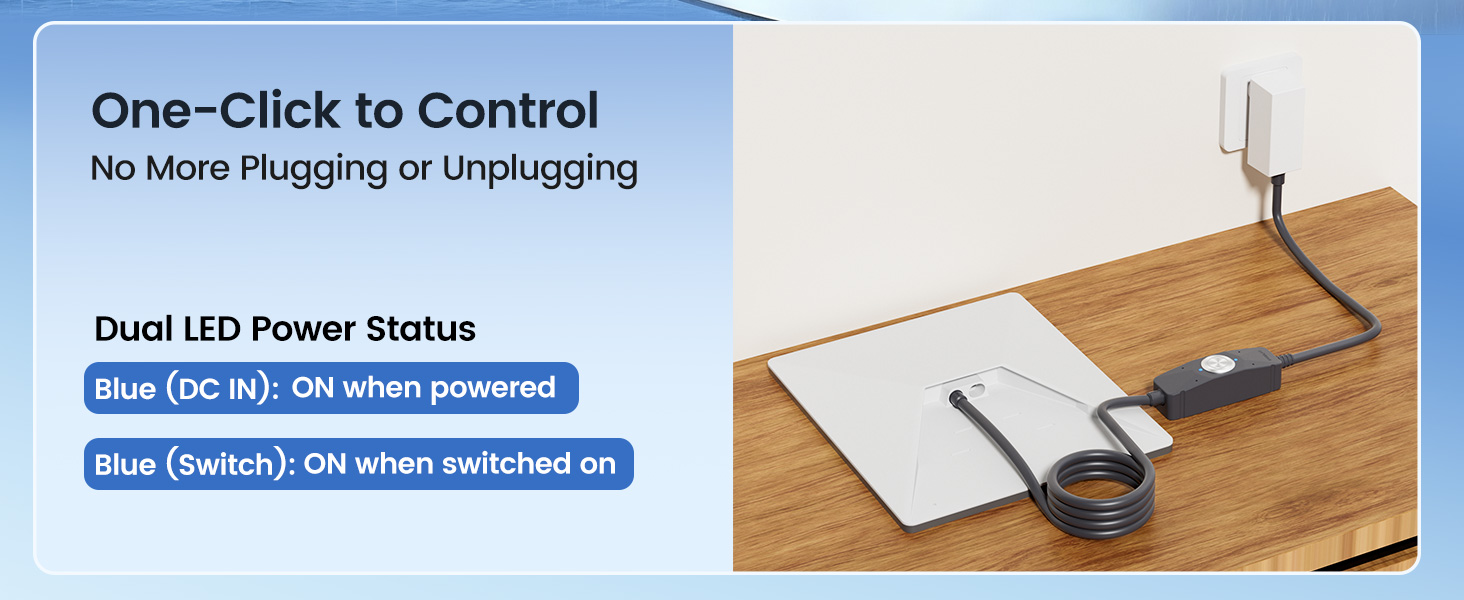
The dual LED indicators show input power and switch status separately. The DC IN light comes on when the switch receives power. The Switch light comes on when you press the button to turn the output on. If only DC IN is lit, the switch has input power and the switched output is off.
Inside the 2 m kit
You receive the switch with its attached short lead and a separate 16AWG DC power cable with a male barrel plug at each end. The included cable is listed as 2 m (6.4 ft). Measure the route between your equipment and power supply, leaving slack at both ends.
Fit and installation
For a Mini, install the Starlink Mini Power Switch Kit between the dish and its compatible DC supply. Disconnect the supply before fitting the plugs. For a Standard system with a Gen 3 router, check the DC connection between the power supply and router before ordering. The switch goes in that connection. Place the magnetic DC switch on a steel surface that attracts a magnet. Pick a dry spot with enough slack in the lead to operate the button comfortably.
Why You’ll Love It
- Turn the dish on or off while leaving the DC plugs in place.
- See input power and switch status on separate blue lights.
- Keep the button within reach using the magnetic base.
- Get the switch and a separate 2 m cable in one kit.
FAQ
Q1: Does the Starlink Mini Power Switch Kit come with a power supply?
A1: The kit contains the switch and a separate 2 m cable. Use the compatible DC supply you already have for your Starlink equipment.
Q2: Which Starlink setups does it fit?
A2: It fits the Mini’s DC power connection. For a Standard setup with a matching Gen 3 router power connection, it fits between the router and its power supply.
Q3: Is this the 1 ft extender or the kit with the longer cable?
A3: This is the 2 m kit. The switch has a short attached lead, and the box also contains a separate 2 m 16AWG cable.
Q4: Why is one blue light still on after I switch the Mini off?
A4: The DC IN light stays lit while the supply is connected and delivering power. The second blue light shows when the switch is on.
Q5: Can I use the Starlink Mini Power Switch Kit in an RV or at a campsite?
A5: Yes. Use a compatible DC supply, keep the switch and connections dry, and place the button where you can reach it from your setup.
Related products

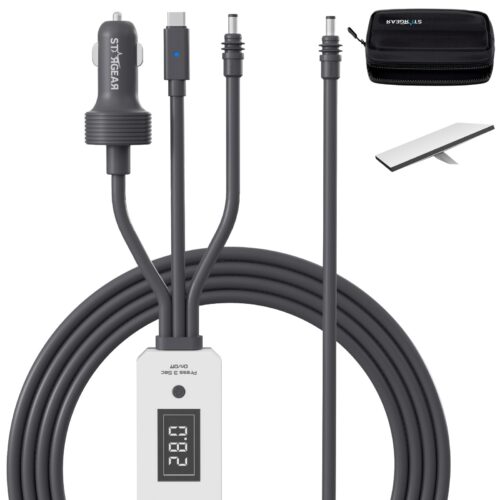
Starlink Mini 12V-48V Car Cable – 16AWG, 3 m (10 ft) or 5 m (16.4 ft)
Price range: $25.99 through $30.58
Select options
This product has multiple variants. The options may be chosen on the product page
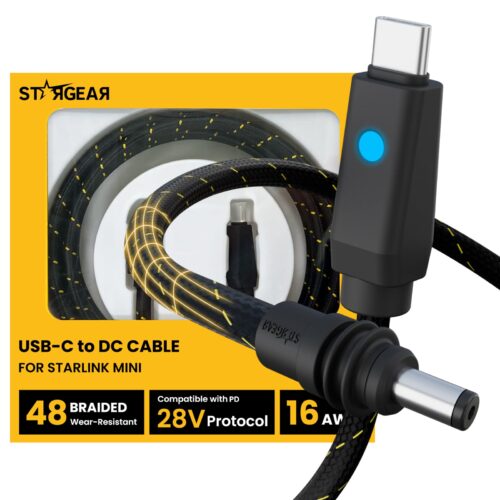
Starlink Mini Braided USB-C Cable – 140W PD, 6.5FT 16AWG
$26.99
Select options
This product has multiple variants. The options may be chosen on the product page
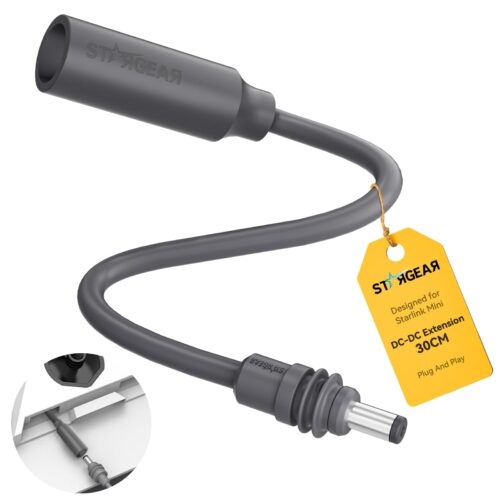
Starlink Mini DC Extension Cable – 16AWG Female to Male IP67
$15.99
Select options
This product has multiple variants. The options may be chosen on the product page
Starlink Mini Cable Coupler – IP67 Female-to-Female Dual LED
Price range: $13.99 through $14.99
Select options
This product has multiple variants. The options may be chosen on the product page

Reviews
There are no reviews yet.