

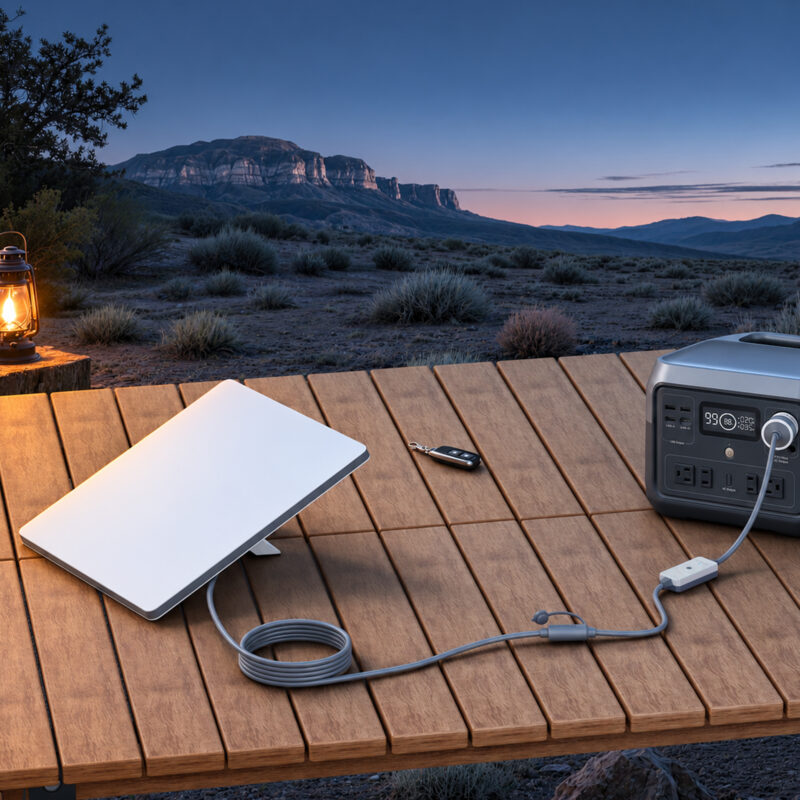
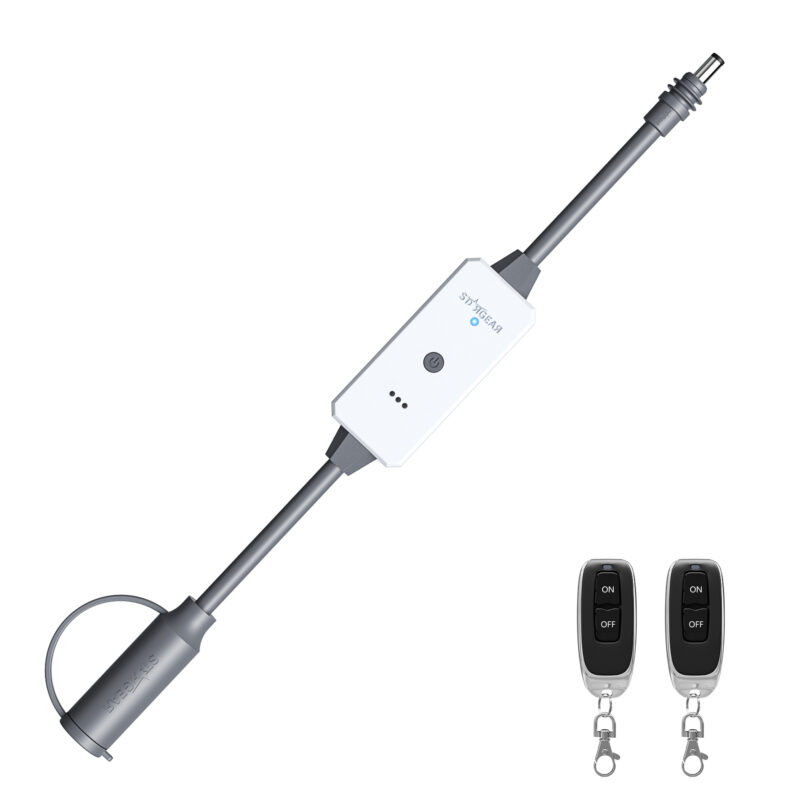
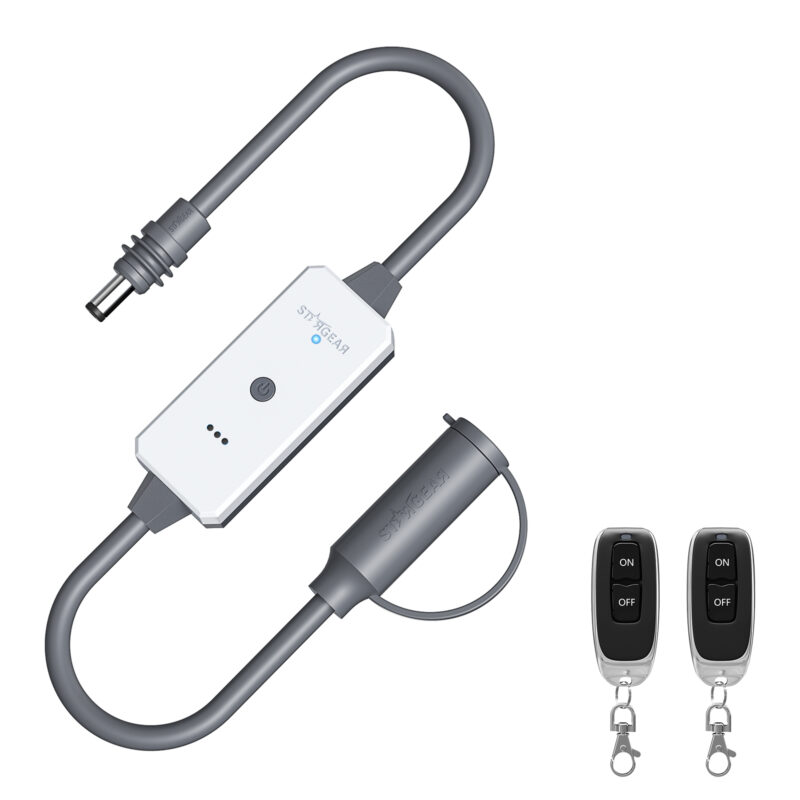
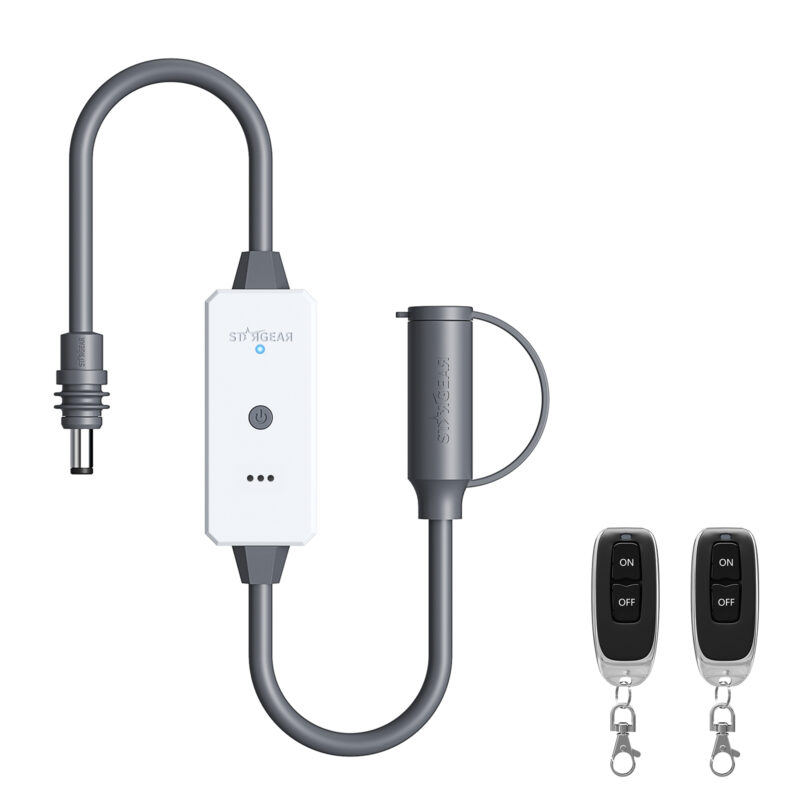

Starlink Inline DC Remote Switch for Mini and Standard Gen 3
$38.99
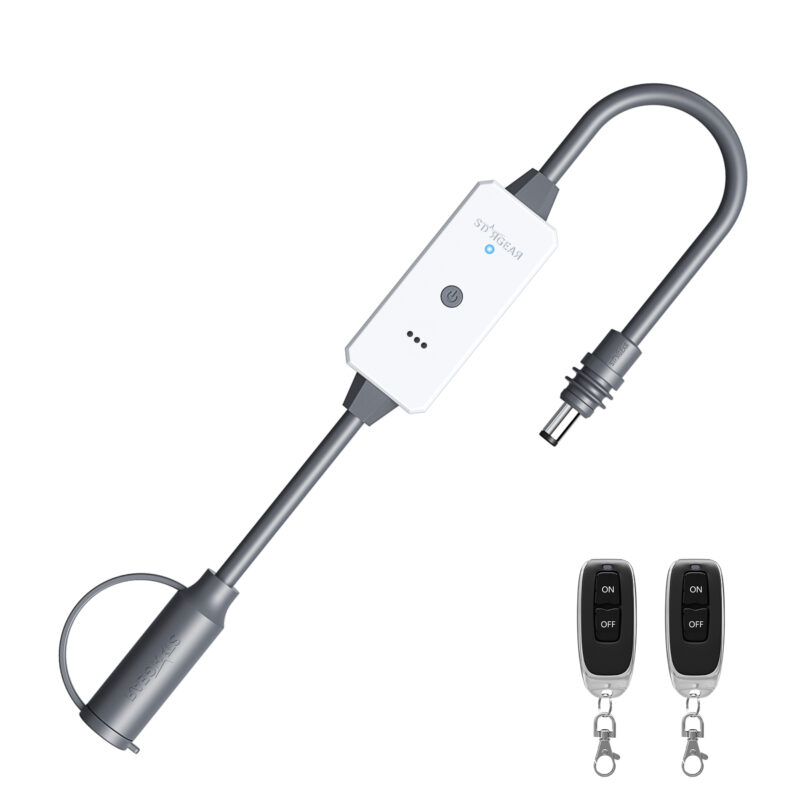
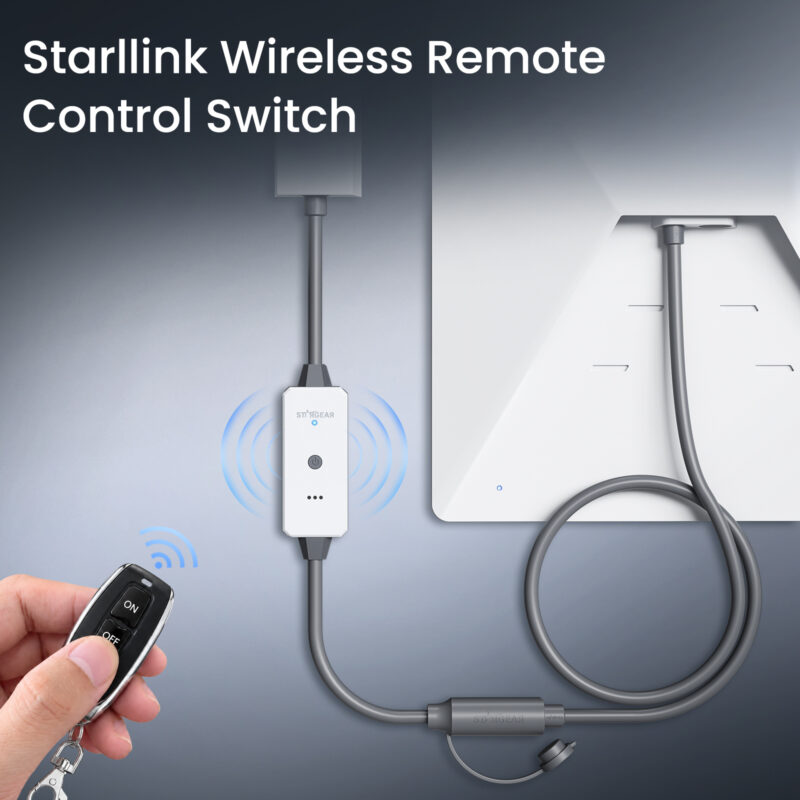
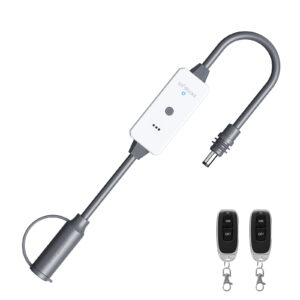
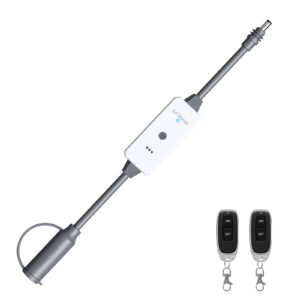
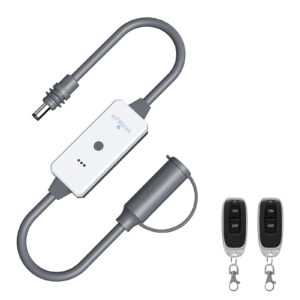
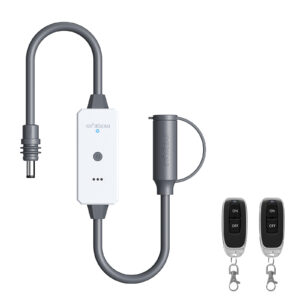
Add remote on/off control to a matching Starlink Mini or Standard Gen 3 DC power setup. The inline switch has a DC male plug and female socket, and you can operate it with either included remote or the button on the switch.
| Specification | Value |
|---|---|
| Brand | STARGEAR |
| Manufacturer | STARGEAR |
| Compatible Devices | Starlink Mini and compatible Starlink Standard Gen 3 DC setups |
| Connector Type | DC male barrel plug and DC female socket |
| Power Type | DC pass-through |
| Controls | Two wireless remotes and a manual on/off button |
| Status Feedback | LED indicator and buzzer |
| Included Components | 1 inline switch assembly and 2 wireless remotes |
| Unit Count | 1 set |
| Required Separately | Compatible DC power source, matching power lead and Starlink equipment |
Starlink Inline DC Remote Switch for Compatible Power Leads
Switch Power Without Unplugging the Cable
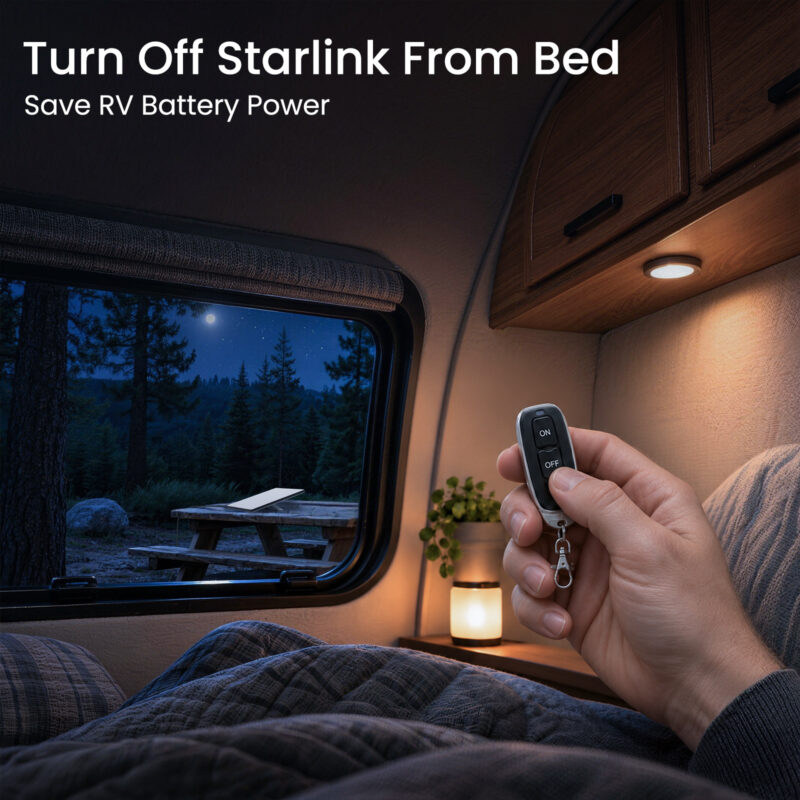
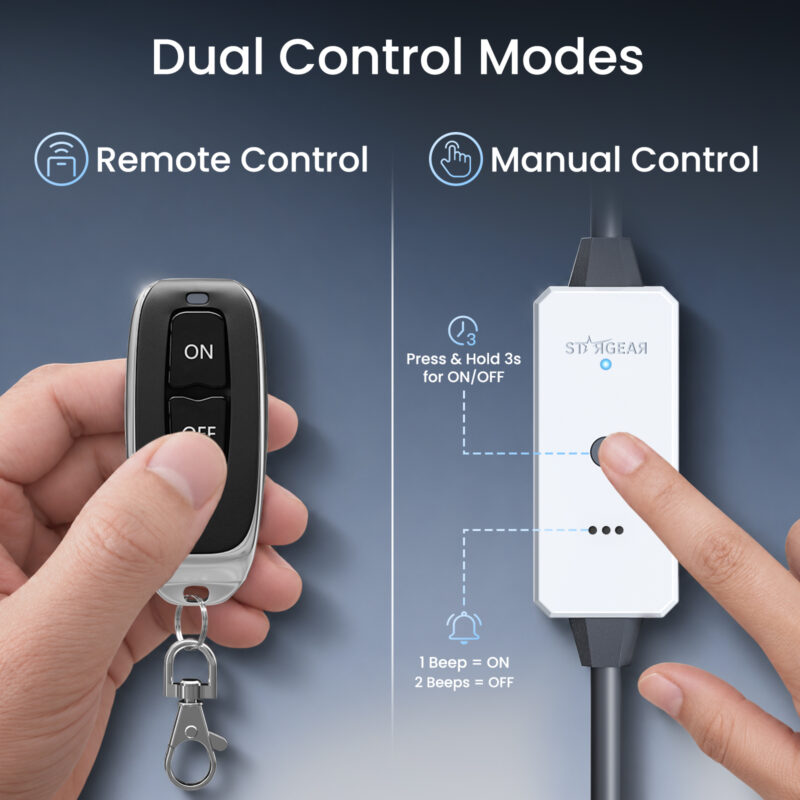
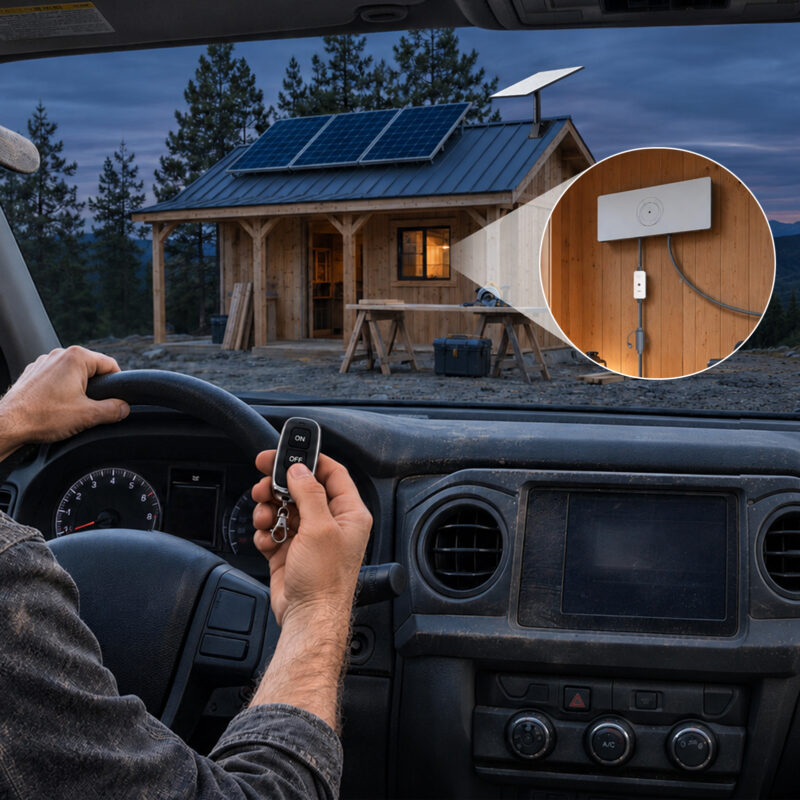
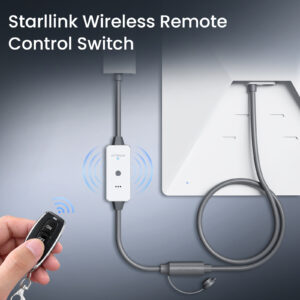
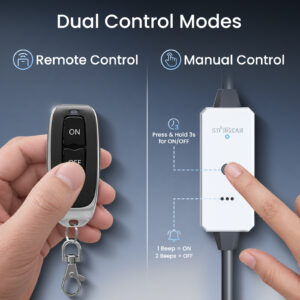
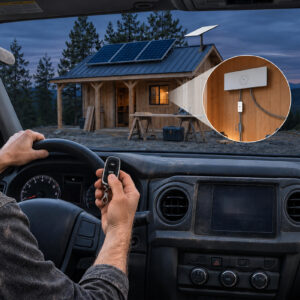
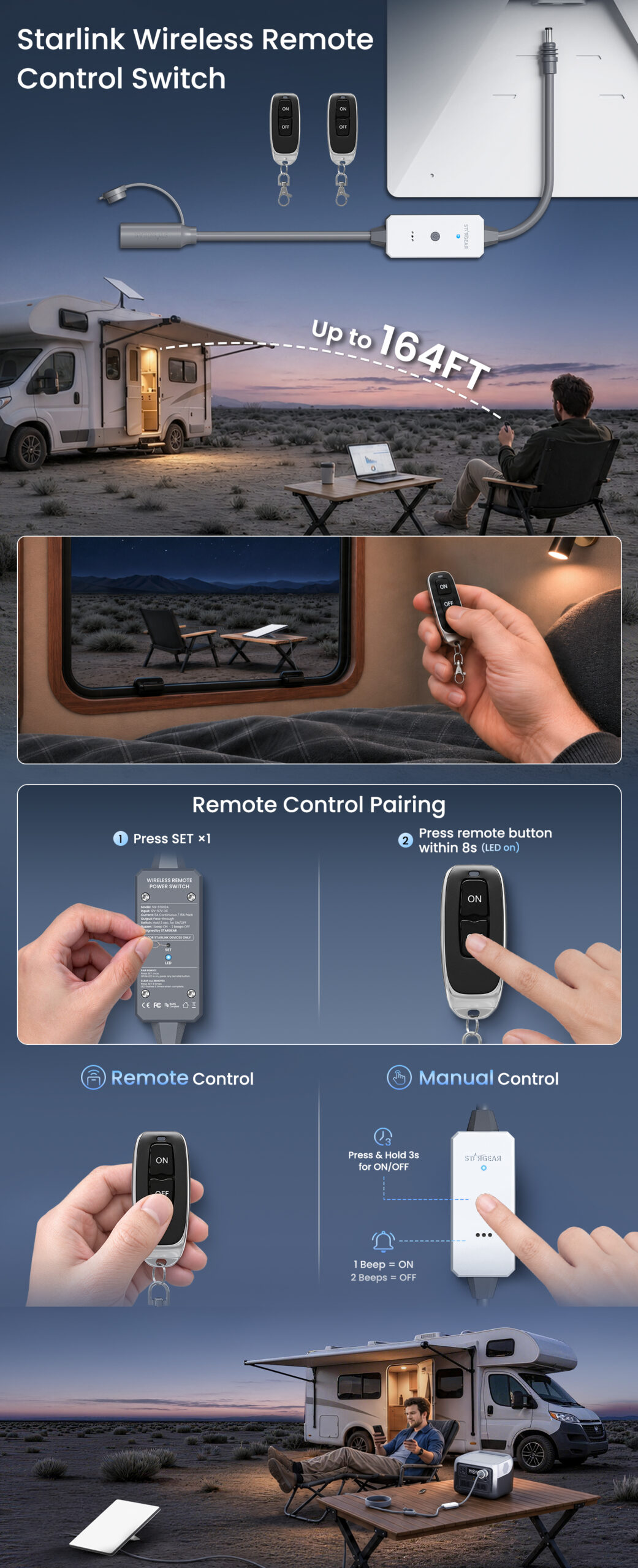
The Starlink Inline DC Remote Switch lets you turn power on or off using a handheld remote while the DC cable stays connected. If the dish or its power connections are hard to reach, keep a remote where you normally use the system. The button on the switch also gives you local control.
Check Both DC Connectors Before Buying
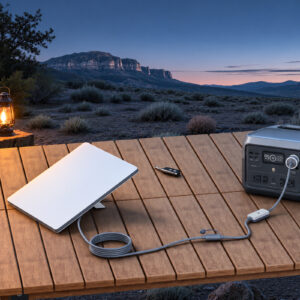
The Starlink Inline DC Remote Switch has a DC male barrel plug at one end and a DC female socket with a tethered cap at the other. Match each end to the connector it will meet on your existing DC power lead or equipment. Check the fit and polarity before applying power. STARGEAR lists this switch for Starlink Mini and compatible Starlink Standard Gen 3 DC setups, also listed as V4. Check the specific power connection on your kit. Choose this version when your setup already has compatible DC barrel connections. If you need ring terminals at the battery, choose the separate ring terminal model.
Use Either Remote or the Button on the Switch
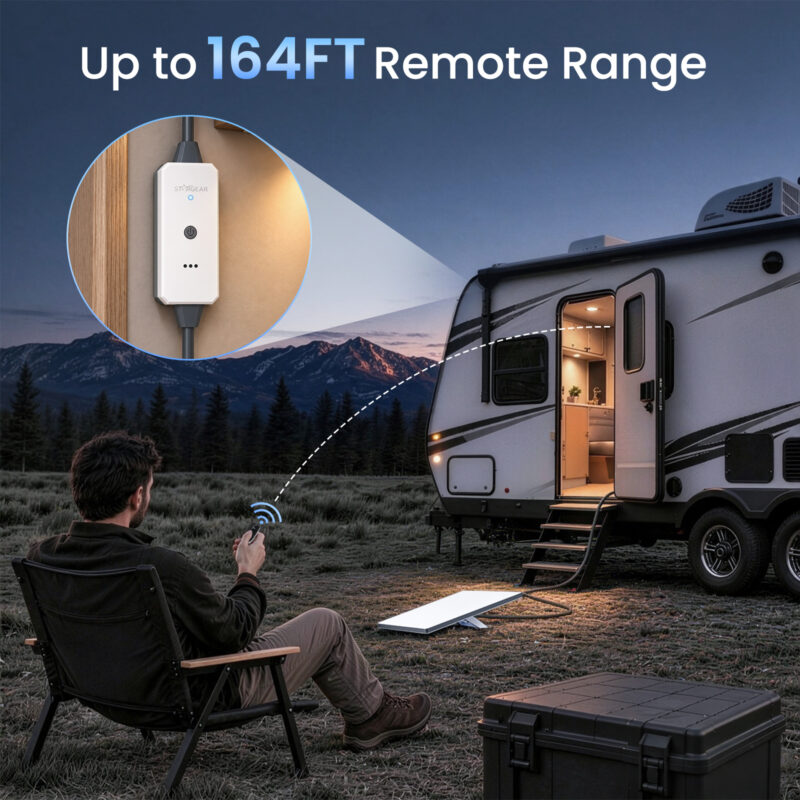
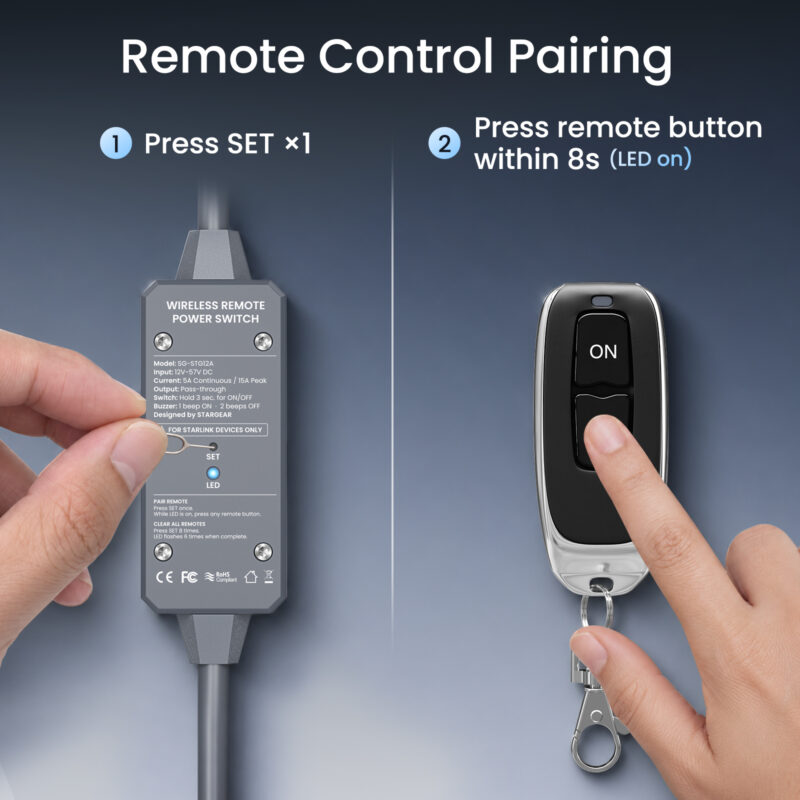
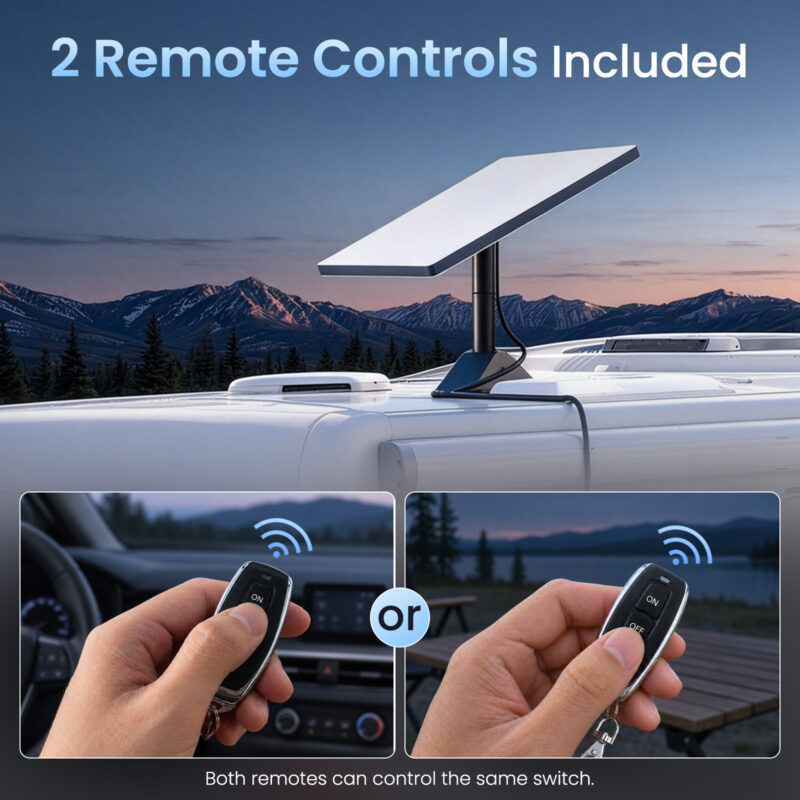
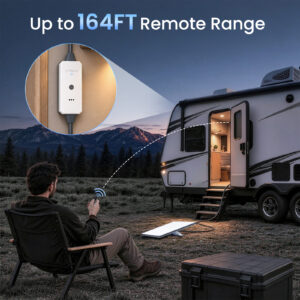
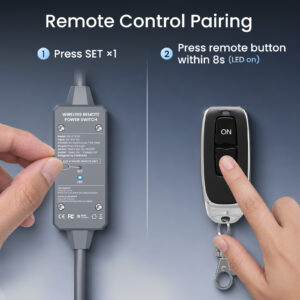
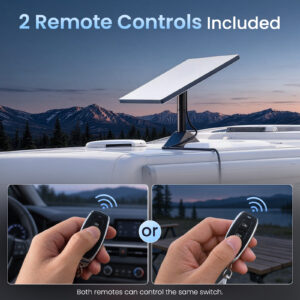
Two wireless remotes control the same switch. Keep one where you use Starlink most and leave the second at another location or keep it as a spare. For manual control, press and hold the button on the switch for three seconds. The LED and buzzer give feedback at the switch when you change its state. If a remote needs pairing, refer to the pairing guide. It shows the SET button on the back of the housing and the indicator used during pairing. STARGEAR lists a remote range of up to 164 ft. Walls, metal compartments and where you place the switch can affect the distance you get.
Keep Your Existing DC Power Source
The Starlink Inline DC Remote Switch passes through DC power from a compatible source. Use a supply whose voltage and capacity already meet your Starlink equipment’s requirements. Compare your equipment’s power requirements with the ratings on the physical switch and your power lead. Use the switch only where all three are compatible. For RV or boat use, choose a dry, protected spot for the switch and its connections. Leave the manual button accessible for use without a remote.
What Comes in the Box
The Starlink Inline DC Remote Switch comes with one inline switch assembly and two wireless remotes. Supply your own Starlink equipment, DC power source and compatible power lead.
Why You’ll Love It
- Adds remote on/off control to a compatible DC barrel connection.
- Two remotes let you keep a control in different locations.
- A manual button keeps local control within reach.
- The LED and buzzer provide feedback at the switch.
- A tethered cap covers the female socket when disconnected.
FAQ
Q1: Can I connect the Starlink Inline DC Remote Switch to my existing cable?
A1: Yes, if both connections match. Check the barrel plug, socket and polarity, and keep the compatible DC power supply and lead for your equipment.
Q2: Does it work with both Starlink Mini and Gen 3?
A2: STARGEAR lists Mini and compatible Standard Gen 3 DC setups. Check your kit’s exact power connection and supply requirements before ordering.
Q3: Will this switch boost the voltage?
A3: No. It passes through DC power from the source, so the power supply still needs to meet the requirements of your Starlink equipment.
Q4: How far away can I use the Starlink Inline DC Remote Switch?
A4: STARGEAR lists up to 164 ft. Walls, metal compartments and placement can shorten that distance. Test the remote from your usual spot.
Q5: Can I use it in an RV or on a boat without the remote?
A5: Yes, with a compatible DC setup and protected placement. Hold the manual button on the switch for three seconds to turn power on or off.
Related products
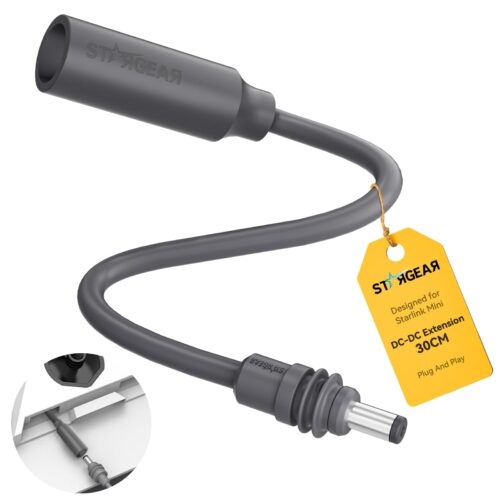
Starlink Mini DC Extension Cable – 16AWG Female to Male IP67
$15.99
Select options
This product has multiple variants. The options may be chosen on the product page

Starlink Flat Ethernet Cable – Slim Hidden Shielded Cord
Price range: $39.99 through $79.99
Select options
This product has multiple variants. The options may be chosen on the product page
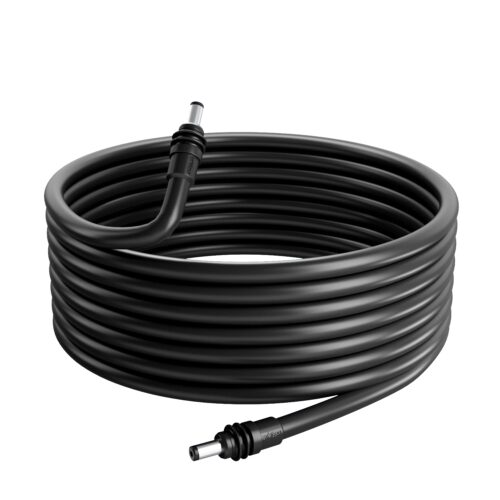
Starlink Mini 16AWG DC Cable, 5M/10M 5A Replacement Cord
Price range: $33.99 through $45.99
Select options
This product has multiple variants. The options may be chosen on the product page
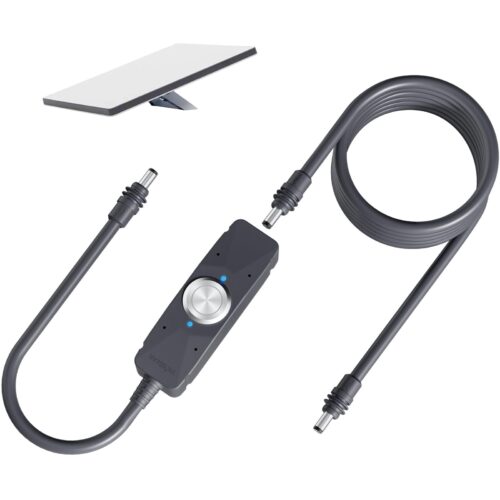
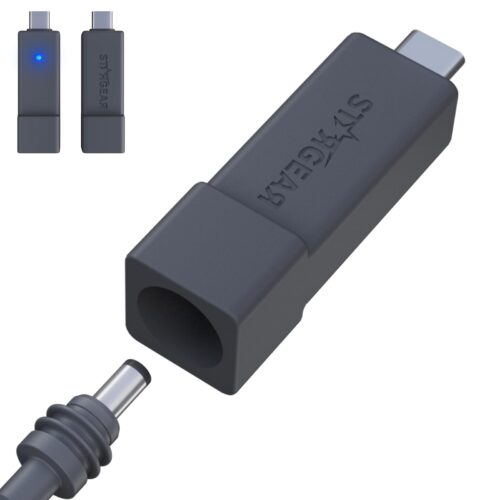
Starlink Mini USB-C to DC Adapter – 100W/140W PD Source
$18.99
Select options
This product has multiple variants. The options may be chosen on the product page

Starlink Mini Car Charger – 12V to 24V Step-Up Converter 60W
$29.99
Select options
This product has multiple variants. The options may be chosen on the product page

Reviews
There are no reviews yet.