






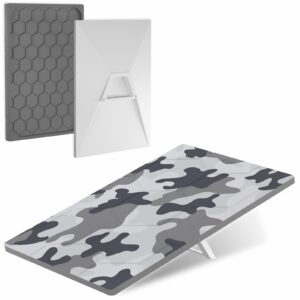
Snow Camo Silicone Dish Cover for Starlink Standard 4 and 4 X
$69.99
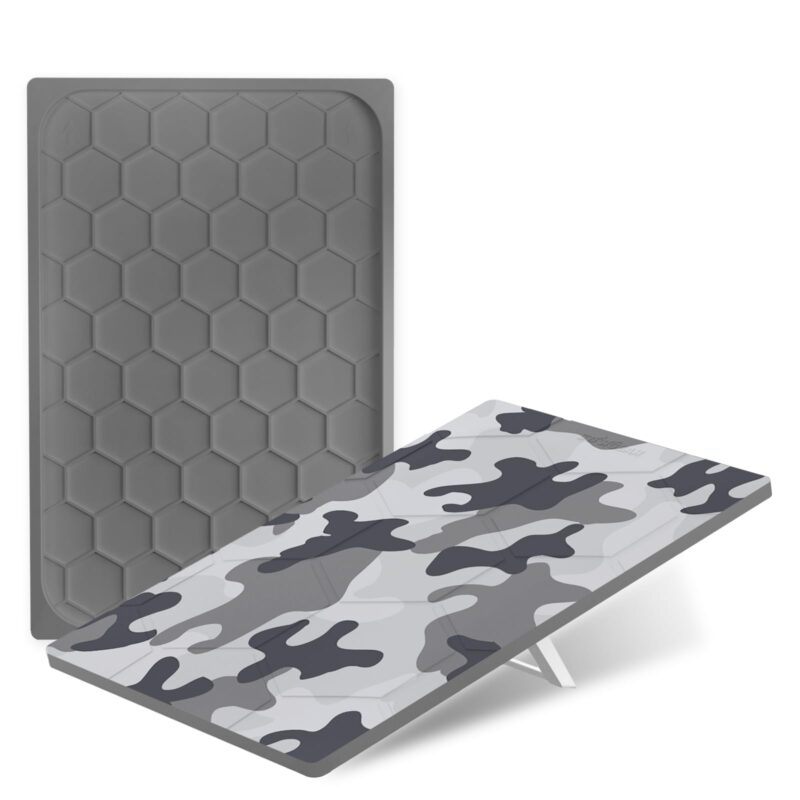
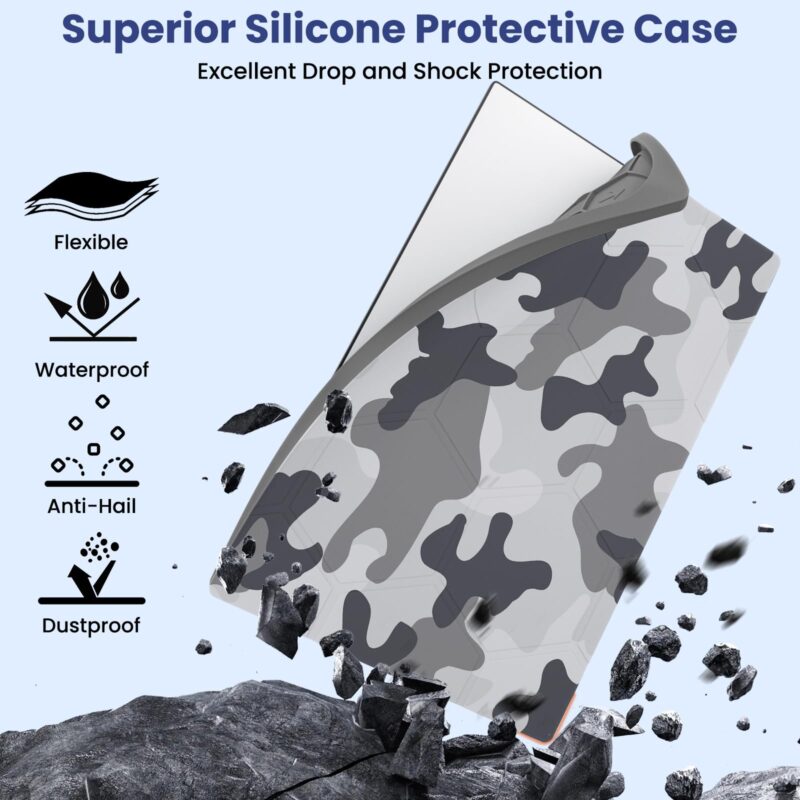
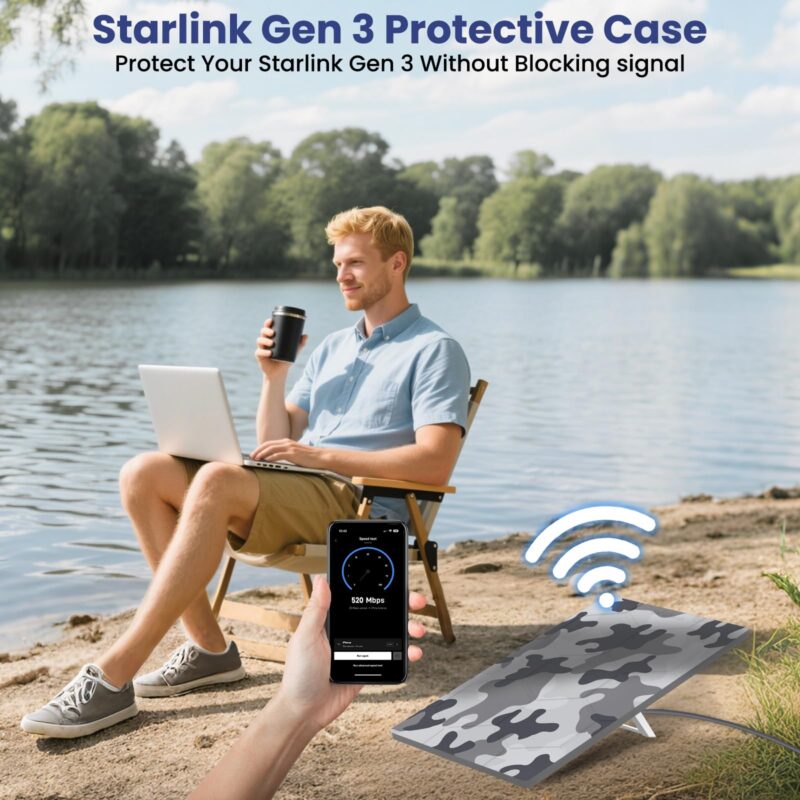
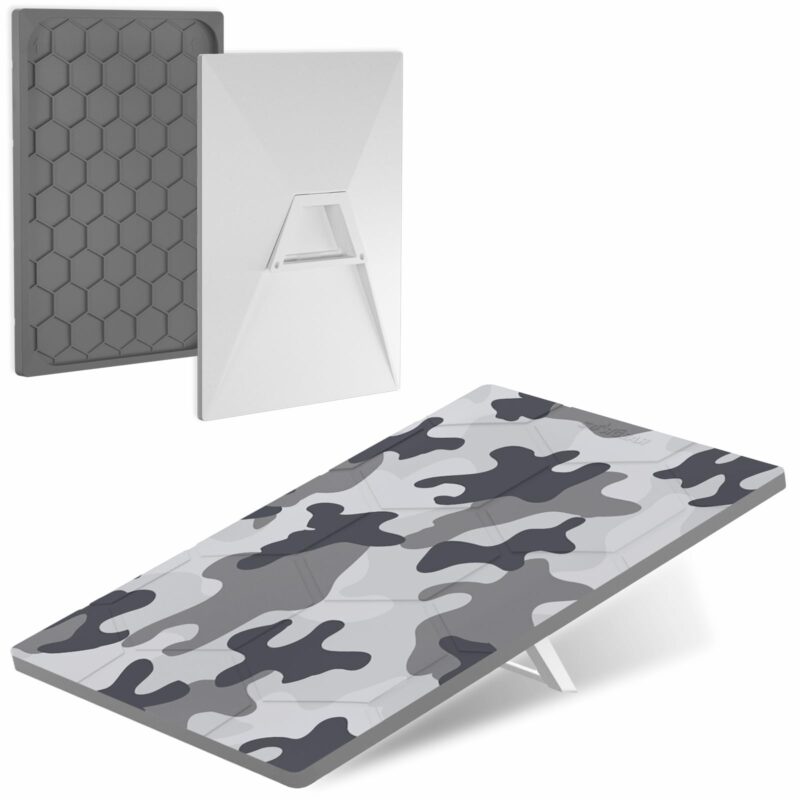
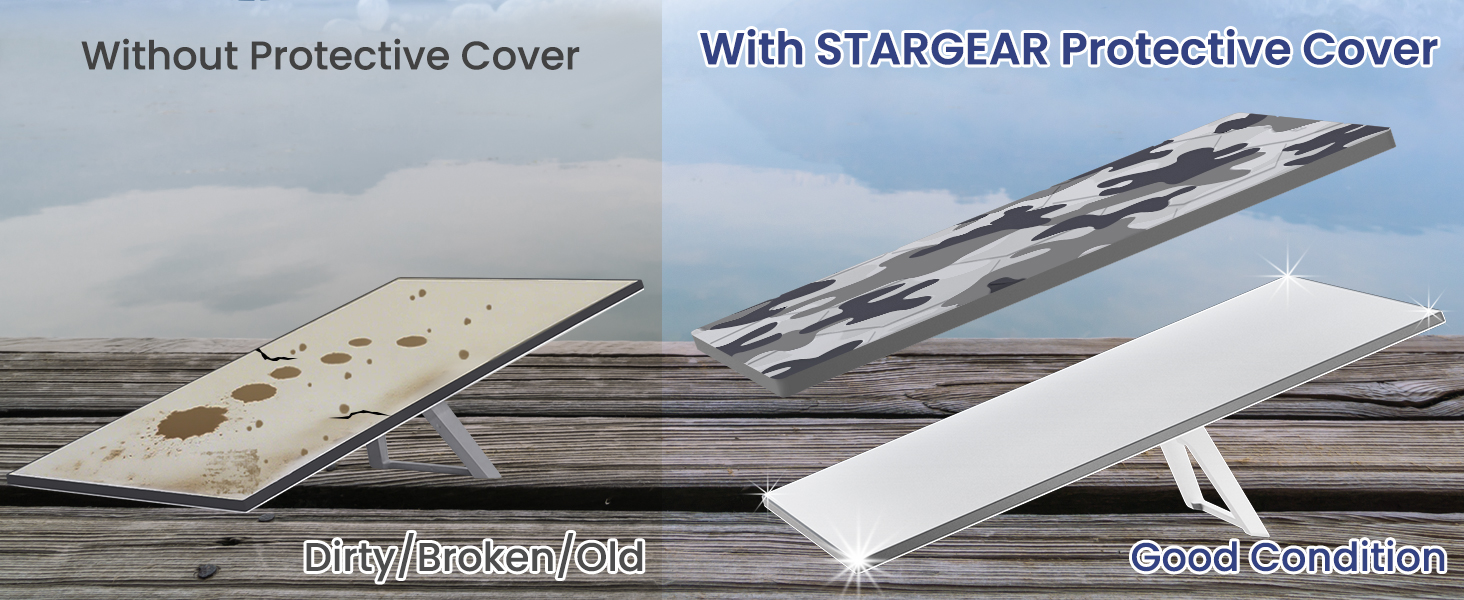
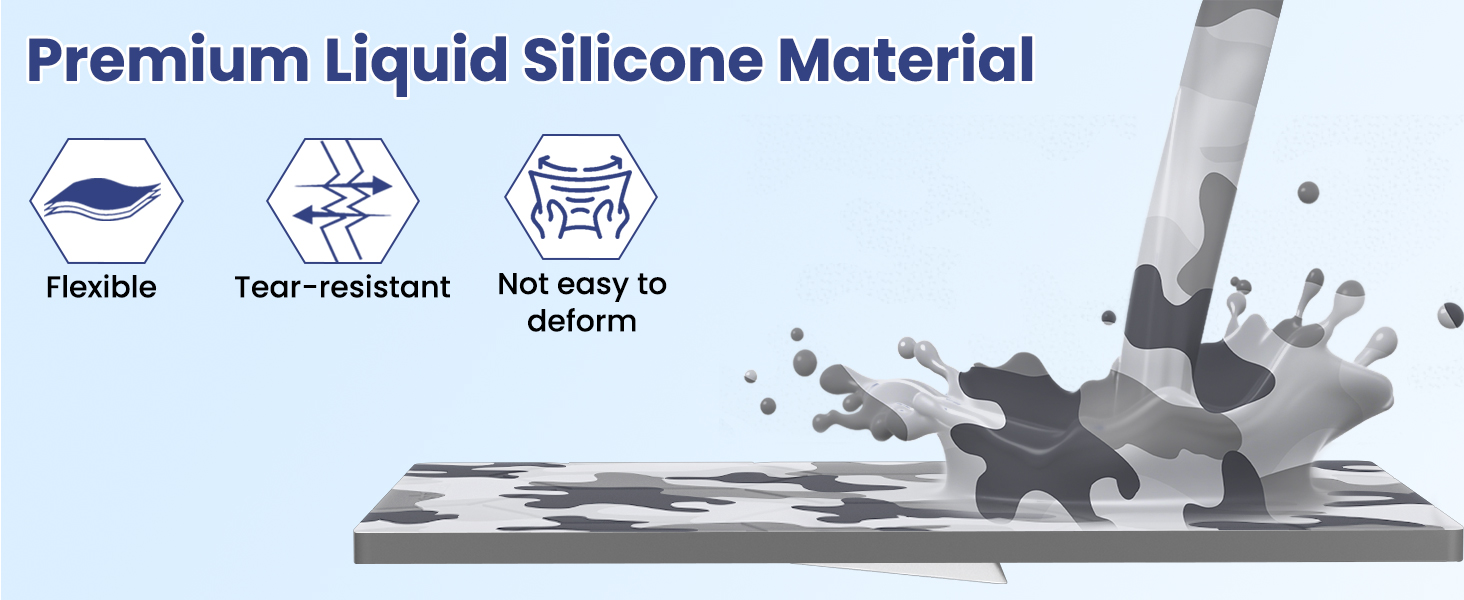
Give your Starlink Standard 4 or Standard 4 X a snow camo finish with this flexible silicone dish cover. It slips over the face and edges without tools and has a hexagonal inner texture.
| Brand | STARGEAR |
|---|---|
| Color | Snow Camo |
| Material | Flexible silicone |
| Compatible Devices | Starlink Standard 4 and Standard 4 X dishes |
| Form Factor | Slip-on dish cover |
| Included Components | 1 snow camo silicone dish cover |
Starlink Standard Camo Cover for the Dish Face
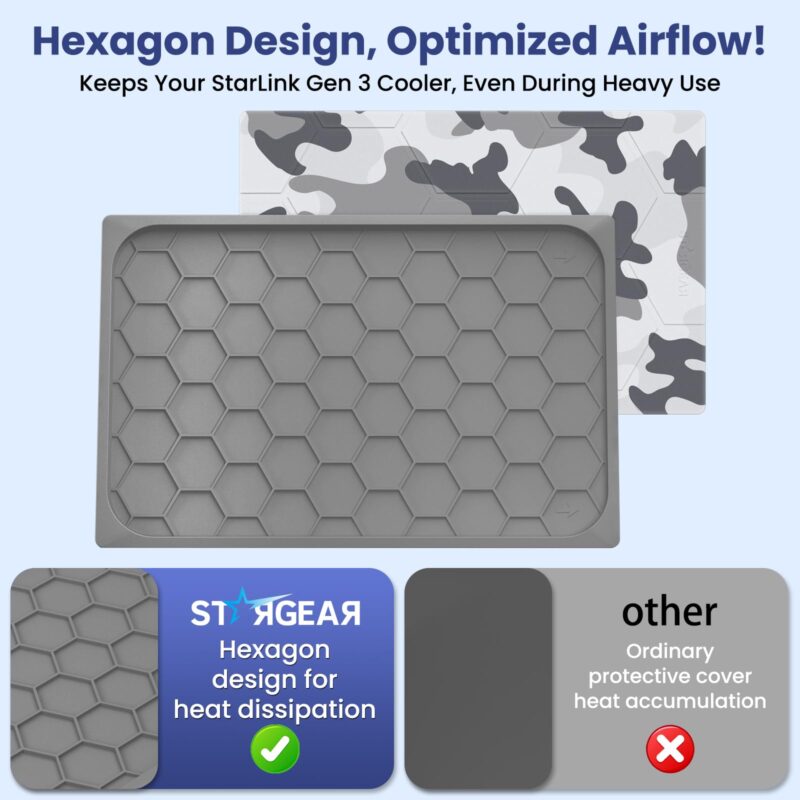
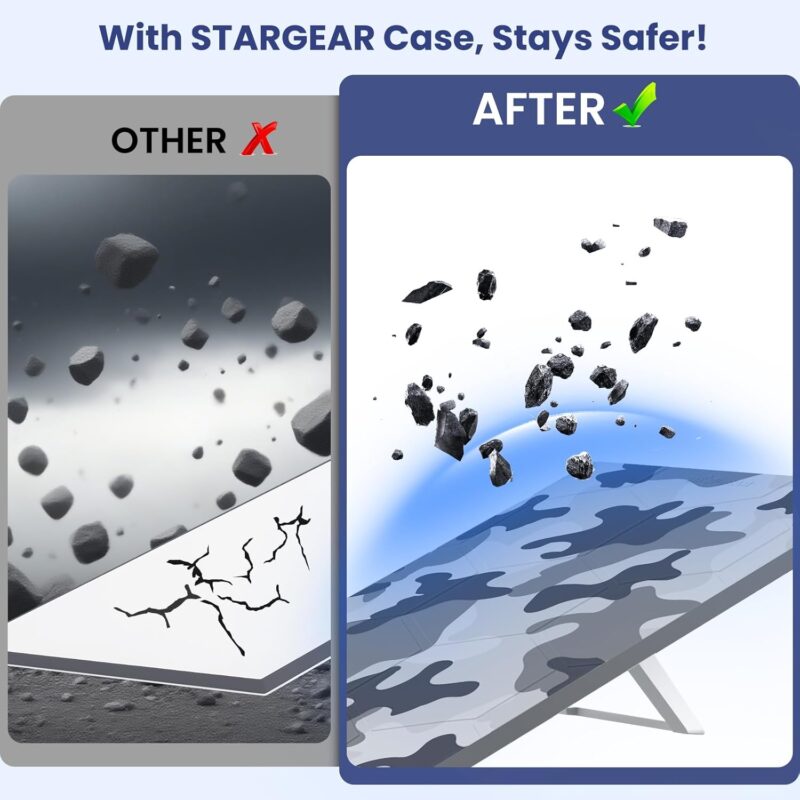
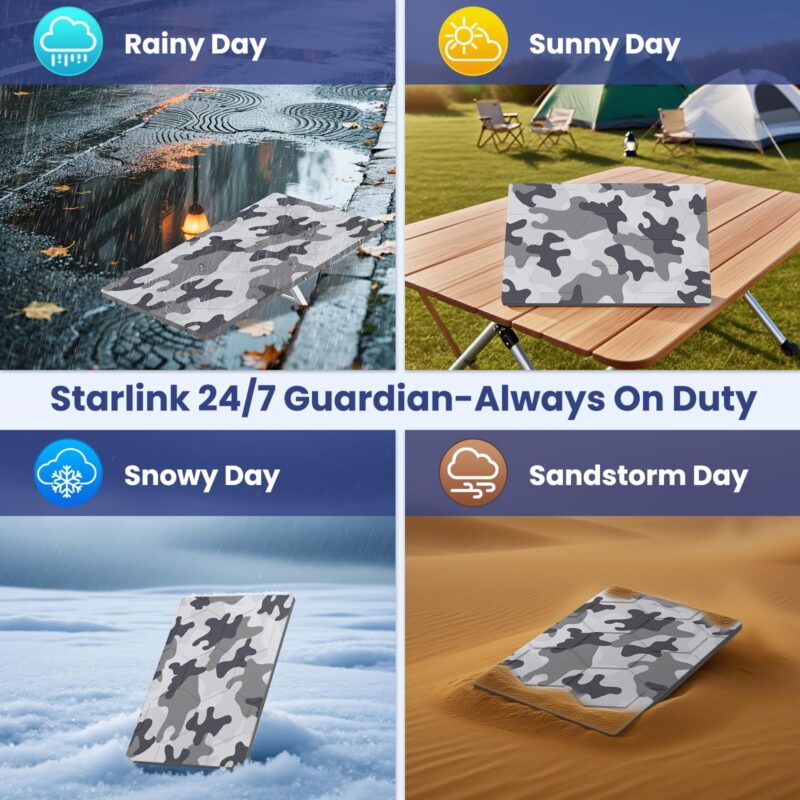
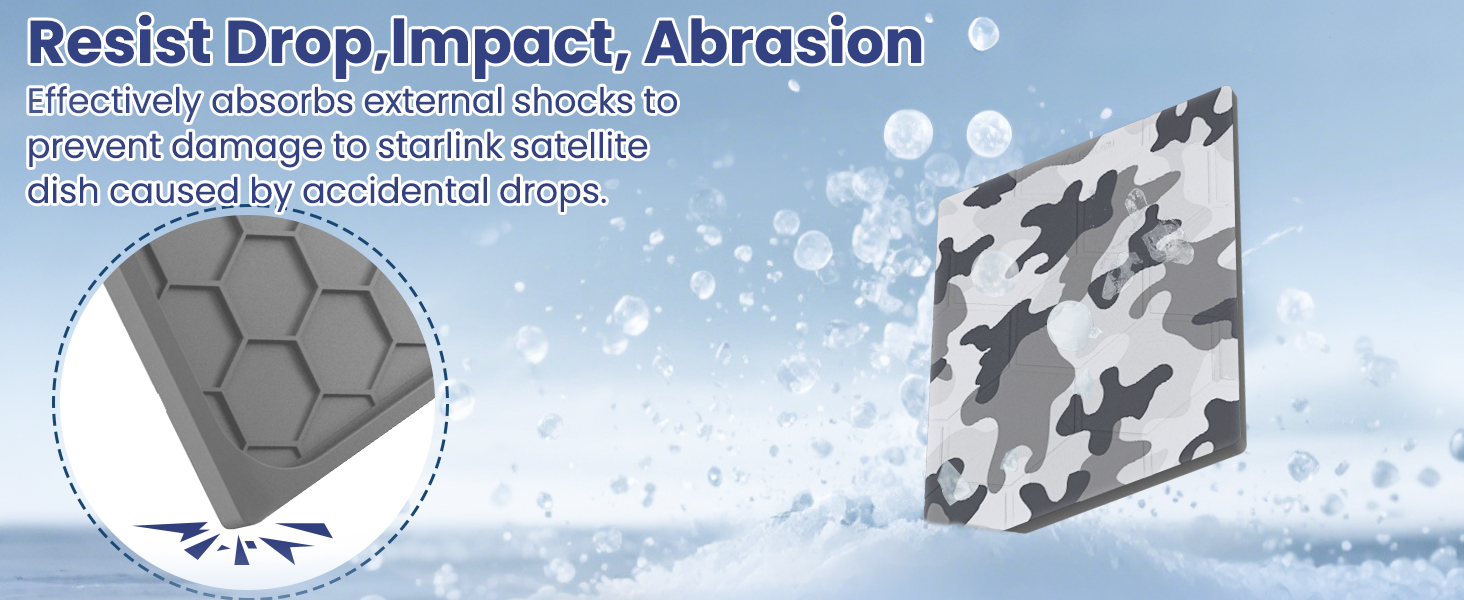
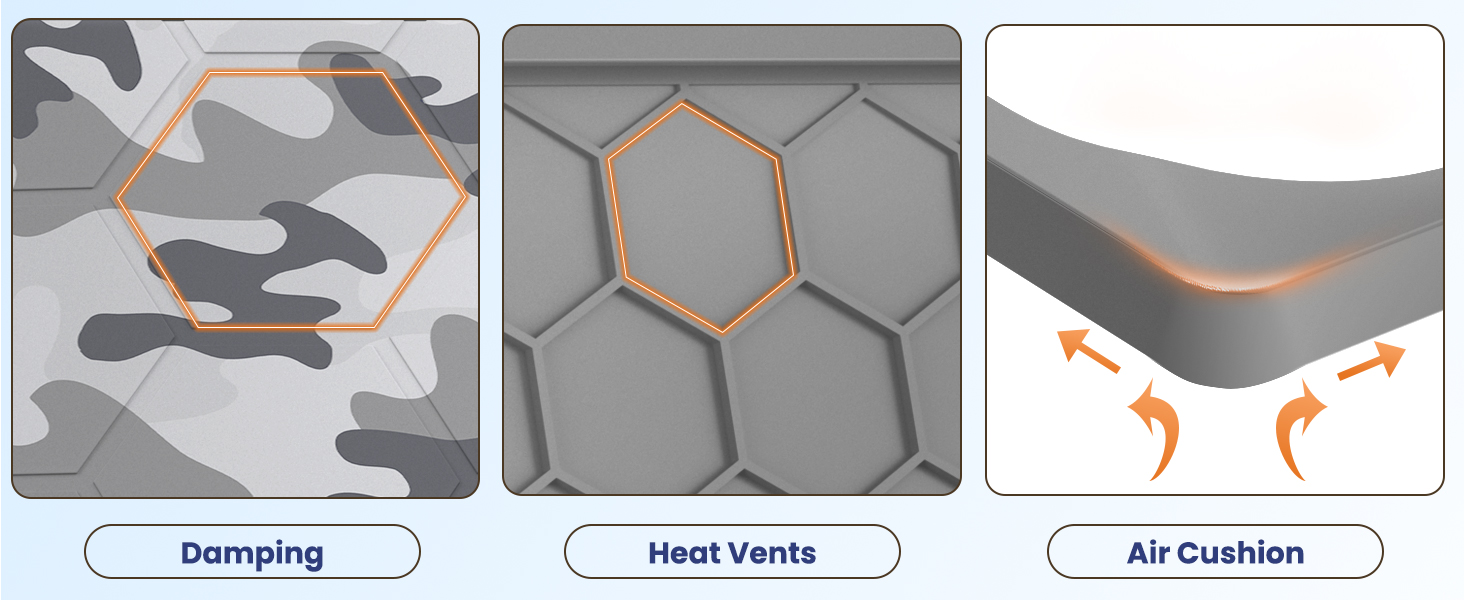
The Starlink Standard Camo Cover adds a flexible silicone layer across the front of your Standard 4 or Standard 4 X dish and around its edges. The snow camo silicone cover has a gray, white and charcoal print, with a raised hexagonal pattern molded into the inside.
Choose this version if you want a camo finish for the dish itself. The package contains one cover, and the dish and mount are separate.
Confirm the Kit Name Before Ordering
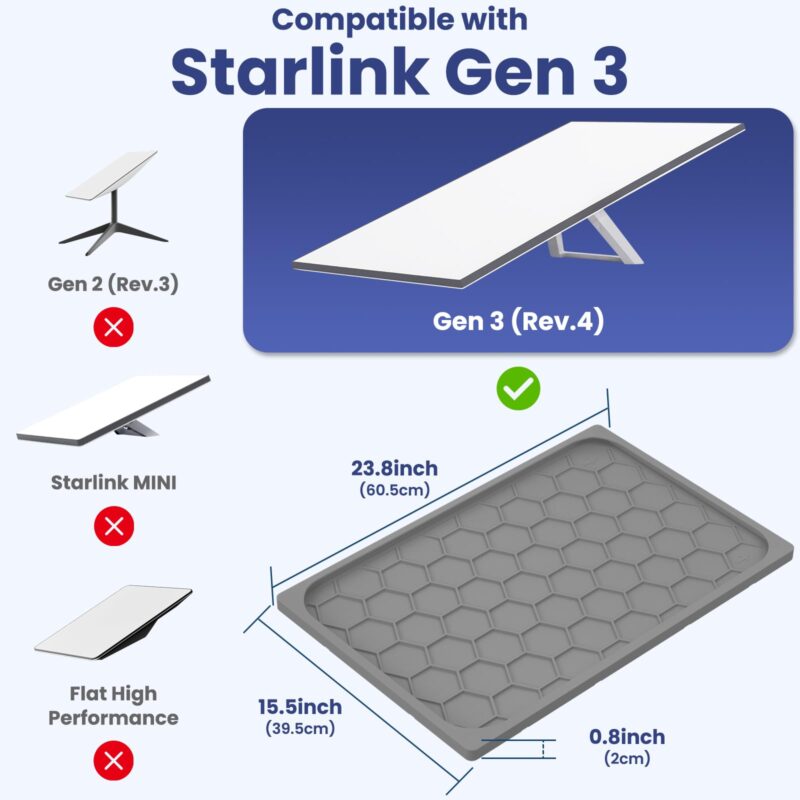
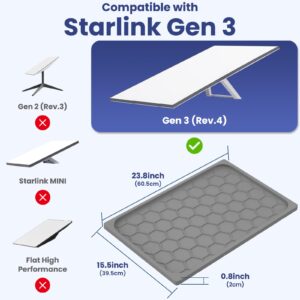
This Standard 4 dish cover fits the Starlink Standard 4 and Standard 4 X dishes listed for this product. Check your kit name before buying.
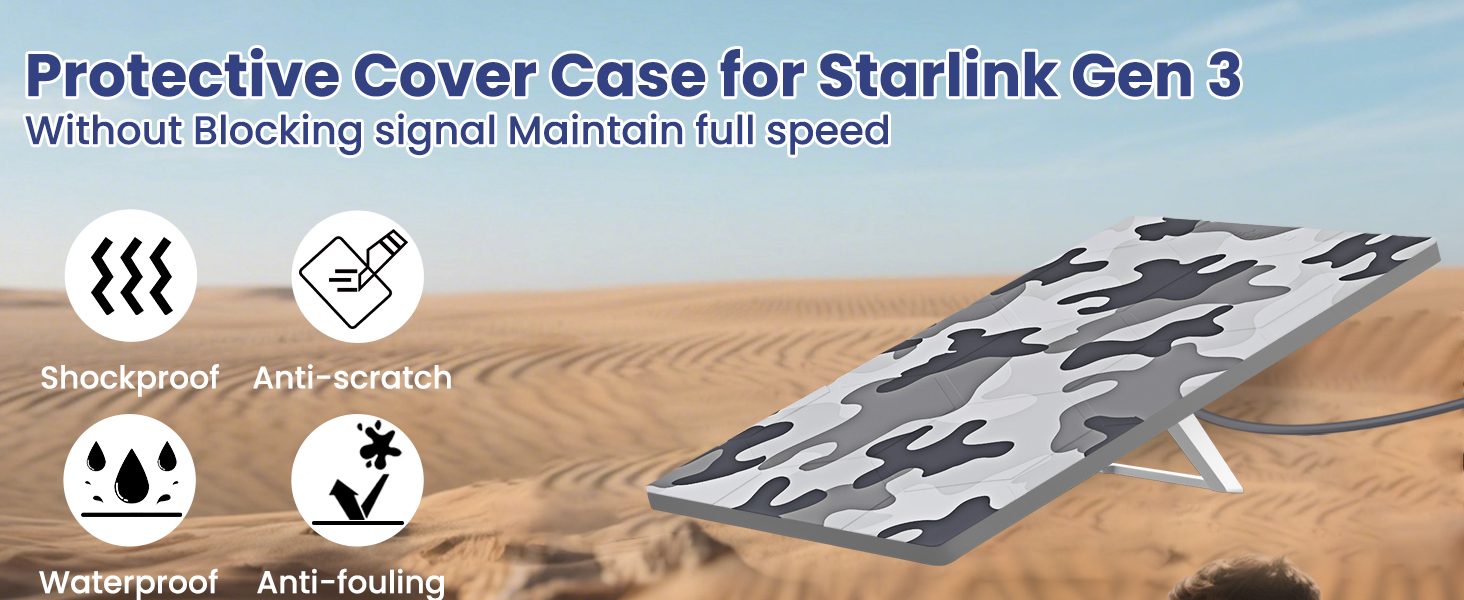
Some product graphics use the older Gen 3 label for the rectangular Standard dish. Use the full kit name to avoid confusing it with a Performance model.
If you have a Starlink Mini, Standard Actuated or Flat High Performance dish, choose a cover made for that model and check its shape before ordering.
Fit the Cover Over the Dish
Set the dish on a stable surface before fitting the Starlink Standard Camo Cover. Wipe away loose grit so it does not get trapped under the silicone.
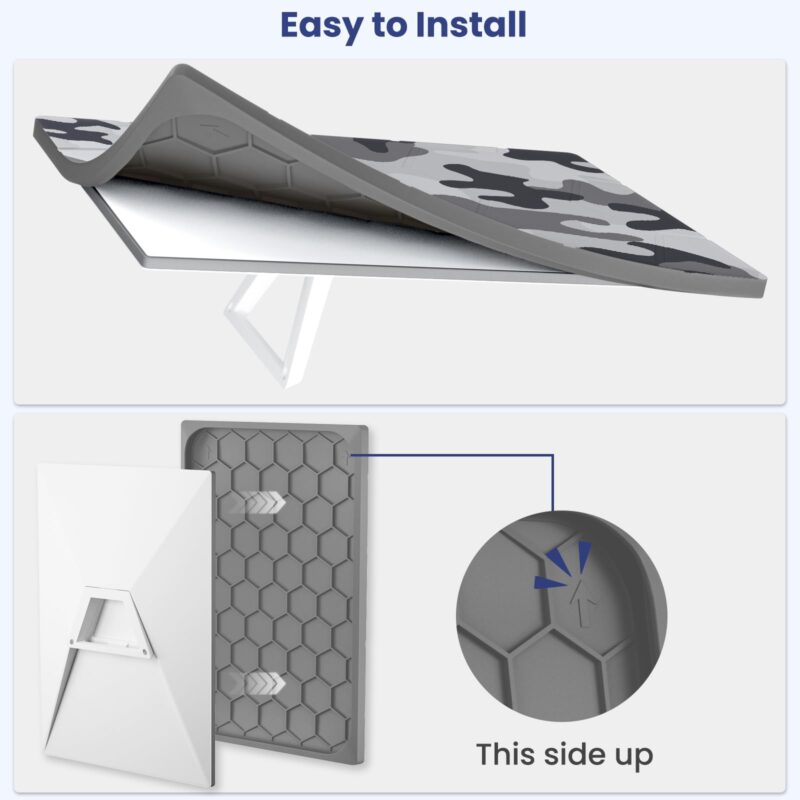
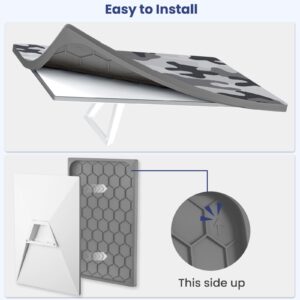
Find the orientation arrow shown in the installation image. With the patterned side facing out, line up the cover with the top of the dish.
Ease the flexible rim over one edge and work it around the corners. No tools are needed to fit this slip-on dish cover.
Run your fingers along the rim to check that it sits evenly. Leave enough clearance around the stand or mount and the cable path.
Recheck Fit at Your Setup
After fitting the Starlink Standard Camo Cover, set the dish back in position and check its view of the sky and connection in the Starlink app. If your equipment is already on a roof or RV mount, check the clearance around the installed dish before relying on the cover to fit there.
Inspect the rim after moving the dish or changing mounts. Lift the cover from a corner when you need to clean it or check the dish underneath.
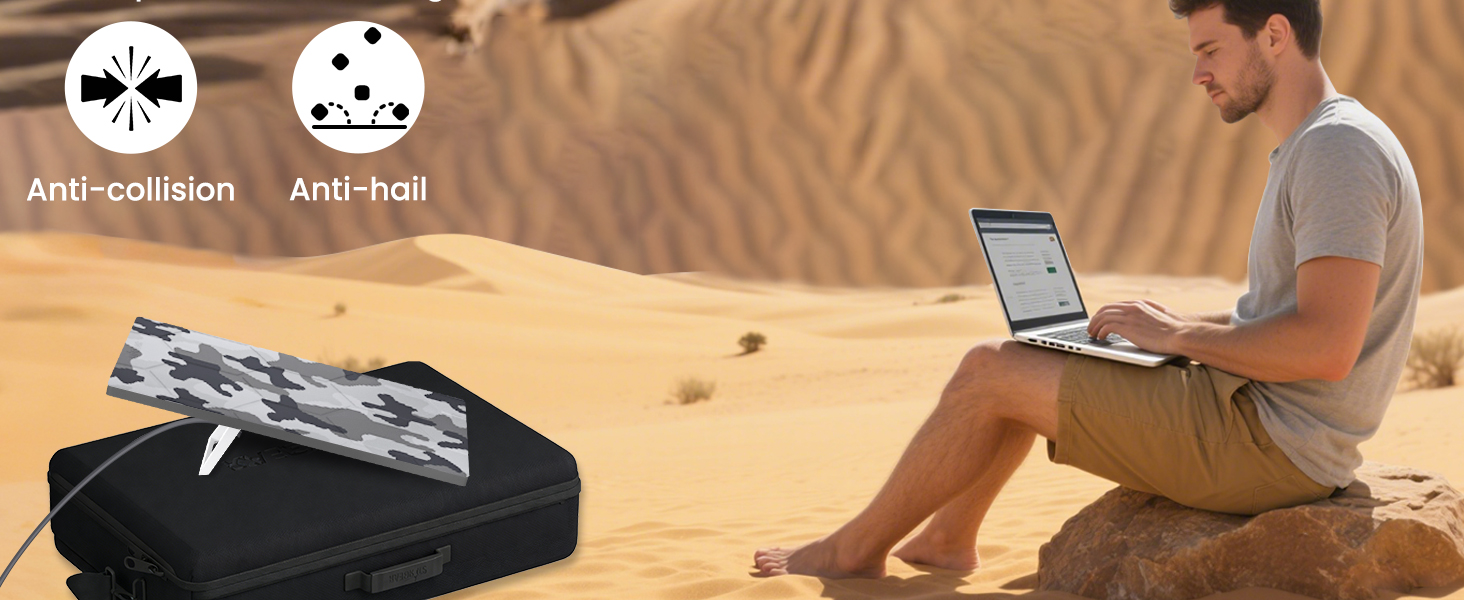
The silicone covers the front surface during handling and setup. Follow the dish and mount makers’ instructions for outdoor use, travel and severe weather.
Why You’ll Love It
- Snow camo print in gray, white and charcoal.
- Flexible silicone wraps the front and edges.
- Hexagonal inner texture is visible when the cover is removed.
- Slip-on fit goes on and comes off without tools.
- One cover for a compatible Standard 4 or Standard 4 X dish.


FAQ
Q1: Which dish fits the Starlink Standard Camo Cover?
A1: It fits Starlink Standard 4 and Standard 4 X dishes. Check the kit name if your dish is described only as Gen 3.
Q2: Do I need tools or adhesive?
A2: No. Align the orientation arrow and ease the silicone rim over the corners. Check that the rim is seated evenly before repositioning the dish.
Q3: Can I use it on a roof or parked RV setup?
A3: Check that the rim clears your mount and cable path. Follow your dish and mount instructions, especially before moving the vehicle or in severe weather.
Q4: Will the cover change my signal or speed?
A4: Check your connection in the Starlink app after fitting it. If performance changes, compare with the cover removed while keeping the dish in the same position.
Q5: What comes with the Starlink Standard Camo Cover?
A5: The package contains one snow camo silicone dish cover with a hexagonal inner texture. The Starlink dish, stand, mount and cables are separate.
Related products
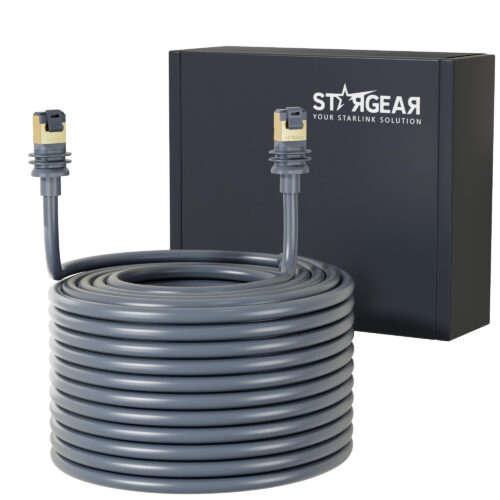
Starlink Gen 3 Replacement Cable for Standard 4/4 X and Mini
Price range: $25.99 through $56.99
Select options
This product has multiple variants. The options may be chosen on the product page
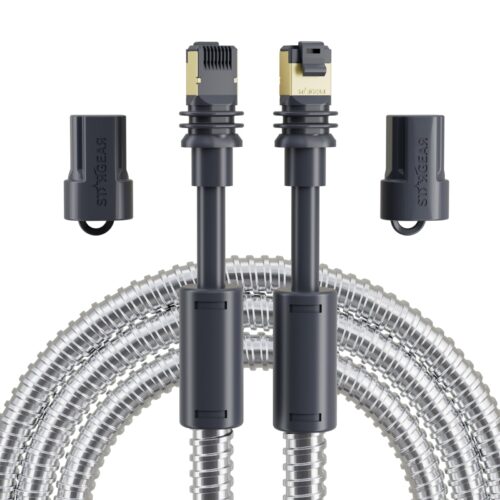
Starlink Steel Sleeve Cable for Mini and Standard 4/4 X
Price range: $29.99 through $79.99
Select options
This product has multiple variants. The options may be chosen on the product page


Reviews
There are no reviews yet.