





Flat RJ45 Window Cable for Starlink Mini and Standard 4/4 X
Price range: $39.99 through $79.99
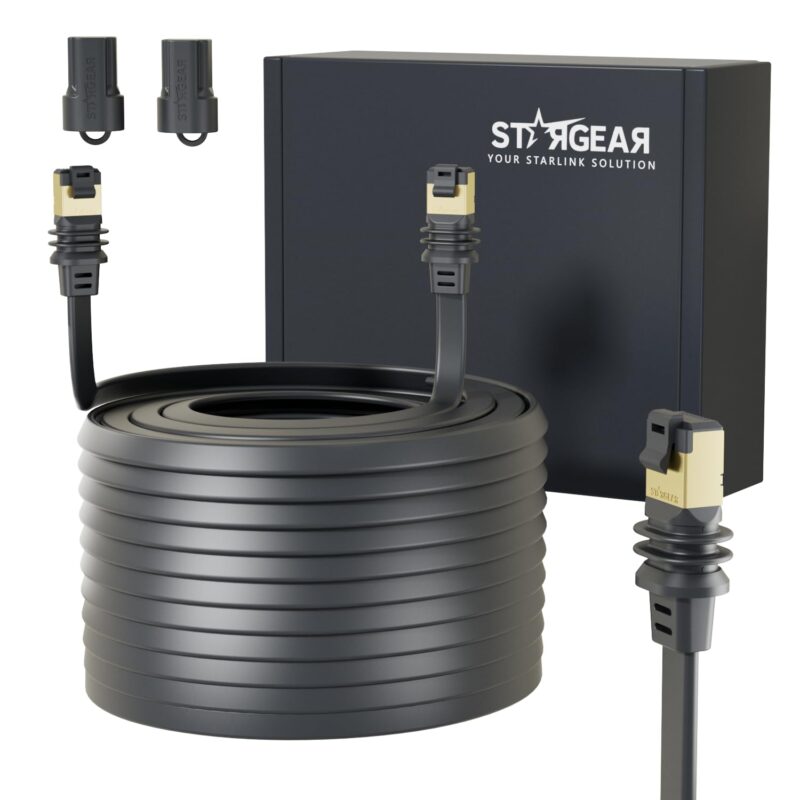
Route your Starlink connection through a window or door gap with room for a flat cable. Choose from three lengths of shielded 24AWG cable with two RJ45 male plugs for compatible Standard 4 or Standard 4 X dish connections or Starlink Mini Ethernet data.
| Brand | STARGEAR |
|---|---|
| Cable Type | Flat shielded Ethernet cable |
| Connectors | RJ45 male to RJ45 male |
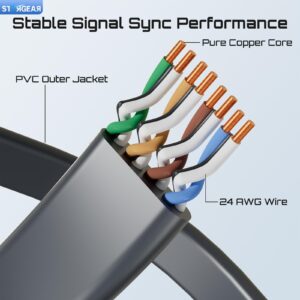
| Wire Gauge | 24AWG |
| Color | Black |
| Length Options | 32.8 ft, 100 ft, 150 ft |
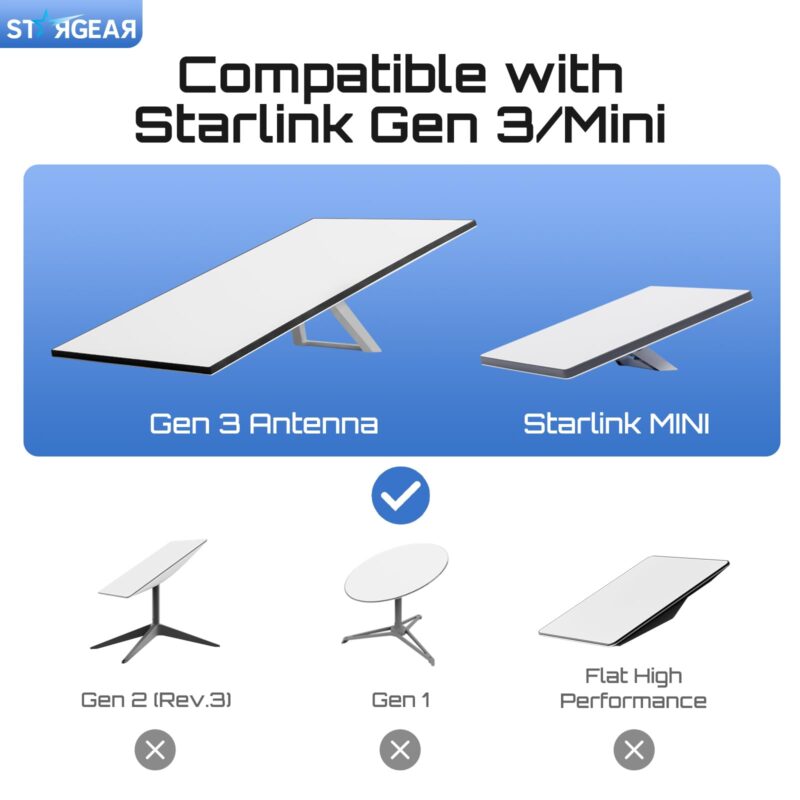
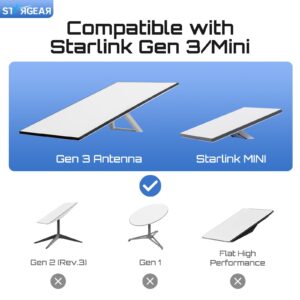
| Compatible Equipment | Starlink Standard 4 and Standard 4 X with matching dish connections. Starlink Mini for Ethernet data with separate power. |
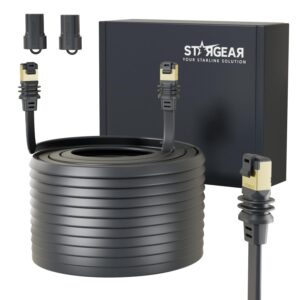
| Included Components | 1 Ethernet cable in the selected length |
A Flat Cable for Window and Door Routes
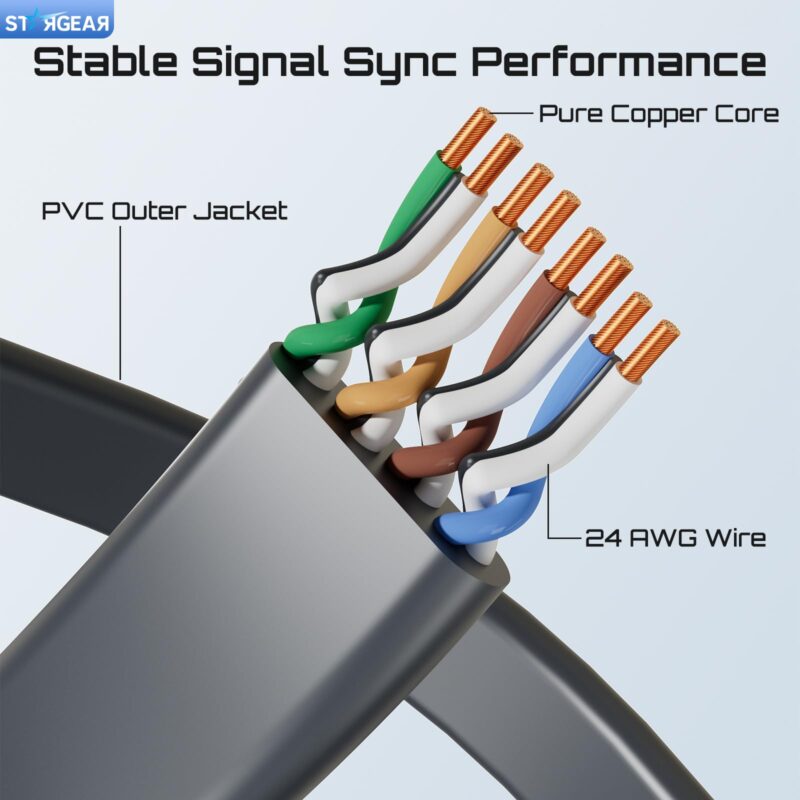
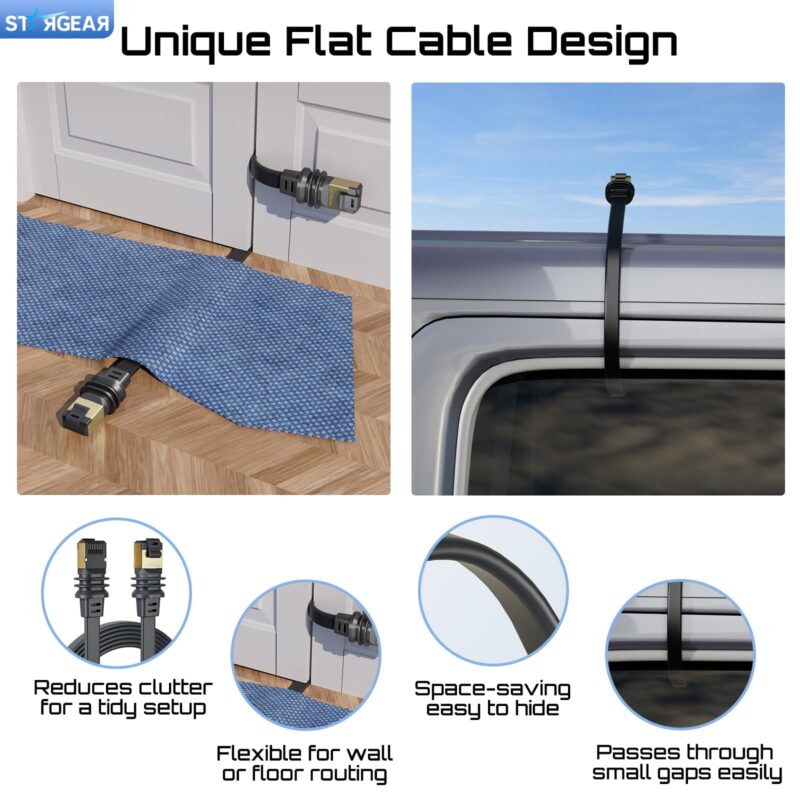
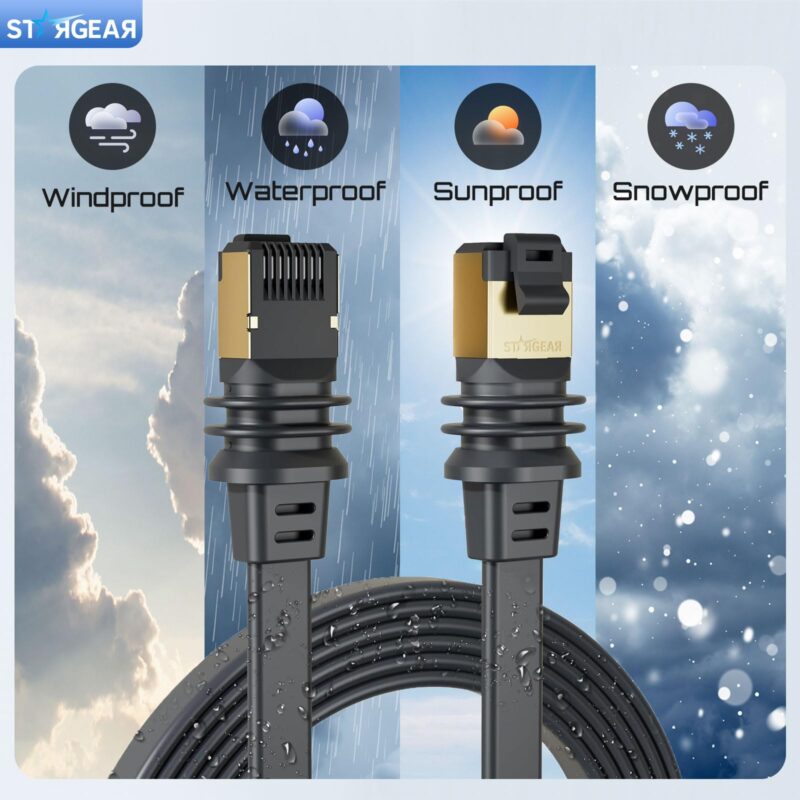
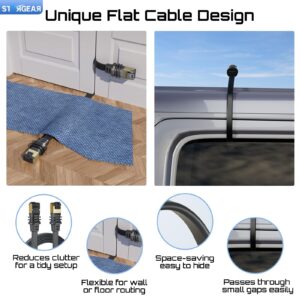
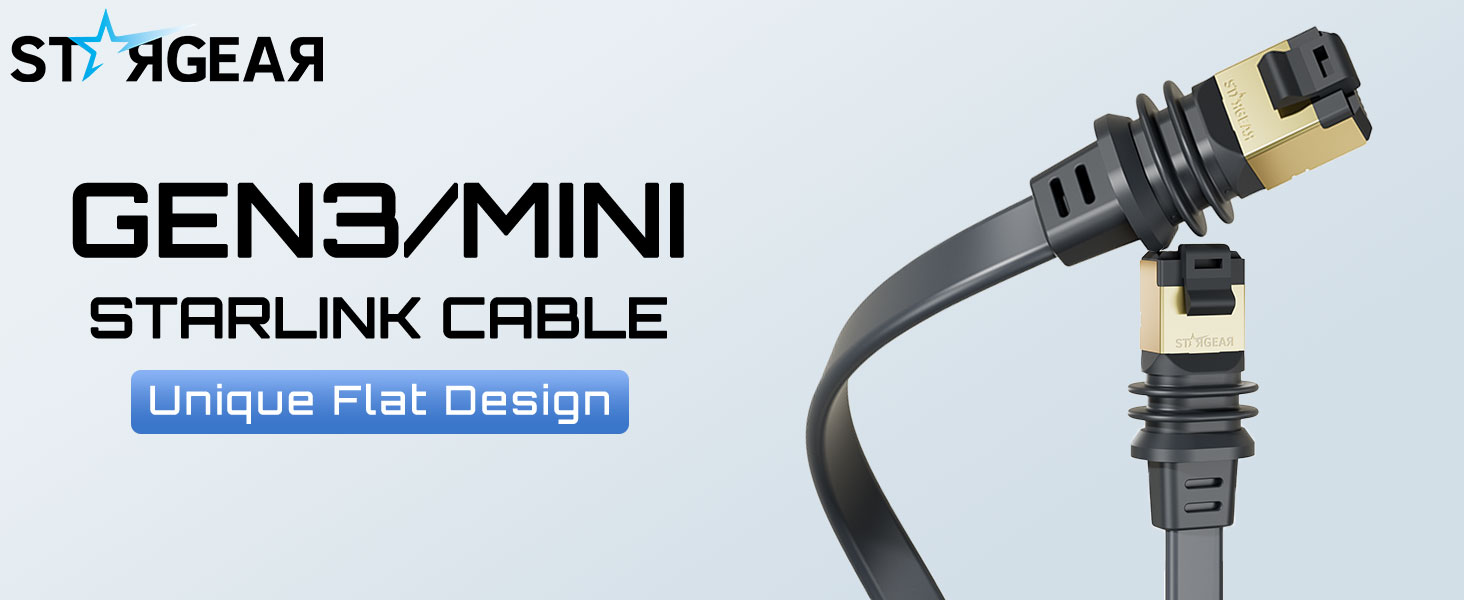
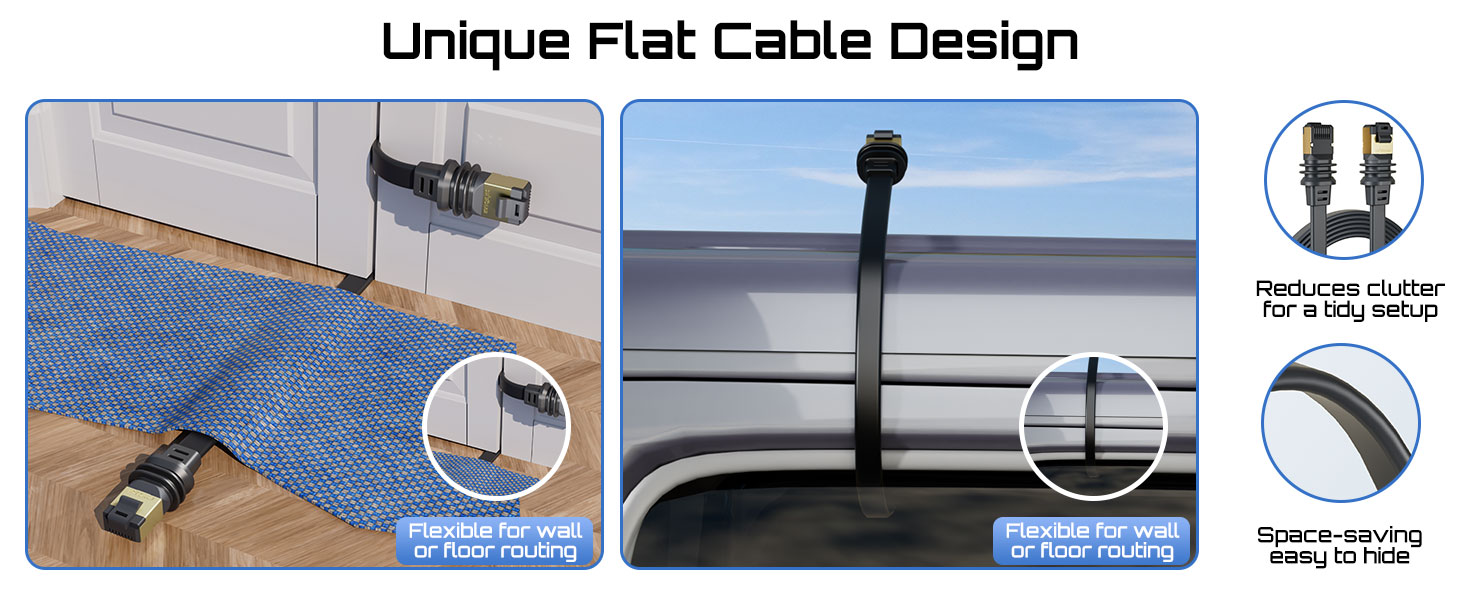
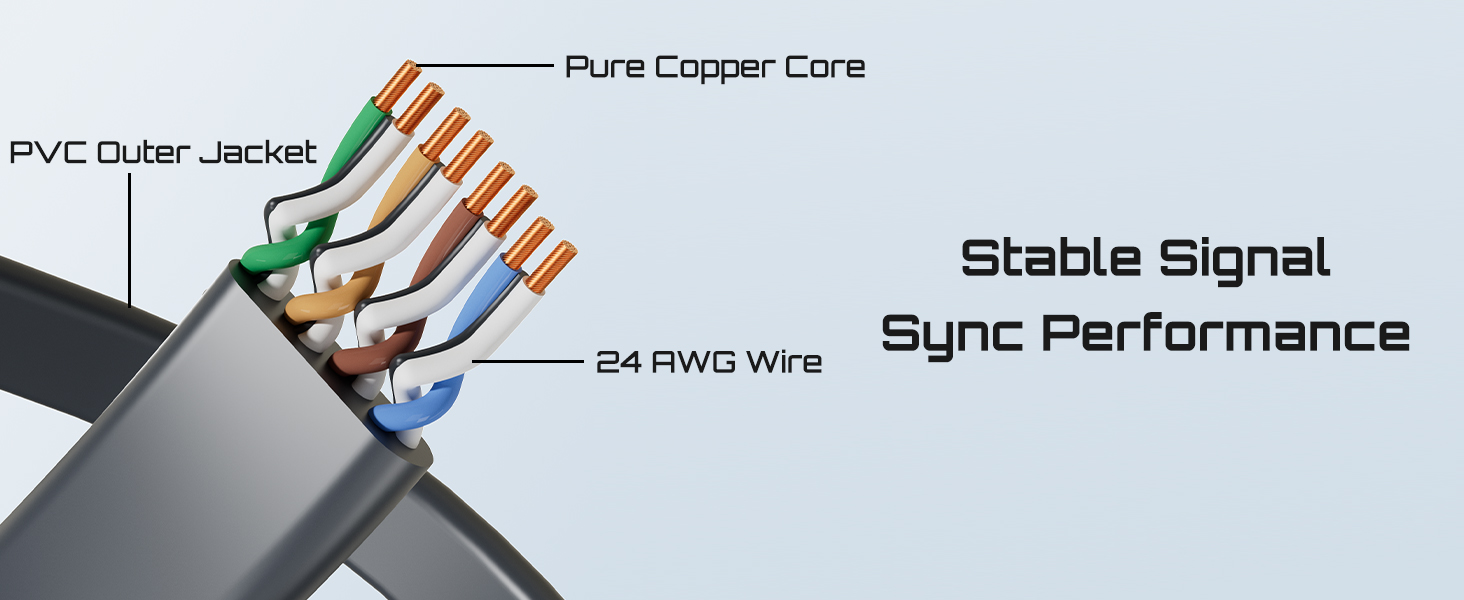
The STARGEAR Starlink Flat Window Cable uses a black, low-profile jacket for runs where a round cable takes up too much room near a window frame or door threshold. This flat RJ45 cable uses shielded 24AWG wiring and two male plugs, so you can plan a single Ethernet run without adding a coupler to get through an opening.
Check Your Starlink Kit Before Ordering
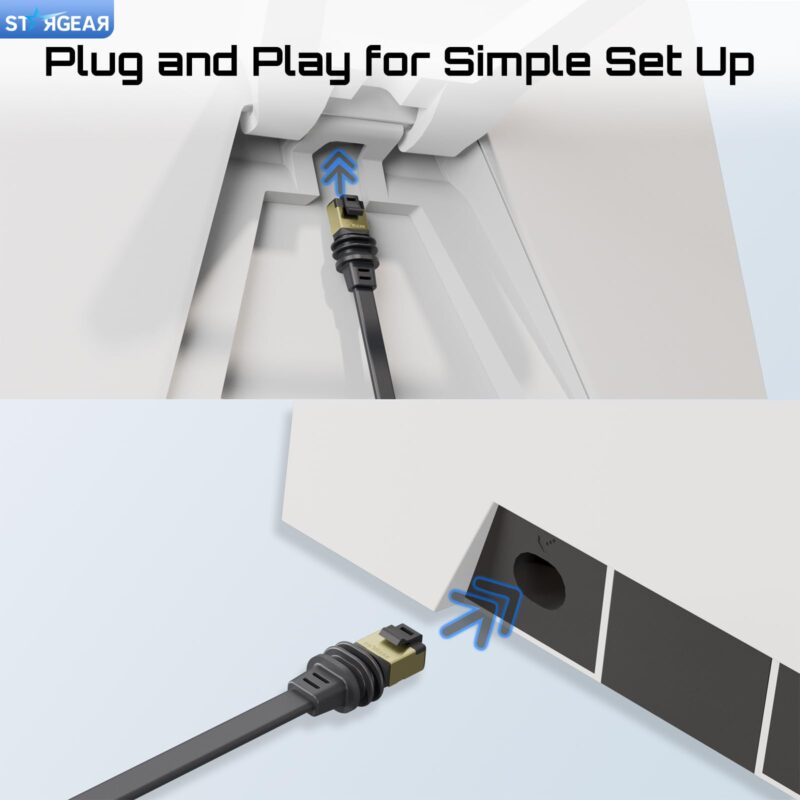
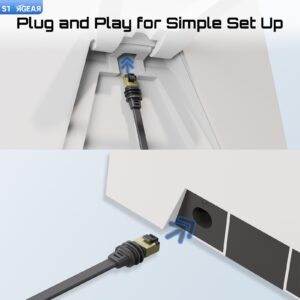
For Starlink Standard 4 and Standard 4 X, compare both plugs with your original dish cable and follow the connection diagram for the exact kit you own. Depending on the kit, the dish cable may connect to the router or to a separate power supply, so check both sockets before choosing the cable.
For a Starlink Mini Ethernet connection, use the Starlink Flat Window Cable for data and connect a supported power source to the Mini’s separate DC input. The Mini’s Ethernet port seal depends on the cable and port connection, so check Starlink’s guidance and keep the connection sheltered if the required seal cannot be maintained.
Choose 32.8, 100 or 150 ft
The 32.8 ft Starlink Flat Window Cable suits setups where both devices are close to the entry point and the cable can reach without pulling on either port. Choose 100 ft when the route follows several walls, changes direction or connects equipment farther from the point where the cable enters.
Choose 150 ft for a longer route when your equipment layout calls for it, and verify the connection on the actual run before securing the cable. Measure the entire path, including corners, the distance from the entry point to each device and enough slack to reach both ports without pulling on the plugs.
Route the Cable With Clearance
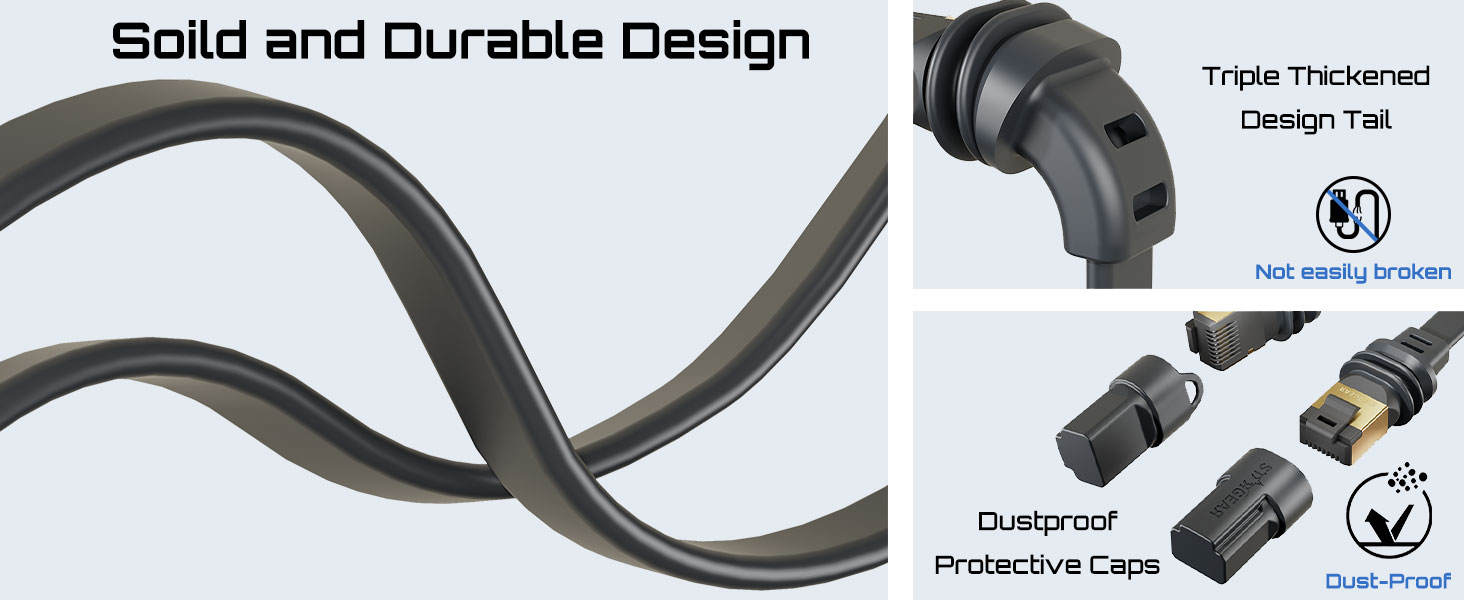
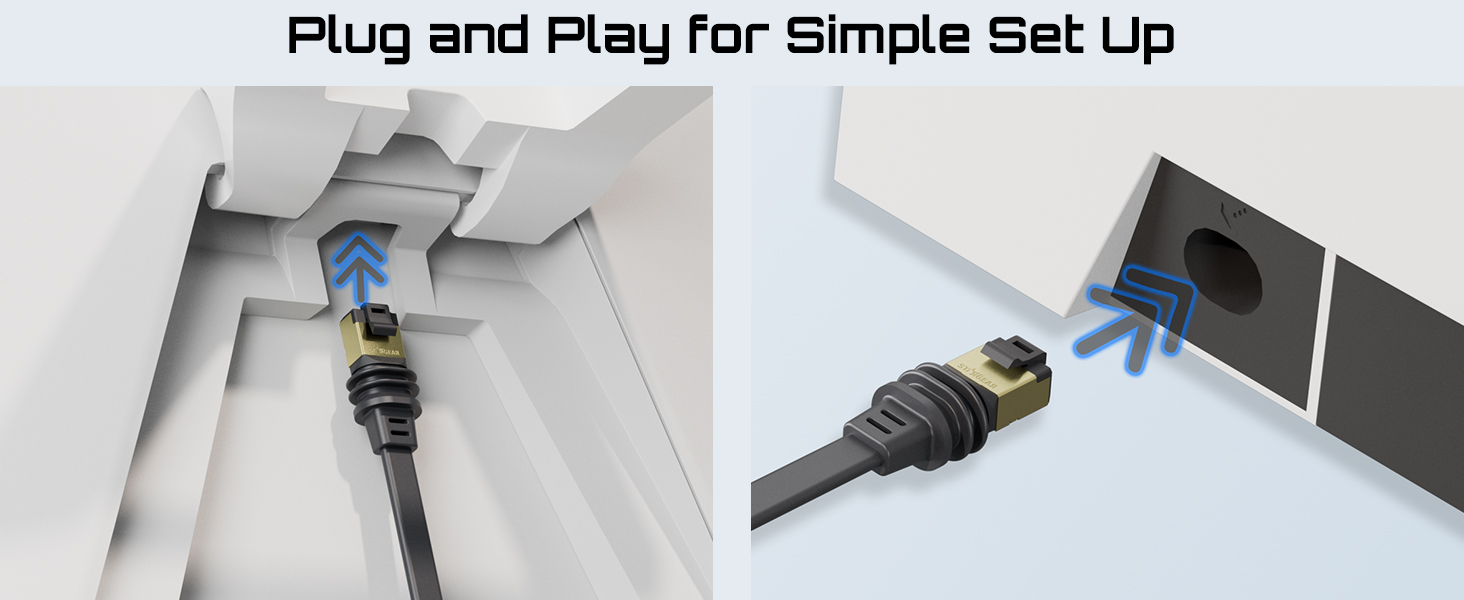
Before installing the Starlink Flat Window Cable, check that your window or door moves freely over the proposed route without pressing or scraping the cable. Keep the plugs and their thicker boots clear of the closing edge, and avoid sharp bends near connector housings or along the frame.
Leave the cable accessible until you have checked the connection at both ends, then secure the run without crushing the jacket or pulling on either port. For a vehicle or RV, choose the entry point while parked and keep the cable clear of hinges, latches and places where it could catch during use.
Why You’ll Love It
- Flat profile fits routes where there is clearance for the cable.
- Two RJ45 male plugs make the connection type easy to identify.
- Shielded 24AWG cable across all three lengths.
- Three lengths let you choose a single run that fits your layout.
- Use it for a compatible Starlink Standard dish connection or a Mini Ethernet link.

FAQ
Q1: What Starlink equipment can I use this cable with?
A1: Use the Starlink Flat Window Cable with a compatible Standard 4 or Standard 4 X dish connection, or with the Ethernet port on Starlink Mini.
Q2: Can this cable power my Starlink Mini?
A2: The Mini uses this cable for Ethernet data and still needs a supported power source connected to its separate DC input.
Q3: Which length should I choose?
A3: Measure the full route and leave room at both ends, then select the shortest of the 32.8, 100 and 150 ft options that reaches.
Q4: Can I close a window or door over it?
A4: Use the Starlink Flat Window Cable where the moving frame clears the cable without pinching it, and keep both connector housings outside the closing edge.
Q5: Can I leave the Ethernet connection exposed to rain?
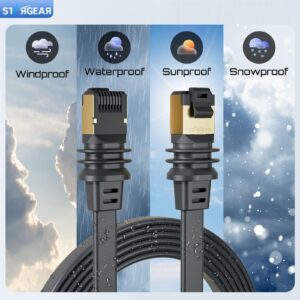
A5: Keep the connection sheltered unless you have verified the required seal for your equipment, especially at the Starlink Mini Ethernet port.
Related products
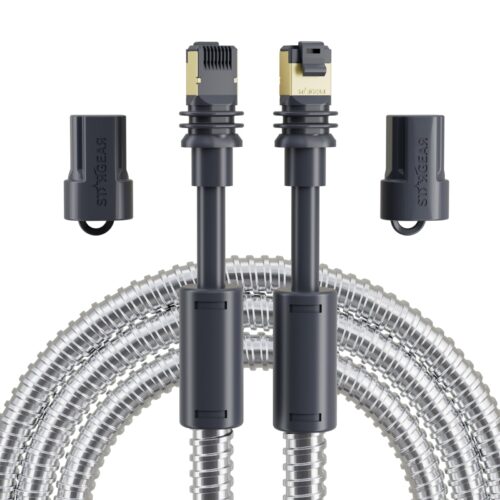
Starlink Steel Sleeve Cable for Mini and Standard 4/4 X
Price range: $29.99 through $79.99
Select options
This product has multiple variants. The options may be chosen on the product page

Reviews
There are no reviews yet.