

Starlink Standard 4 X 195W Power Supply, 57V 3.42A with AC Cord
$139.98
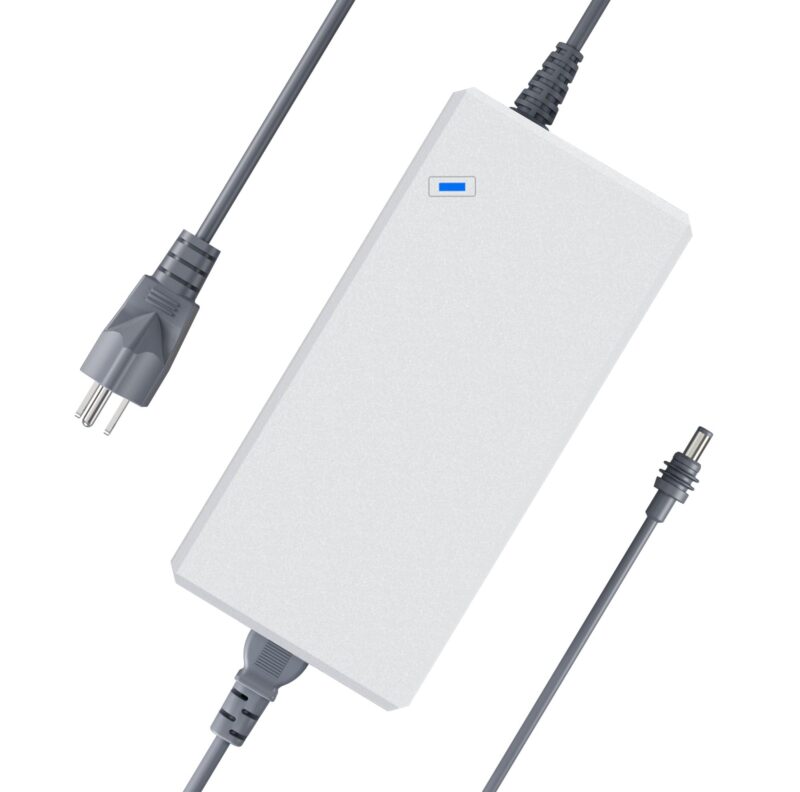
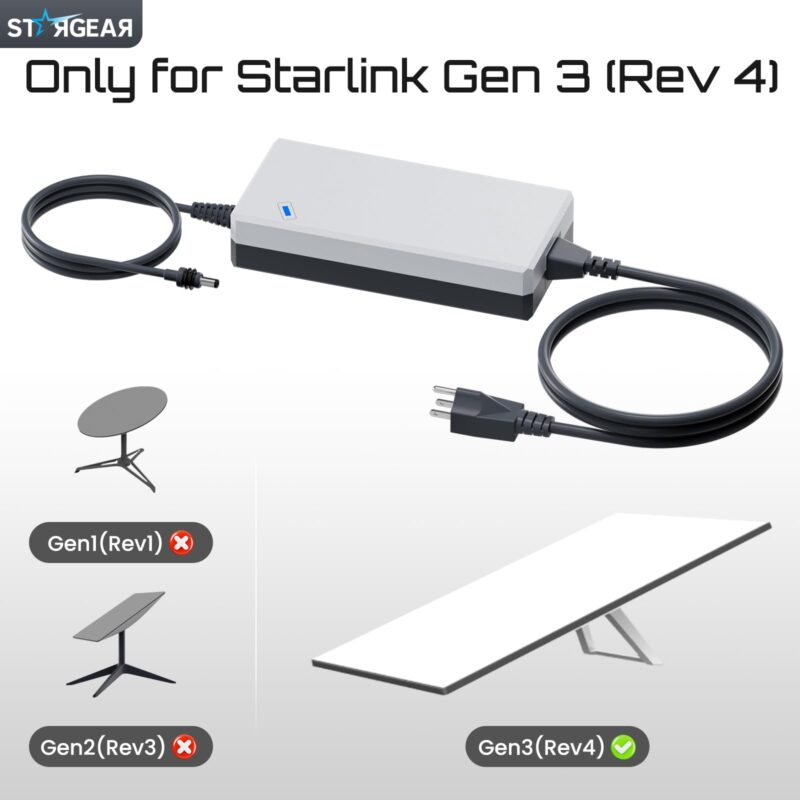
Replace the AC power brick on a compatible Starlink Standard 4 X kit with Router 3. This STARGEAR adapter delivers rated 57V DC at 3.42A (about 195W) and includes an attached round DC lead, a detachable AC cord and a blue indicator light.
| Brand | STARGEAR |
|---|---|
| Model Name | YN-330WA5700342W3 |
| Color | Gray |
| Compatible Devices | Starlink Standard 4 X with Router 3 and Matching Original Power Supply Specifications |
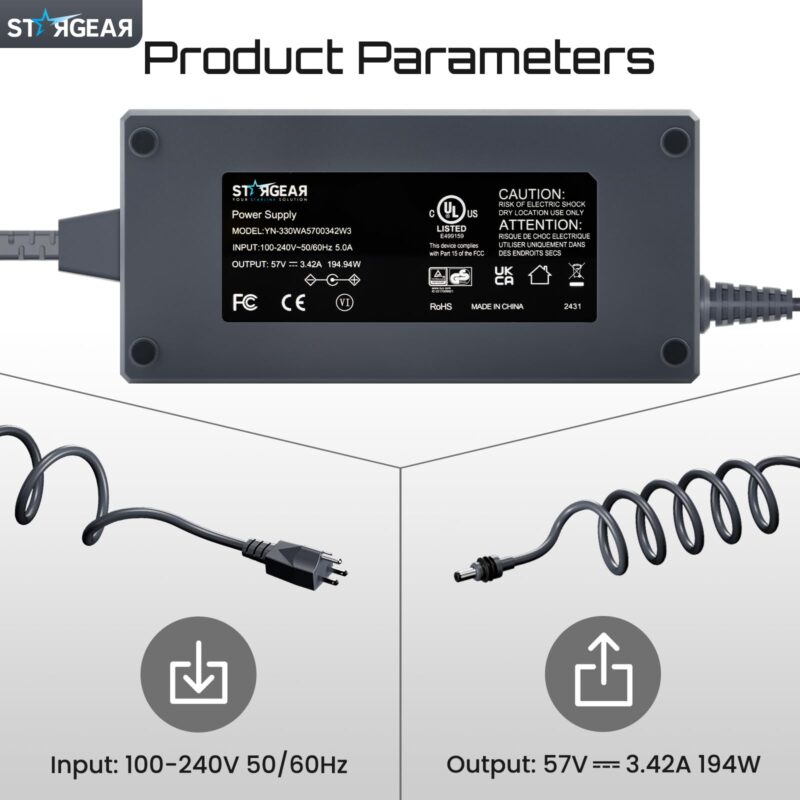
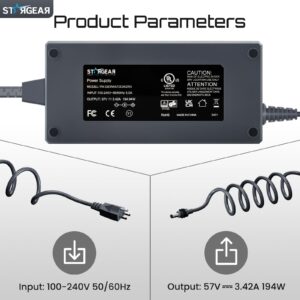
| AC Input Rating | 100–240V AC, 50/60 Hz, 5.0A |
| DC Output Rating | 57V DC, 3.42A |
| Rated Output Power | 194.94W (Approx. 195W) |
| DC Connector | Round DC Barrel Plug (Listed as 5521) |
| Cord Length | Approx. 3.28 ft (1 m) Each for the DC Lead and AC Cord |
| Special Feature | Blue Power Indicator |
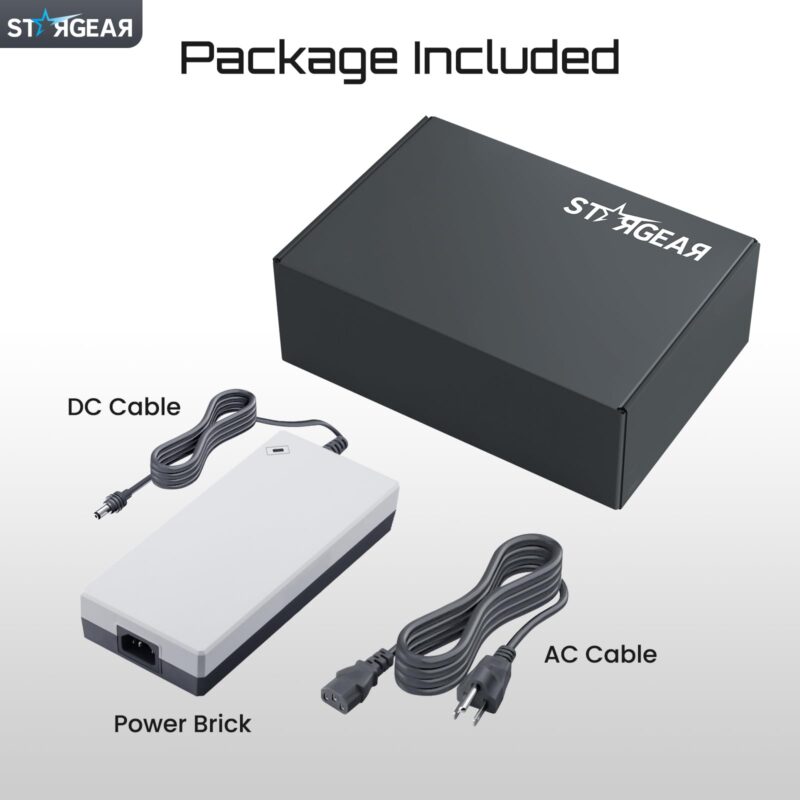
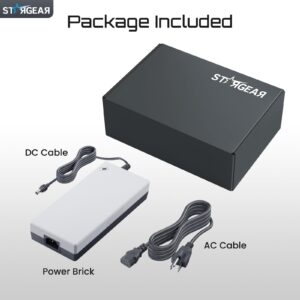
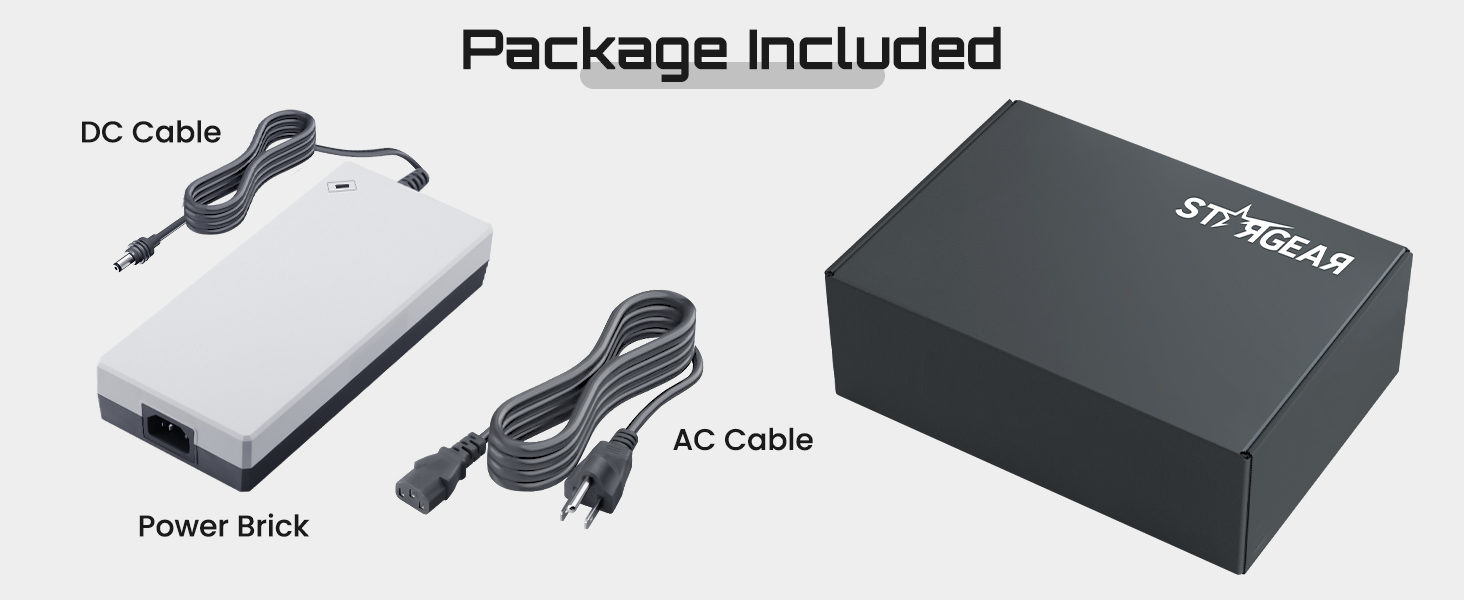
| Included Components | 1 Power Adapter with Attached DC Lead, 1 Detachable AC Cord |
| Use Location | Dry Indoor Location |
Replace Your Starlink Gen 3 195W Power Supply
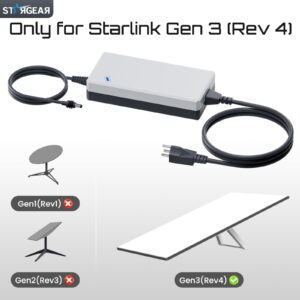
The Starlink Gen 3 195W Power Supply is a STARGEAR replacement for the Standard 4 X kit with a rectangular Gen 3 dish and Router 3. It comes with an AC cord for a compatible wall outlet.
Match the Router and Original Power Supply
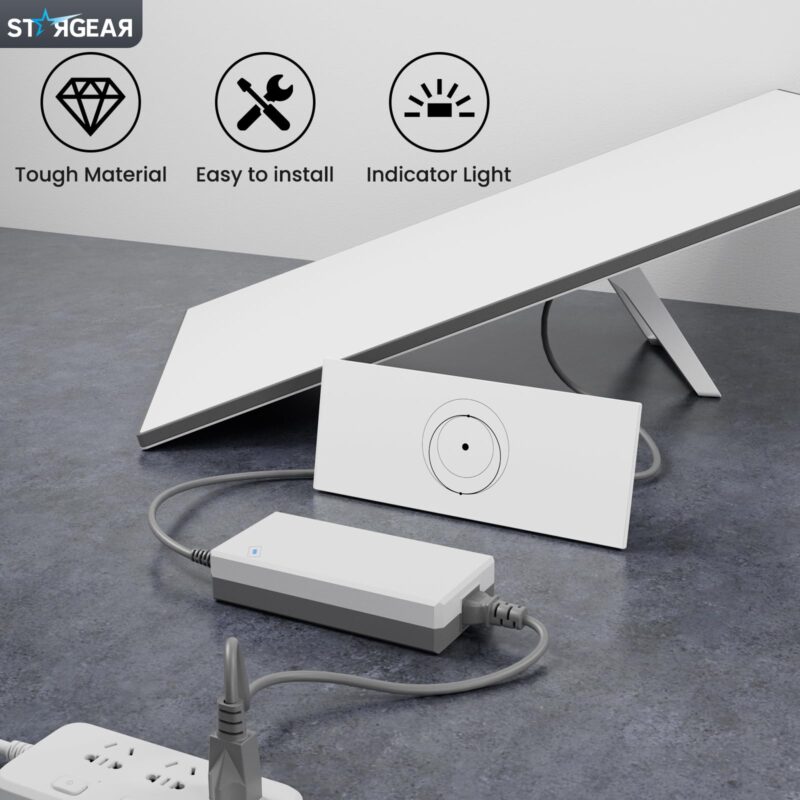
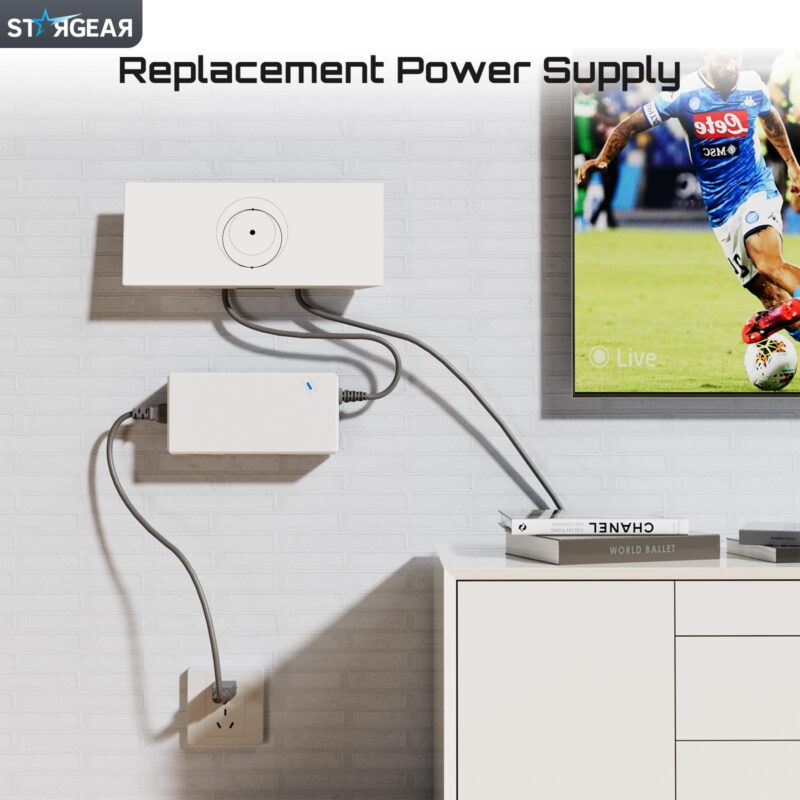
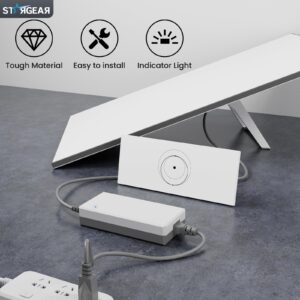
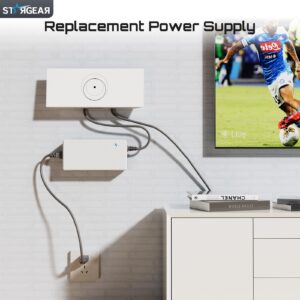
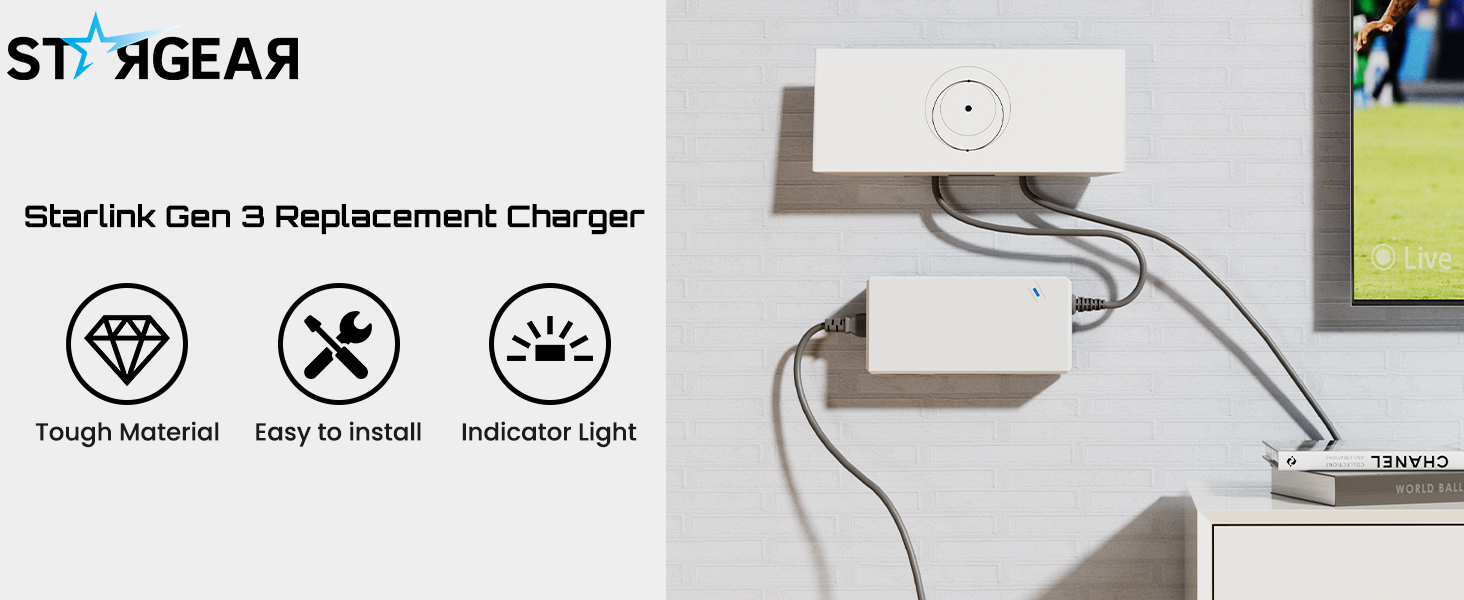
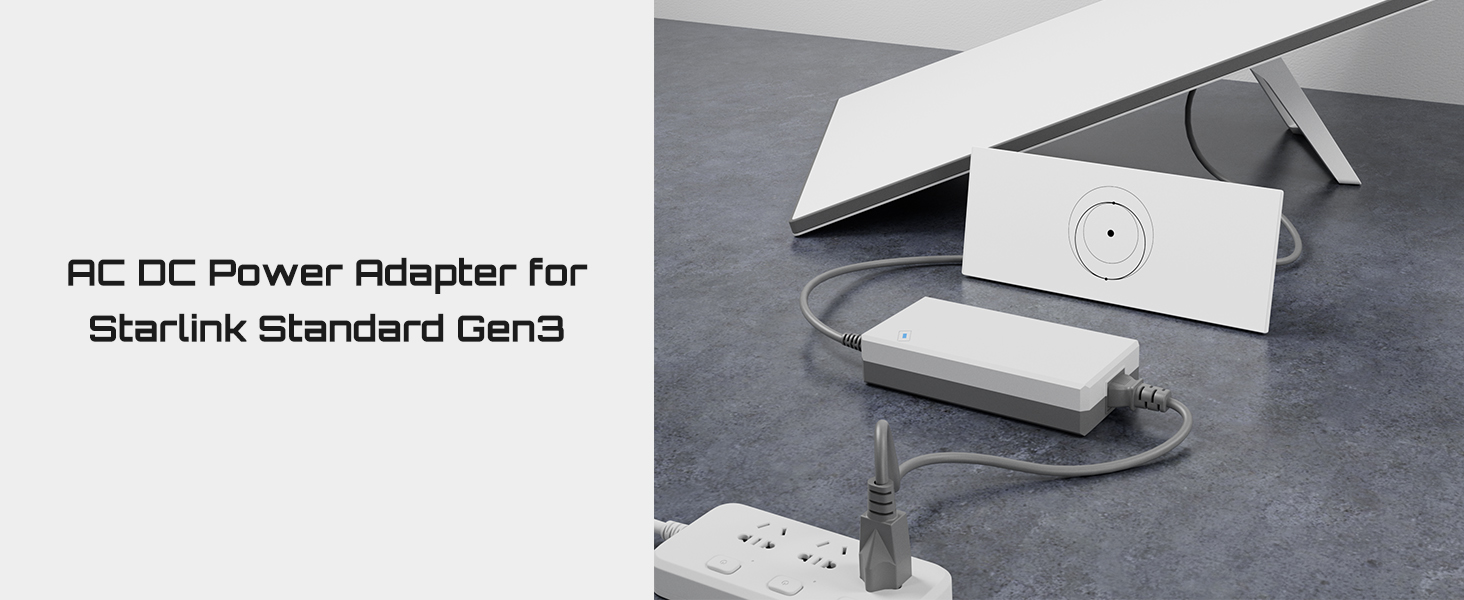
This Starlink Standard 4 X power adapter is made for the kit with the wide, horizontal Router 3 pictured here. The attached round DC plug connects to the router’s power input.
If you’re replacing a Starlink Gen 3 charger, check the 57V and 3.42A output ratings on the original label. Compare the output plug and polarity with the replacement before connecting it.
If your kit has Router Mini or the upright Router 4, use the power supply specified for that configuration. Starlink Mini uses a different supply.
Read the AC and DC Ratings
The 57V 3.42A power supply accepts 100–240V AC at 50/60 Hz. Its label lists a 5.0A AC input rating and 194.94W DC output, rounded to 195W in the product name.
The AC cord connects the power brick to the outlet. The attached DC lead powers Router 3, while the original Starlink cable still connects the dish to the router.
Check What Comes in the Box
The Starlink Gen 3 195W Power Supply comes with its attached DC lead and one detachable AC cord. You’ll use your existing Router 3, dish and Starlink dish cable.
The DC lead and the AC cord are each listed at about 3.28 ft (1 m). Check the distance from the outlet to the power brick and from the brick to the router separately.
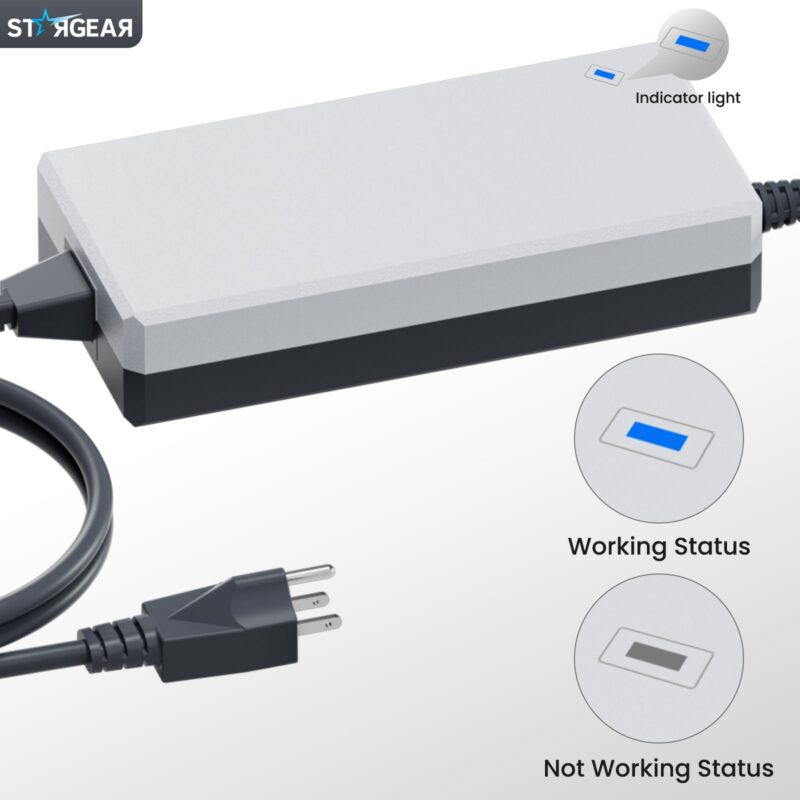
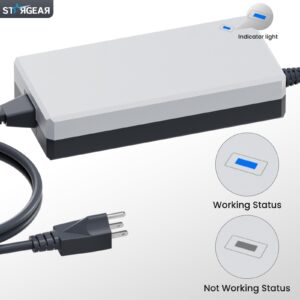
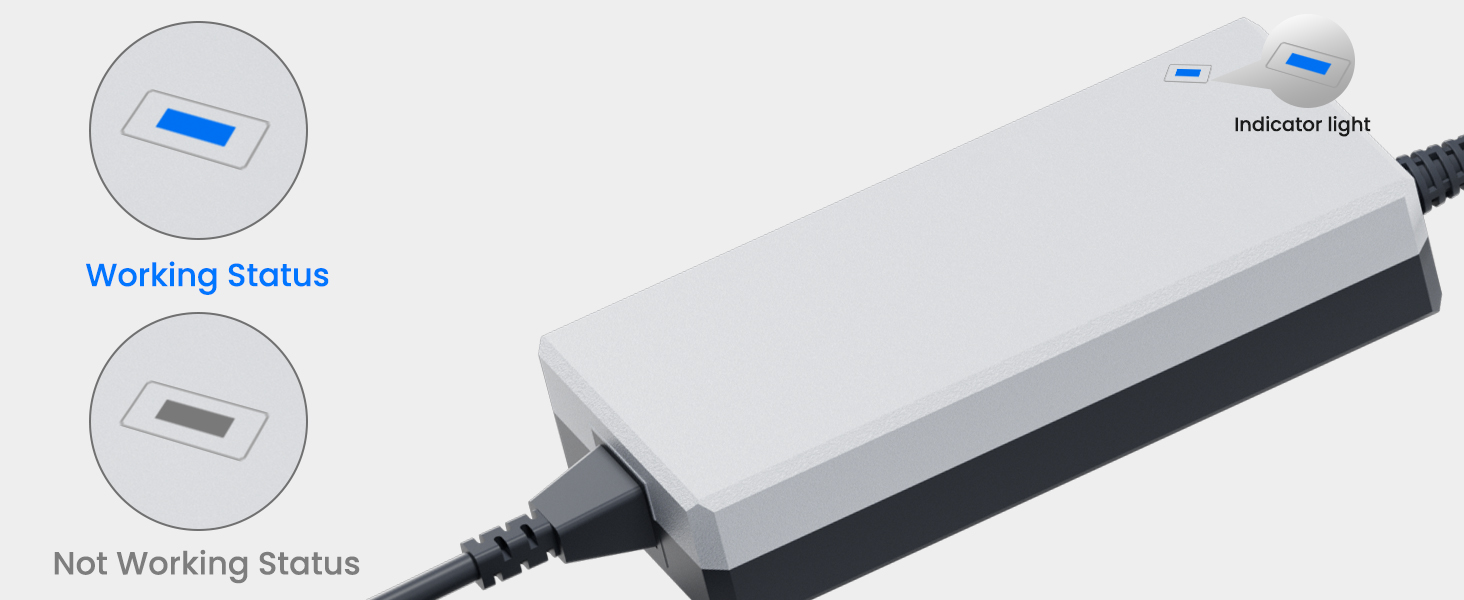
Check that the included AC cord fits your outlet before use. The light on the power brick gives a visual power cue.
Use the router status light or Starlink app to check your internet connection.
Connect the Starlink Gen 3 195W Power Supply Indoors
Disconnect the old supply from AC power first. With the replacement unplugged from AC, seat the round DC plug in Router 3’s power input, then connect the AC cord to a matching outlet.
Place the Starlink replacement AC adapter in a dry indoor spot with space around the brick. Keep the connections away from water, and route the two leads where they won’t be pinched or pulled.
Why You’ll Love It
- Rated 57V DC at 3.42A for the compatible Router 3 setup.
- The attached DC lead plugs into the matching round power input.
- The detachable AC cord comes in the box.
- The blue light is visible on the top of the power brick.
- Input covers 100–240V AC at 50/60 Hz.

FAQ
Q1: Which kit fits the Starlink Gen 3 195W Power Supply?
A1: Use it with a Standard 4 X kit that has Router 3 and the matching power ratings, plug and polarity. Check the router version and original label before connecting.
Q2: Do I need to buy a separate power cord?
A2: The package includes a detachable AC cord and the DC lead is attached to the power brick. Keep using your existing Starlink dish cable.
Q3: Can I plug it into a 12V socket in my RV?
A3: Use a compatible AC outlet in a dry part of the RV. The adapter takes 100–240V AC input, so a 12V DC vehicle socket cannot power it directly.
Q4: Can the Starlink Gen 3 195W Power Supply stay outdoors?
A4: Keep the power brick and both plugs in a dry indoor location. The rating label specifies dry-location use, even if your Starlink dish is set up outside.
Q5: What does the blue light show?
A5: The blue light is a power indicator on the adapter. For internet status, check the router’s own light or open the Starlink app.
Related products
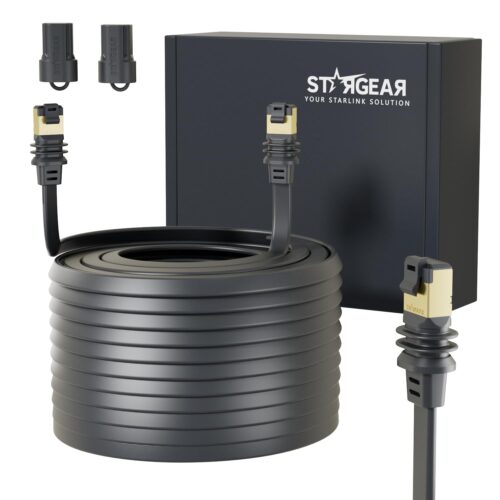
Flat RJ45 Window Cable for Starlink Mini and Standard 4/4 X
Price range: $39.99 through $79.99
Select options
This product has multiple variants. The options may be chosen on the product page


Reviews
There are no reviews yet.