







Starlink Enterprise SPX to RJ45 Adapter Pair
$69.99
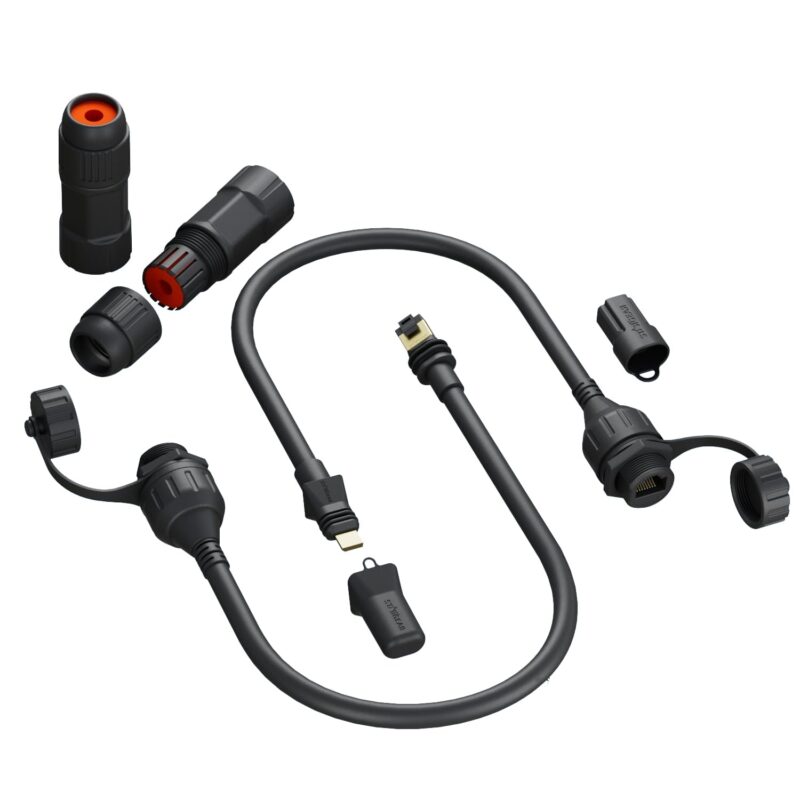
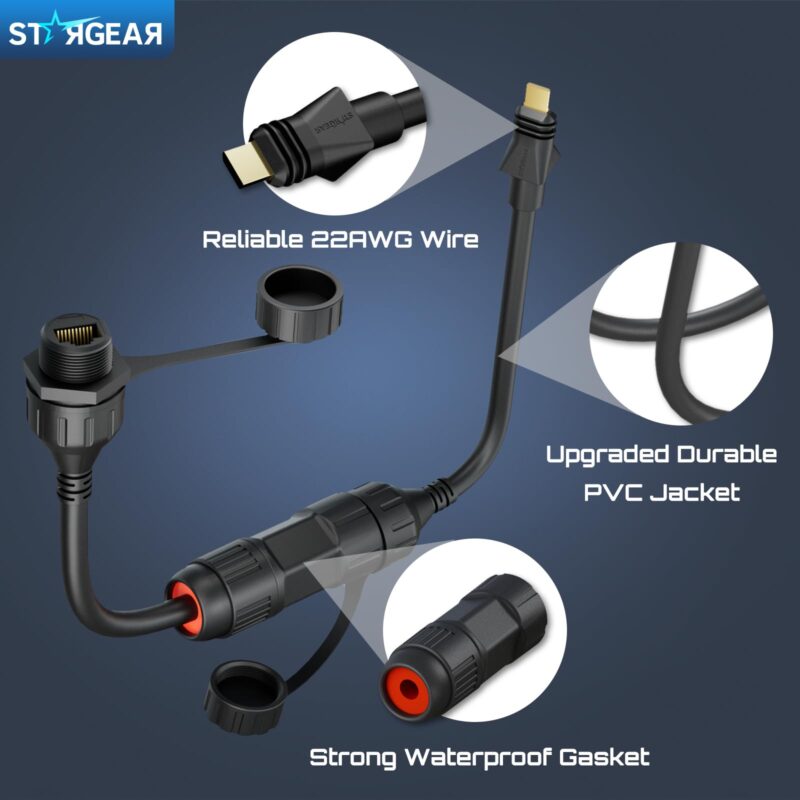
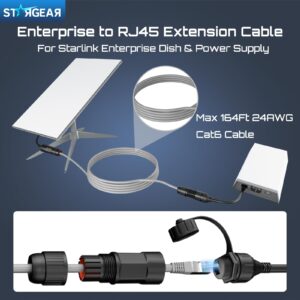
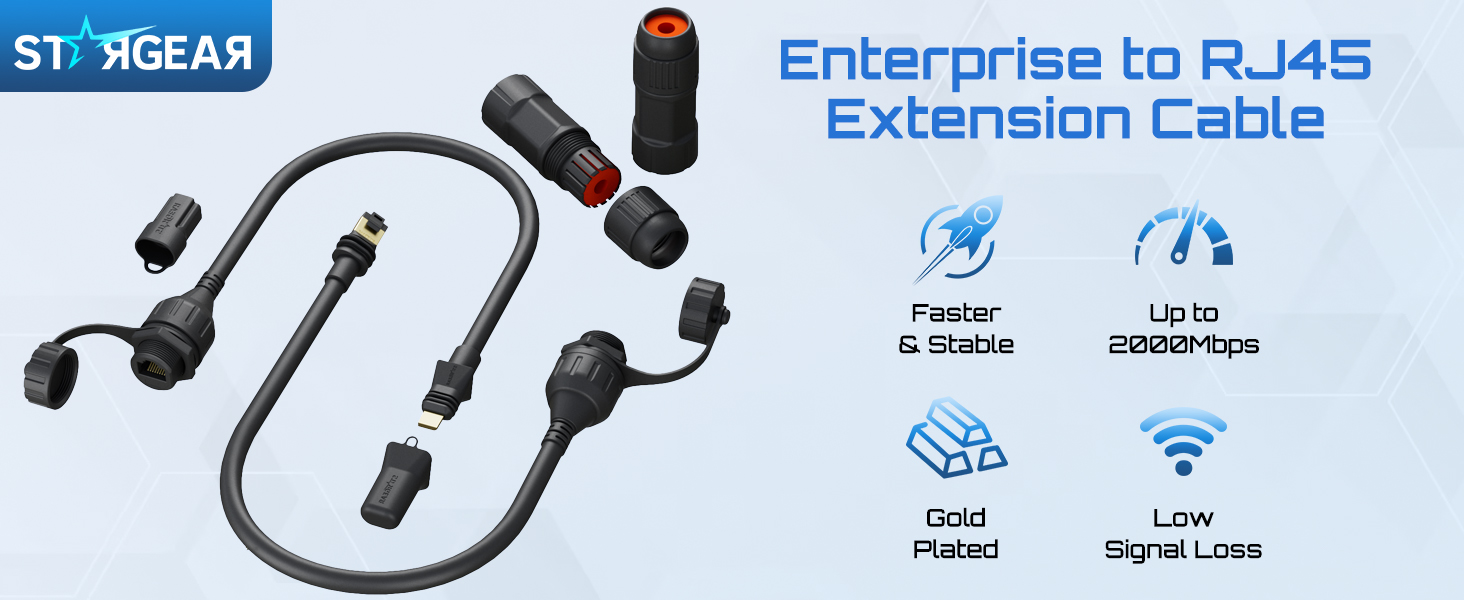
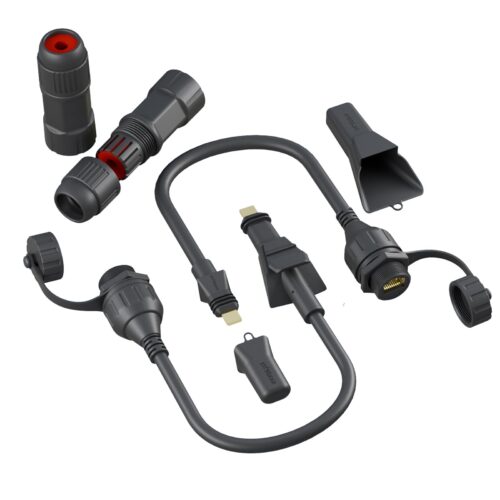
Connect your Starlink Enterprise dish to its dedicated power supply through a compatible RJ45 cable you provide. This two-piece kit includes a dish-side adapter, a power-supply-side adapter and threaded RJ45 housings with gaskets and end caps.
| Brand | STARGEAR |
|---|---|
| Model / Manufacturer Part Number | SG-ENT-SPX-RJ45-2pcs |
| Product Type | SPX to RJ45 adapter pair |
| Compatible Devices | Starlink Enterprise dish and dedicated Enterprise power supply |
| Dish-Side Adapter | Enterprise SPX plug to female RJ45 socket |
| Power-Supply-Side Adapter | Enterprise SPX plug to female RJ45 socket |
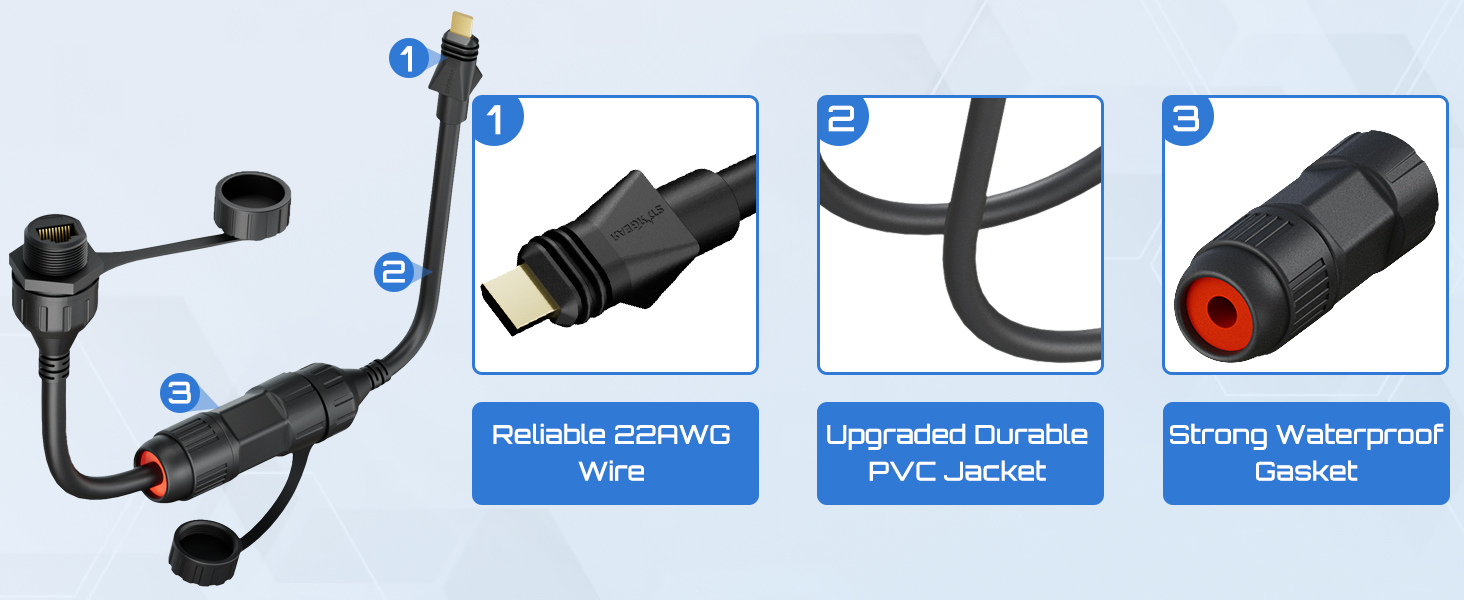
| Adapter Lead Gauge | 22 AWG, as specified by STARGEAR |
| Cable Jacket | PVC |
| Color | Black |
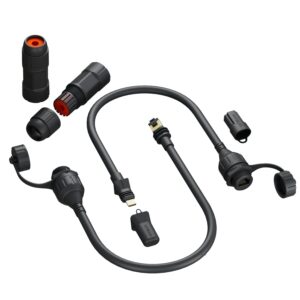
| Included Components | 1 dish-side adapter, 1 power-supply-side adapter, threaded RJ45 housings, gaskets and end caps |
| Required Separately | Compatible Ethernet cable with RJ45 plugs at both ends |
Starlink Enterprise RJ45 Adapter Pair for Dish Cabling
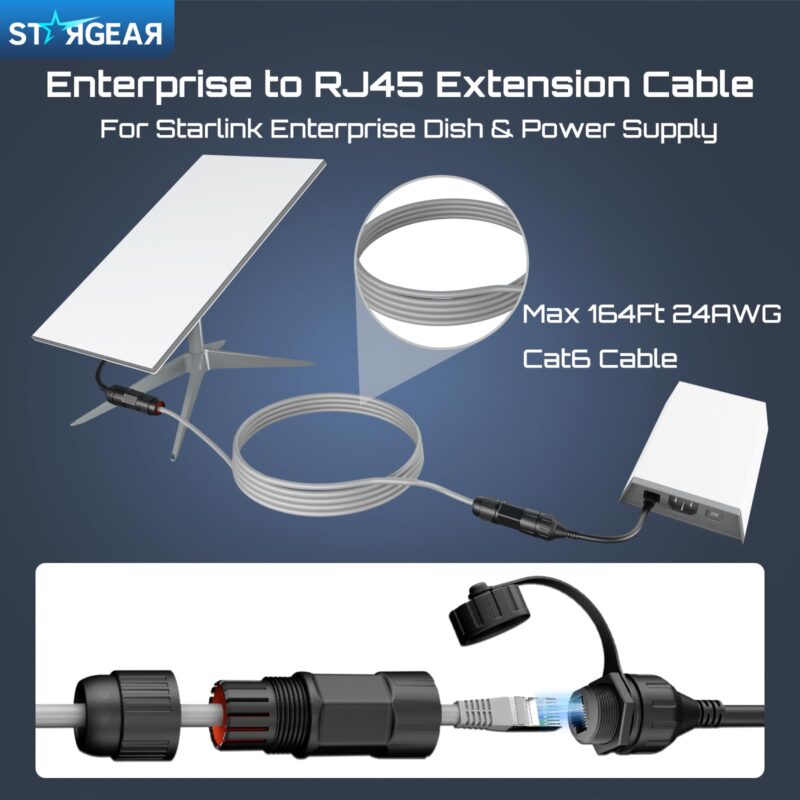
The Starlink Enterprise RJ45 Adapter pair gives you a way to run a compatible Ethernet cable between your Enterprise dish and its dedicated power supply. Connect one short adapter at each end.
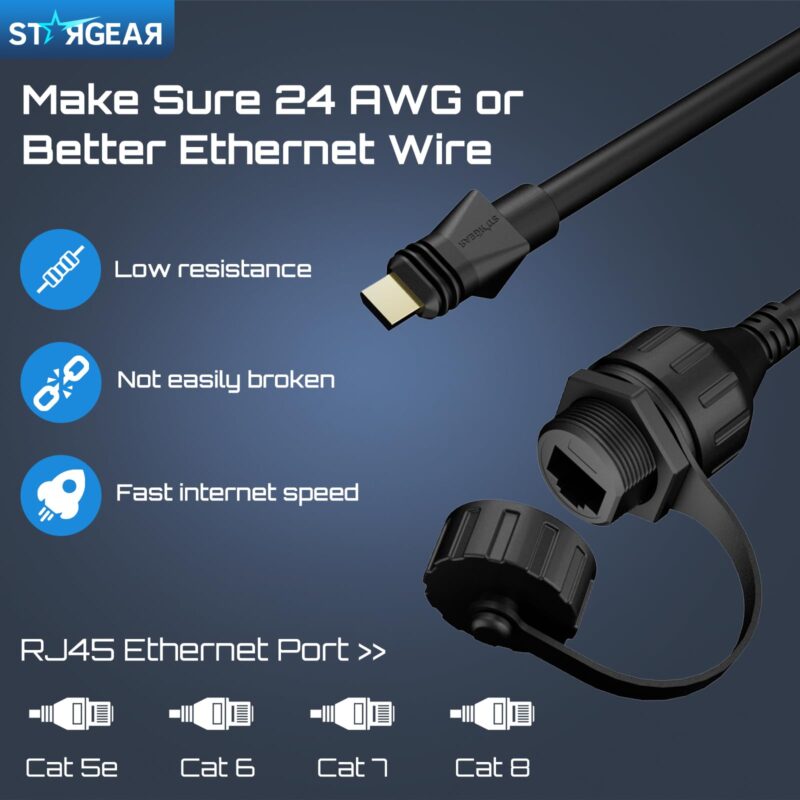
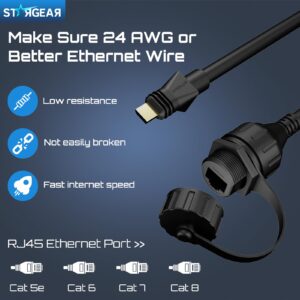
The two female RJ45 sockets take a separately supplied cable with RJ45 plugs at both ends. This lets you plan a new route without cutting or reterminating the original Enterprise cable.
Identify the Enterprise Kit Before Ordering
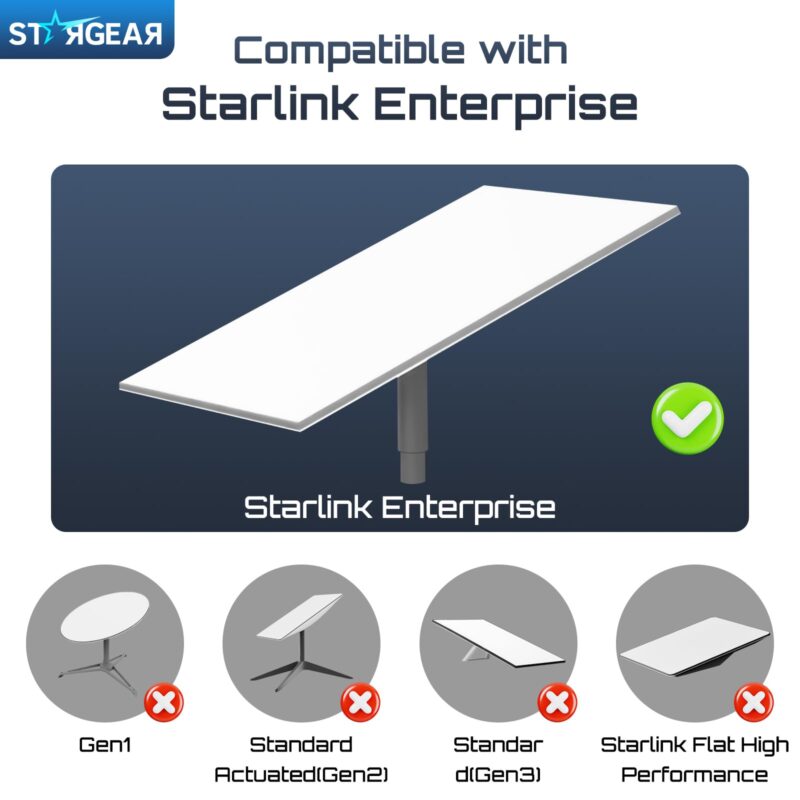
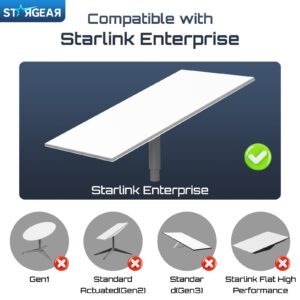
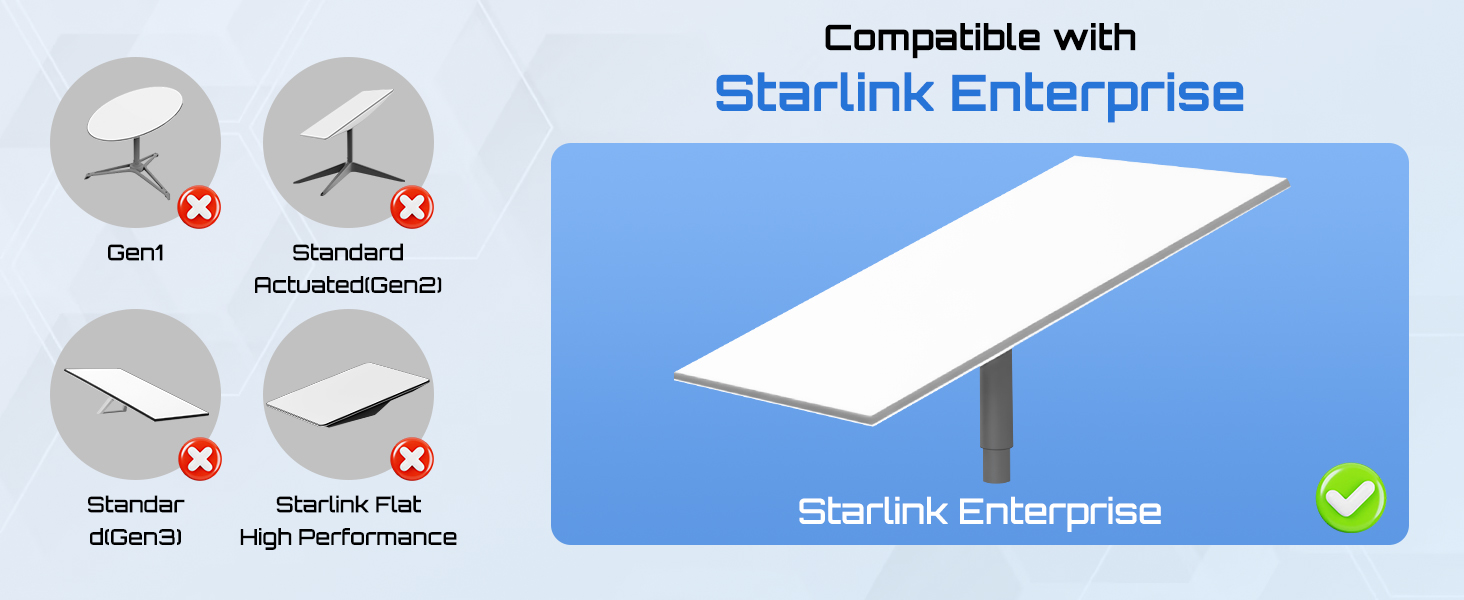
Check the kit name in your Starlink account or on the packaging, then compare the dish and power supply ports with the product images. The rectangular dish shape alone is an incomplete guide to compatibility.
This pair is made for the Starlink Enterprise kit. Use the accessory specified for your kit if you have Flat High Performance, Standard Actuated, Standard 4, Standard 4 X or Mini.
Find the Right Place in the Cable Run
Install the Starlink Enterprise RJ45 Adapter pair on the powered line between the dish and the Enterprise power supply. Keep the dedicated power supply in the setup.
The router uses a separate Ethernet connection on the Enterprise power supply. If you are routing a cable to the router’s WAN port, follow the Starlink setup guide for that connection.
Pick a Cable Before Closing Up the Route
STARGEAR lists 24 AWG Cat6 as guidance for the separate cable. Confirm the cable and total length for your installation, especially if the route includes a long run between rooms or buildings.
Check the outside diameter of the jacket and the size of the plugs before ordering. Both ends need to fit through the supplied threaded housings and any narrow cable openings along the route.
Leave some slack at the dish and at the power supply. Place the two RJ45 joins where you can inspect them without taking down the dish or pulling cable from the wall.
Connect the Adapters with the Power Off
Disconnect power before fitting the Starlink Enterprise RJ45 Adapter pair. Match each SPX plug to its port using the kit instructions, then connect the RJ45 cable between the adapters.
Assemble the threaded housings with their gaskets as directed. Keep both joins sheltered and dry, and restore power to check that the dish starts normally before fastening the run in place.
If the dish does not come online, disconnect power again before checking either RJ45 join or either SPX plug. Confirm the placement of each adapter against the kit instructions.
Why You’ll Love It
- A matched two-piece kit for the Enterprise powered cable run.
- Separate adapters for the dish and power supply.
- Female RJ45 sockets take a compatible cable you supply.
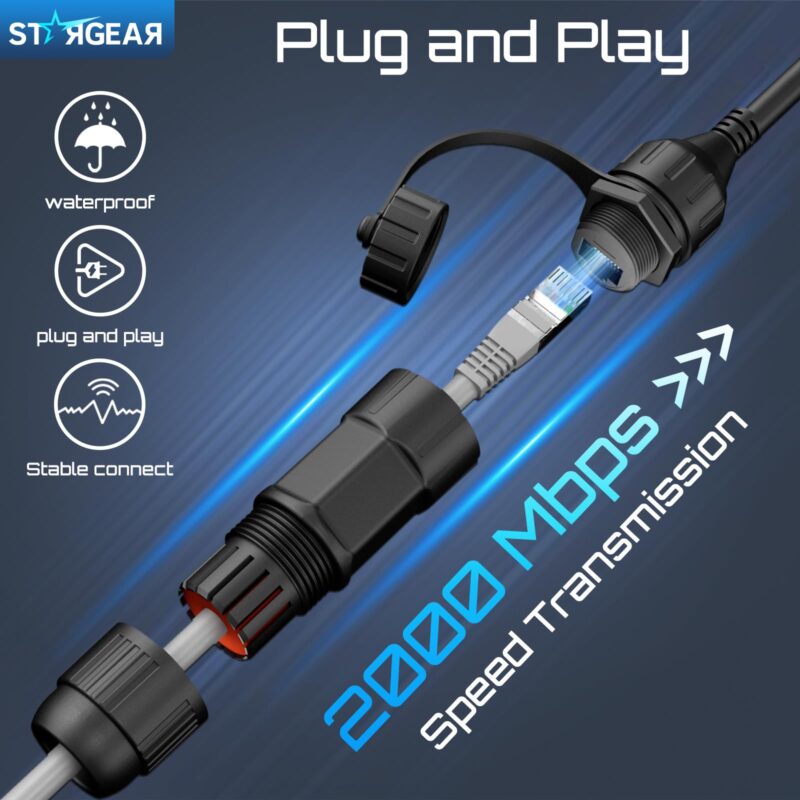
- Threaded housings cover the RJ45 joins.
- End caps cover the connectors when disconnected.




FAQ
Q1: Which kit fits the Starlink Enterprise RJ45 Adapter pair?
A1: It fits the dish and dedicated power supply from the Enterprise kit. Flat High Performance and other Standard kits use their own accessories.
Q2: Which cable do I need between the adapters?
A2: Choose a compatible Cat6 cable with RJ45 plugs at both ends. Verify the gauge, jacket fit and total length with STARGEAR before ordering.
Q3: Can I connect a router directly through this pair?
A3: Use the pair between the dish and Enterprise power supply. Connect your router through the separate Ethernet connection on the power supply.
Q4: Can I leave the RJ45 joins exposed to rain?
A4: Place the joins in a sheltered, dry location. Fit the supplied housings and gaskets around the connections and cover unused sockets with the caps.
Q5: What comes with the Starlink Enterprise RJ45 Adapter pair?
A5: You receive two SPX to RJ45 adapters, threaded housings, gaskets and end caps. Supply your own Enterprise equipment and compatible RJ45 cable.


Reviews
There are no reviews yet.