





Starlink Black Adhesive Plates, 4 Pack for Mini and Standard
Original price was: $30.99.$24.69Current price is: $24.69.
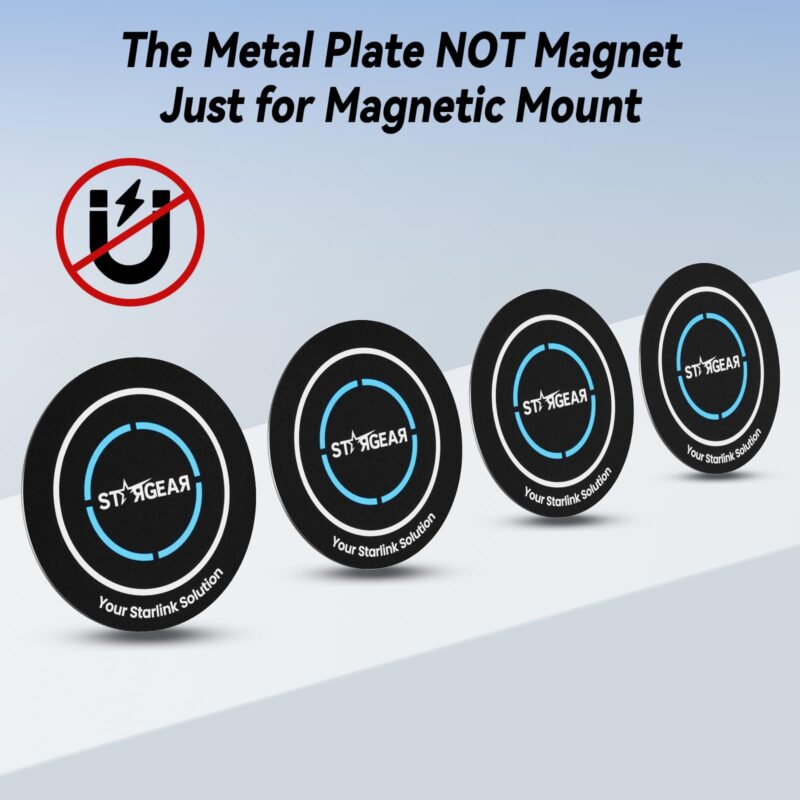
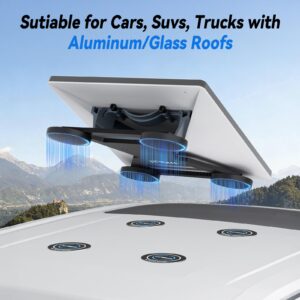
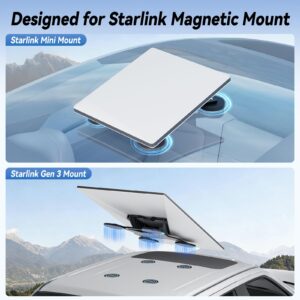
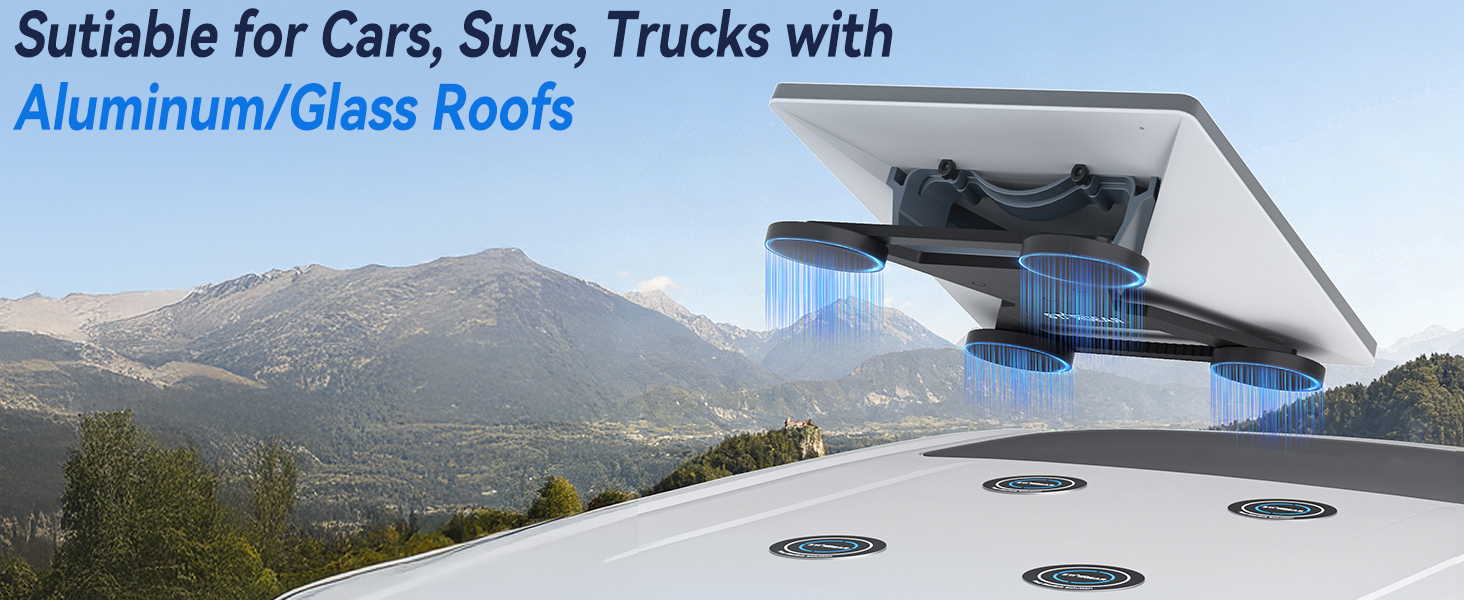
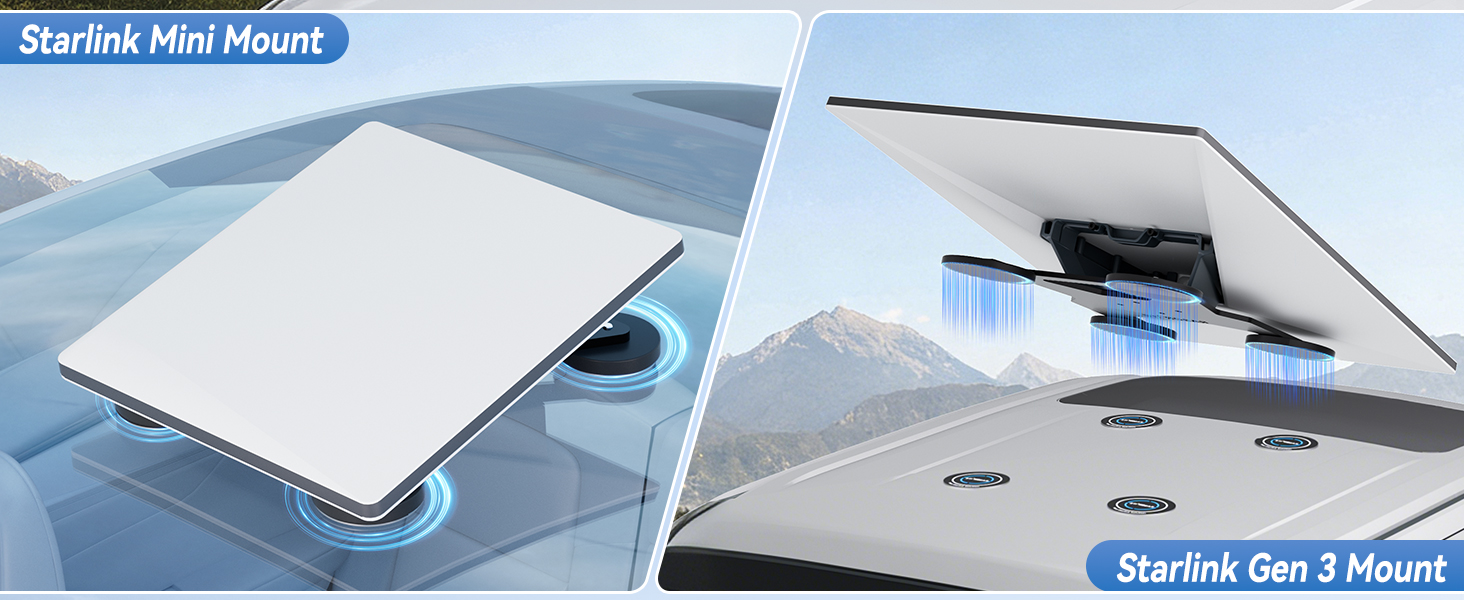
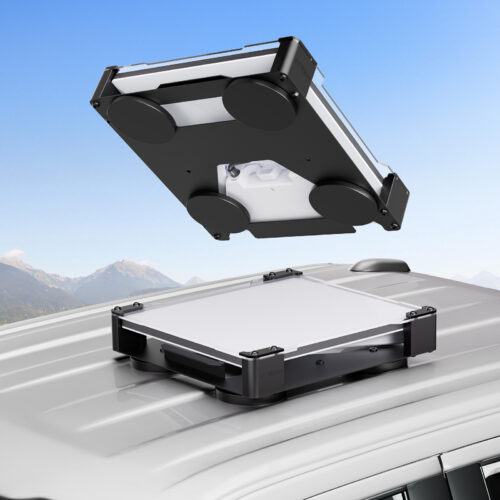
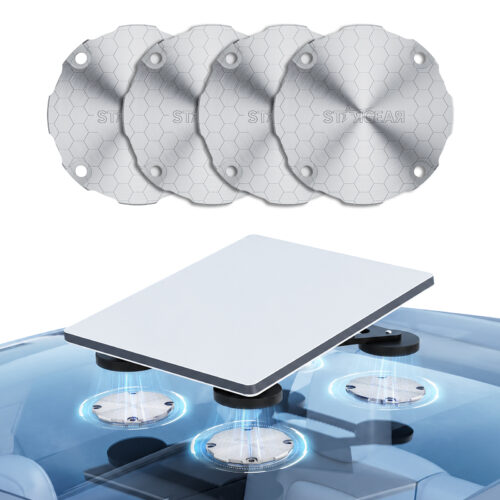
Starlink Black Adhesive Plates give a compatible magnetic mount four steel contact points on a suitable aluminum or fixed glass roof, without drilling. This four-pack fits setups for Starlink Mini and Standard 4/4 X (Gen 3) when the mount feet match the plates. The dish and magnetic mount are not included.
| Antenna | Satellite |
|---|---|
| Brand | STARGEAR |
| Manufacturer | STARGEAR |
| Color | Black |
| Material | Powder-coated steel |
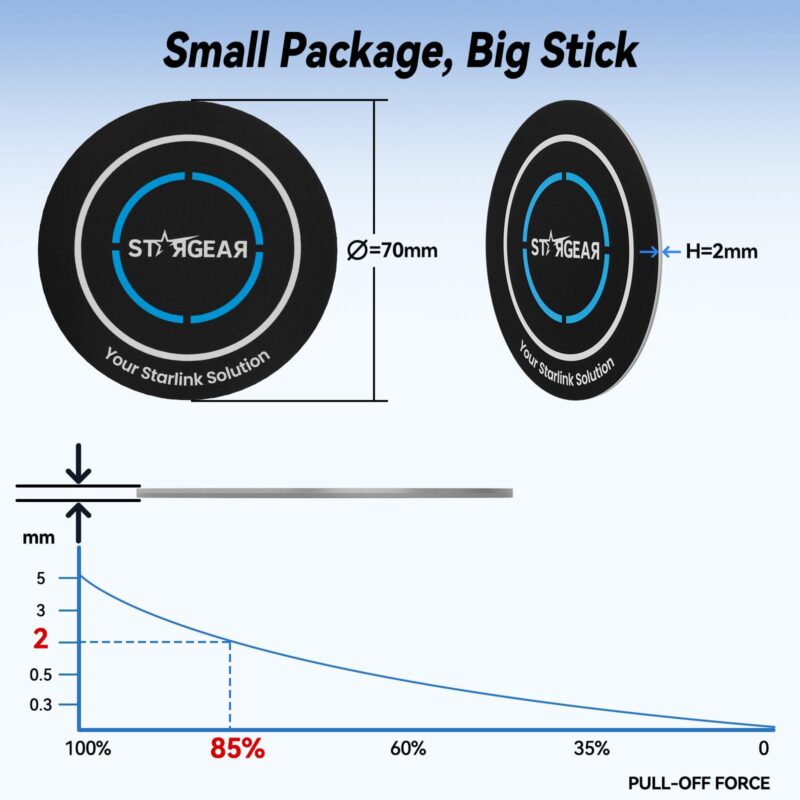
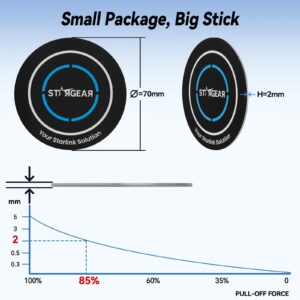
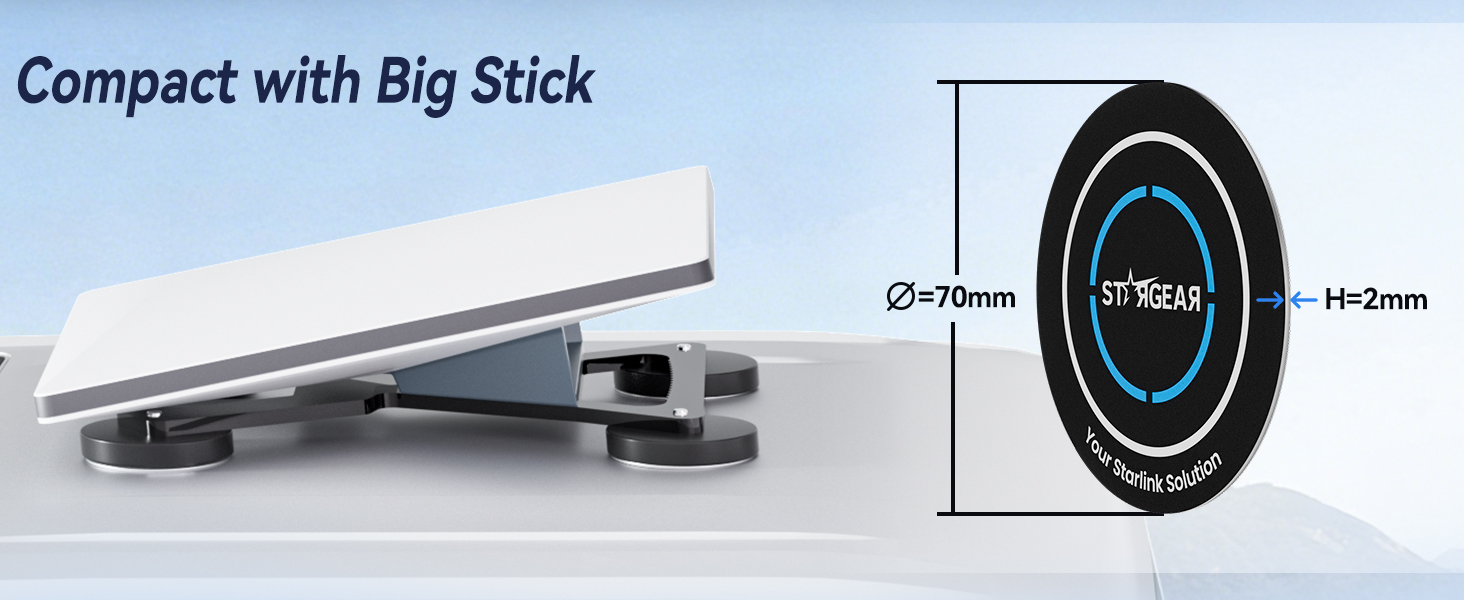
| Plate Dimensions | Approx. 70 mm diameter × 2 mm thick |
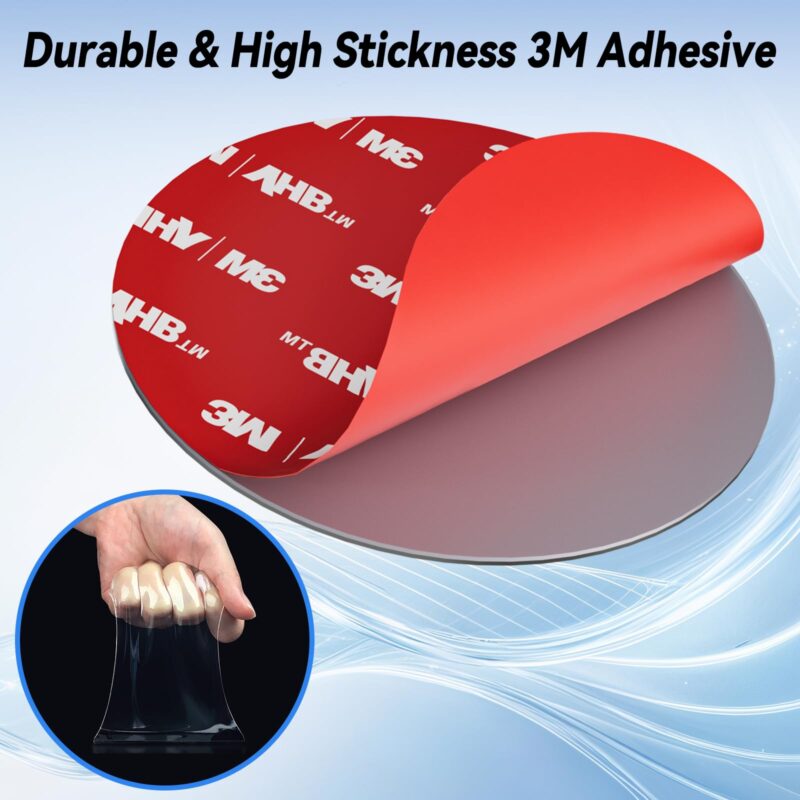
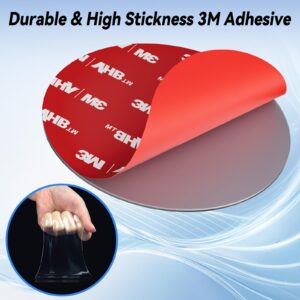
| Backing | Peel-and-stick adhesive |
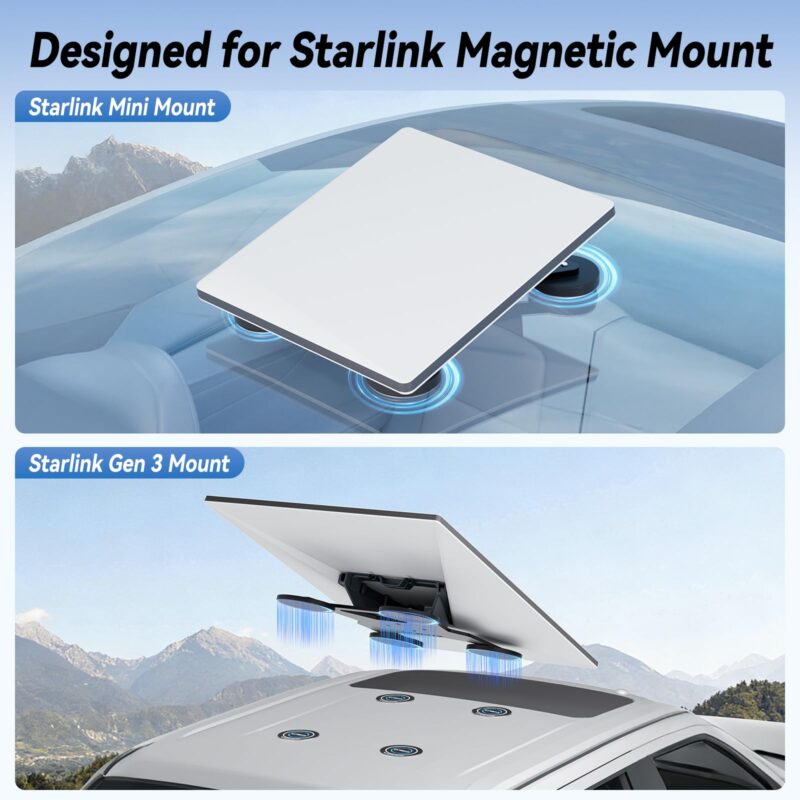
| Compatible Setups | Compatible magnetic mounts for Starlink Mini, Standard 4 and Standard 4 X |
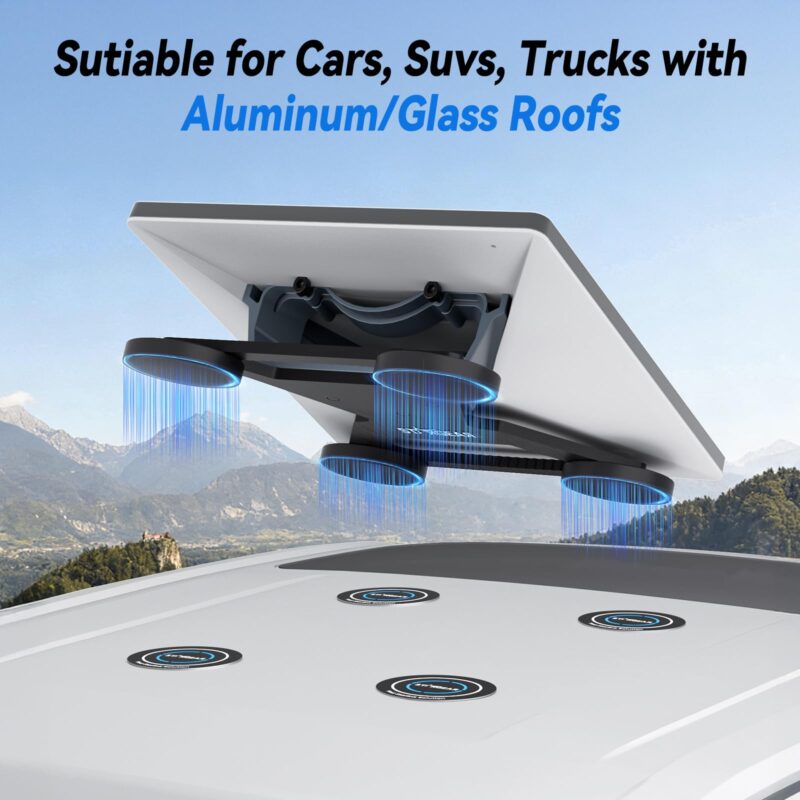
| Mounting Surface | Suitable smooth, flat aluminum or fixed glass |
| Included Components | 4 adhesive steel plates |
| Number of Items | 4 |
Starlink Black Adhesive Plates for Magnetic Mounts
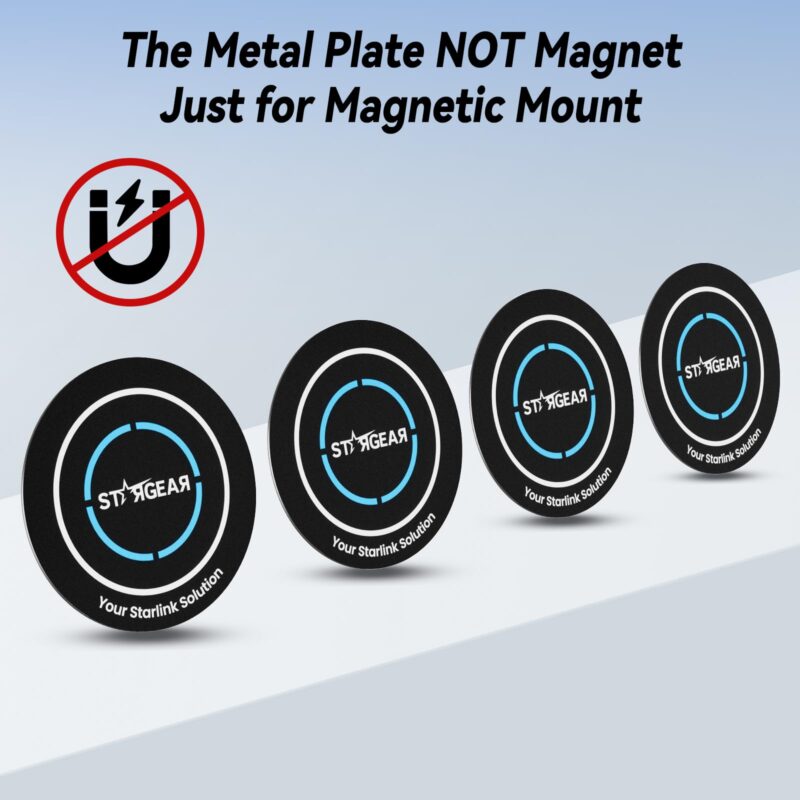
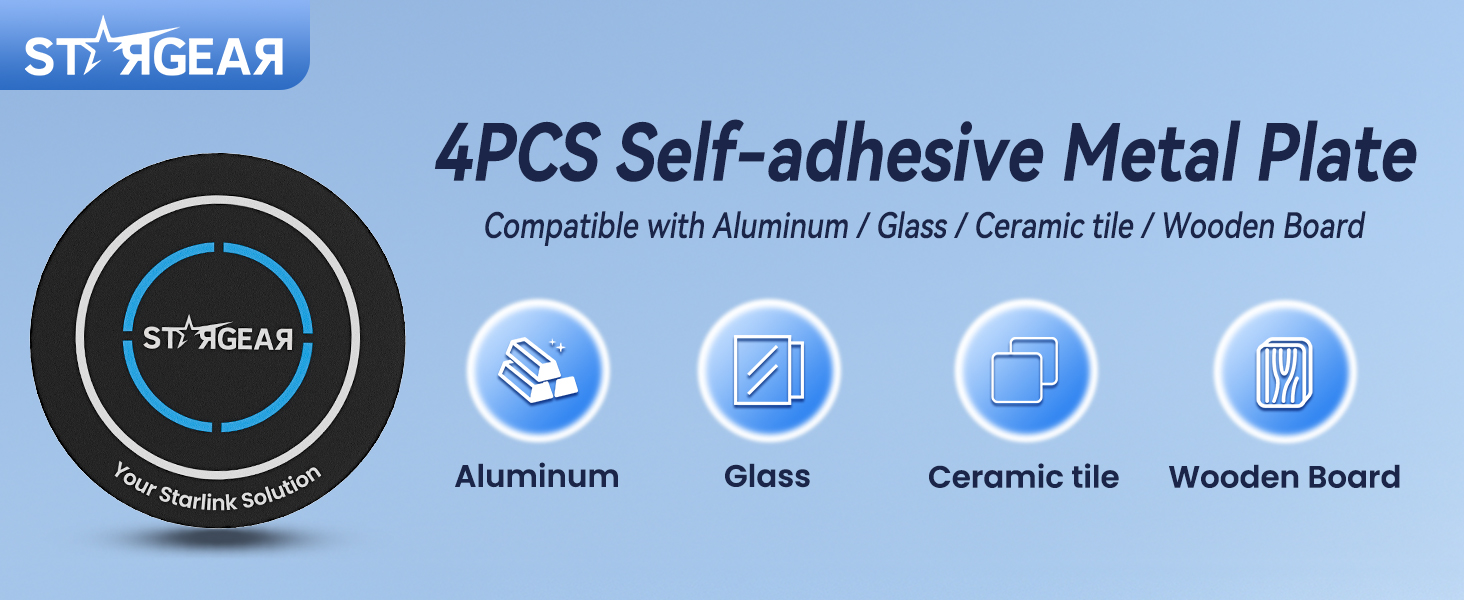
Use Starlink Black Adhesive Plates to give your magnetic mount four places to grip on a suitable aluminum or fixed glass roof where its magnets cannot attach directly. The black, powder-coated steel discs have peel-and-stick backs.
Space them to match your mount so you can lift off the mount and dish while leaving the plates in place.
Find the Right Fit for Your Mount
Use the plates with a Starlink Mini magnetic mount or a Starlink Standard 4 magnetic mount designed for your dish. For Standard 4 X, check that your mount lists 4 X compatibility.
Before peeling the backing from the Starlink Black Adhesive Plates, lay out all four pieces to match your mount’s feet. Check that each foot sits flat according to the mount maker’s instructions.
Magnetic Mount Plates for Aluminum Roofs and Fixed Glass
Look for a smooth, flat area on an aluminum roof panel or fixed glass. Avoid trim, seams, roof openings, and sections that move or flex.
Each of these adhesive steel plates is approximately 70 mm across and 2 mm thick. Measure the contact area of your mount feet before ordering.
If you move the same mount between vehicles, lay out a separate set of Starlink Black Adhesive Plates on each roof. Repeat the fit and surface checks on each vehicle.
How to Apply the Plates
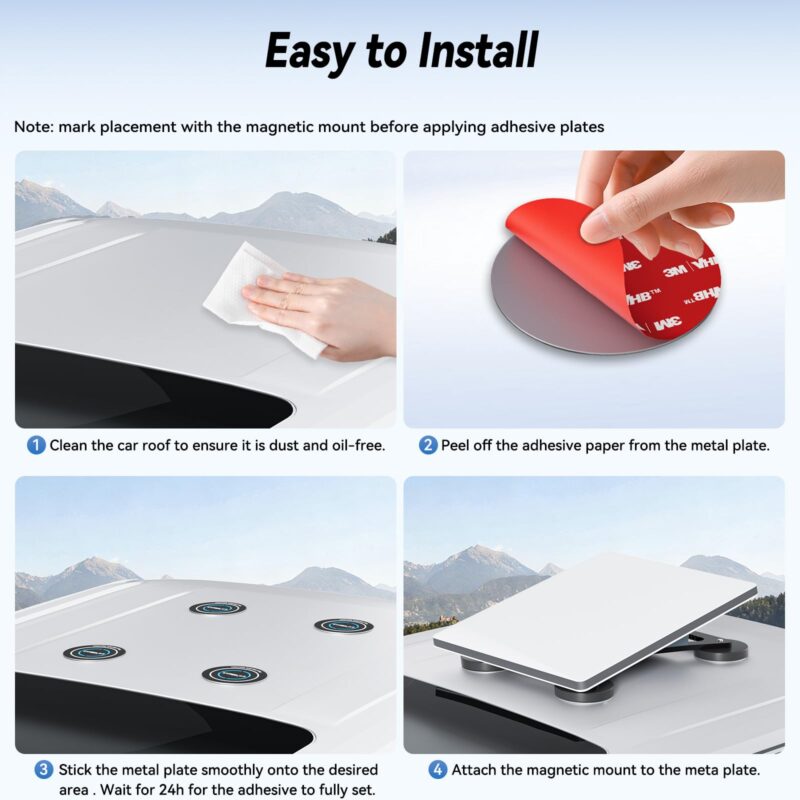
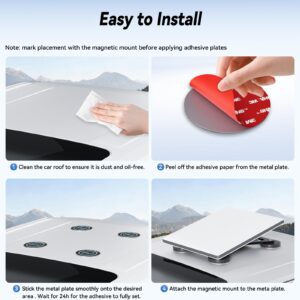
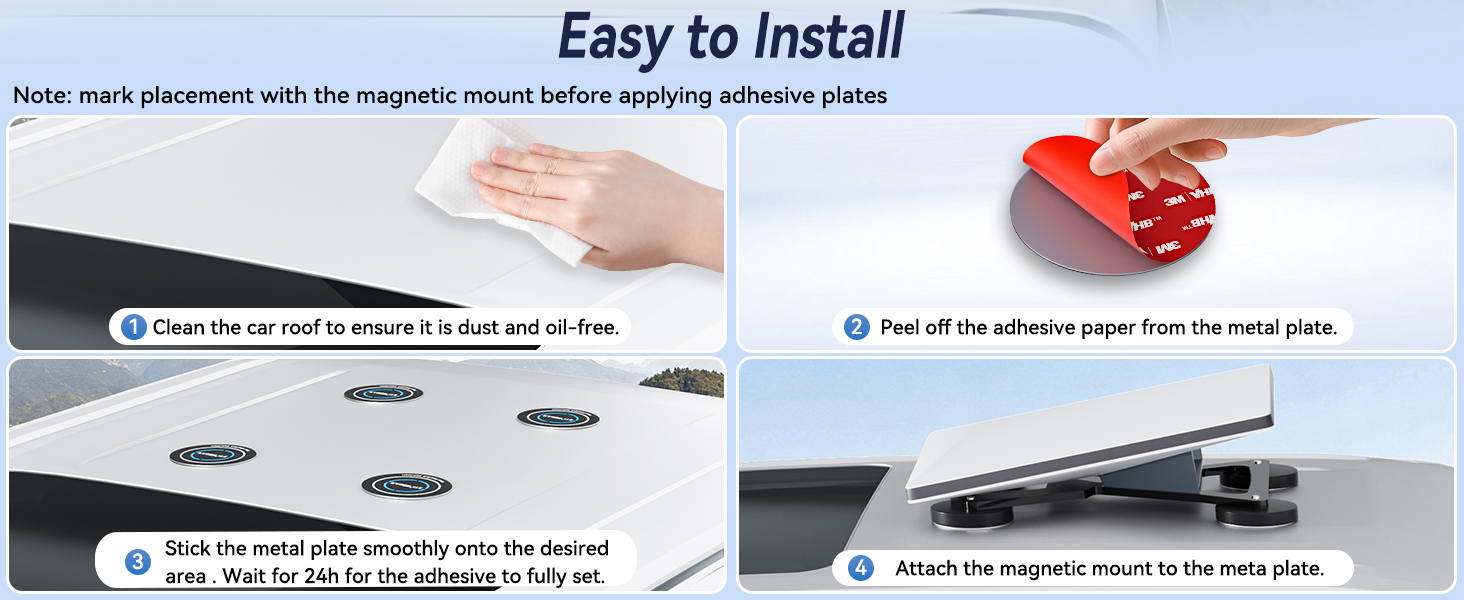
With the vehicle parked, use the mount to mark the four positions, then remove it. Clean and dry each spot so it is free of oil and dust.
When replacing an existing pad, clear away old adhesive and check that the roof finish is sound before applying a new plate to the same spot. Peel the liner from each plate, line up the plate with its mark, and press it down evenly so the adhesive makes full contact with the surface.
The Starlink Black Adhesive Plates installation guide shows a 24-hour wait before attaching the mount. Follow the instructions supplied with your kit if they call for a longer wait.
When you set the mount in place, check each foot for full contact and look for lifting at the edges. If a plate lifts or shifts, remove the mount.
Before You Hit the Road
Allow clearance around the dish and route the cable so it does not pull on the mount while the vehicle is parked. Use this setup while parked and remove the dish and magnetic mount before driving.
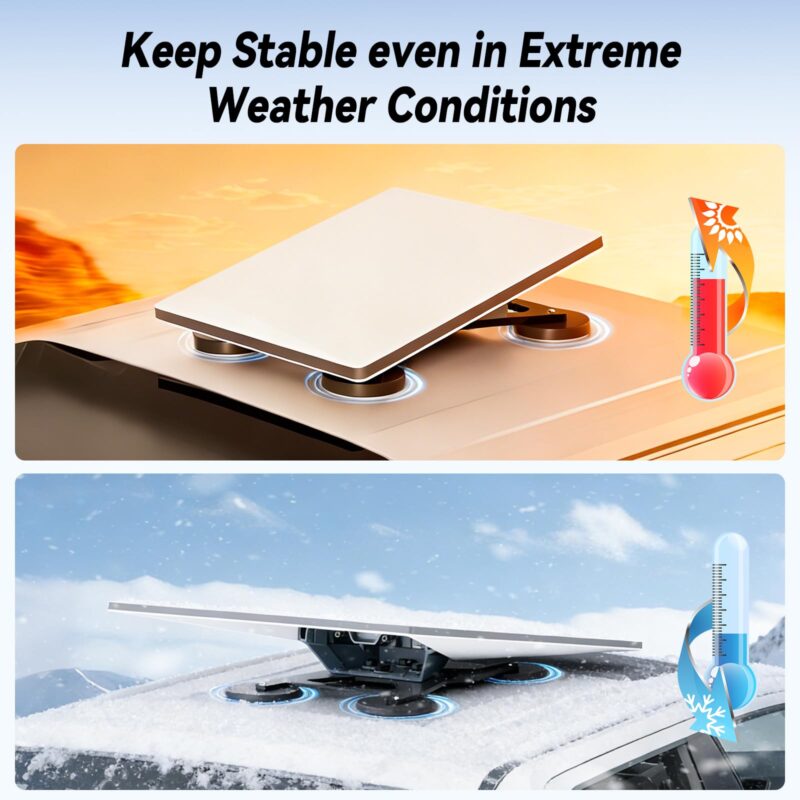
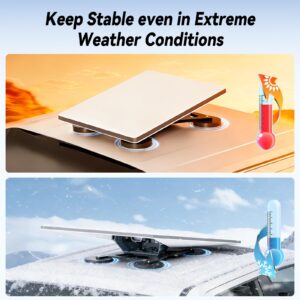
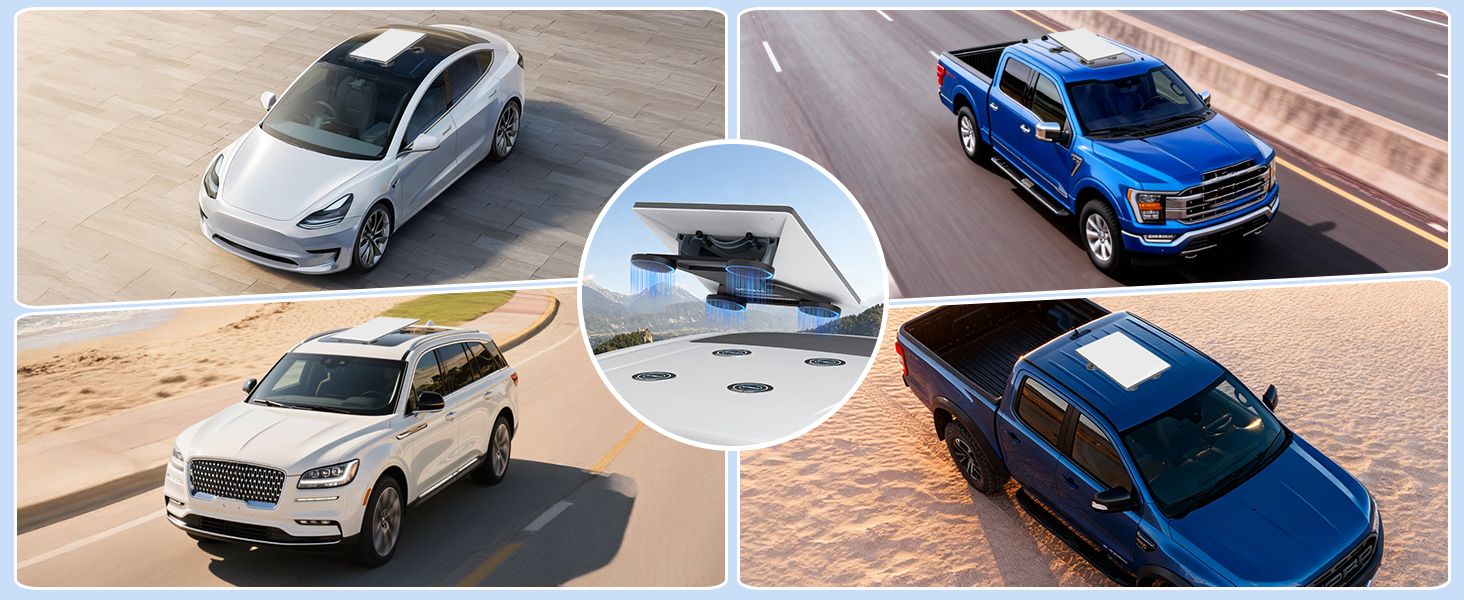
Treat the vehicle and weather graphics as illustrations.
Why You’ll Love It

FAQ
Q1: Can I attach my Starlink dish directly to these plates?
A1: Starlink Black Adhesive Plates work with a separate magnetic mount, which grips the steel. The set contains four plates. The dish and magnetic mount are not included.
Q2: Will these plates work with Starlink Mini and Standard 4 X?
A2: Yes, with a compatible magnetic mount for your dish. Compare the size and layout of the mount feet with the plates before applying them.
Q3: Can I use the plates on a glass sunroof?
A3: Choose suitable fixed glass with a smooth, flat area for all four plates. Keep the plates off moving panels and clear of seals and openings.
Q4: How long should I wait before attaching the mount?
A4: The installation guide shows a 24-hour wait after pressing the plates into place. Follow the included instructions if they specify a longer wait.
Q5: Can I leave the dish on the roof while driving?
A5: Use Starlink Black Adhesive Plates for parked setups. Before driving, remove the dish and magnetic mount.
Related products
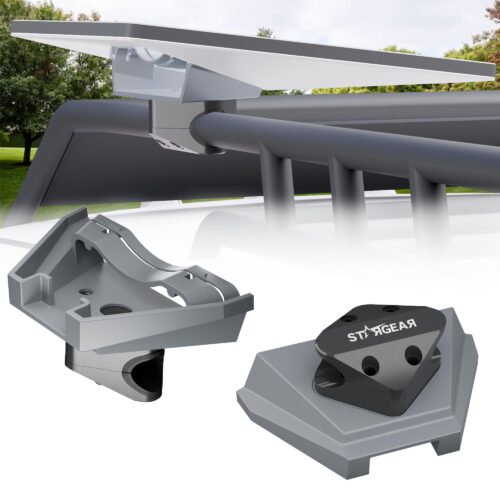
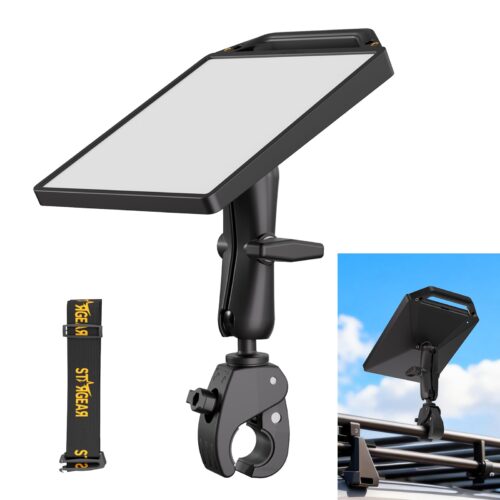
Starlink Mini Adjustable Clamp Mount Kit with Silicone Case
$109.99
Select options
This product has multiple variants. The options may be chosen on the product page

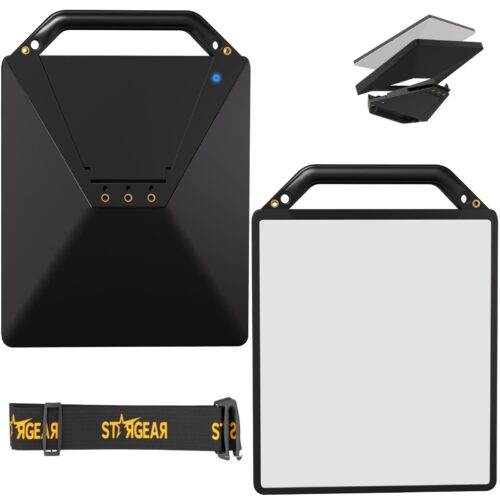
Starlink Mini DIY Mounting Case with Handle and Strap, Black or Gray
$49.99
Select options
This product has multiple variants. The options may be chosen on the product page

Reviews
There are no reviews yet.